Adding Group Space Links
Access the Add New Links page .
The following screenshot illustrates adding group space links on the Add New Links page.
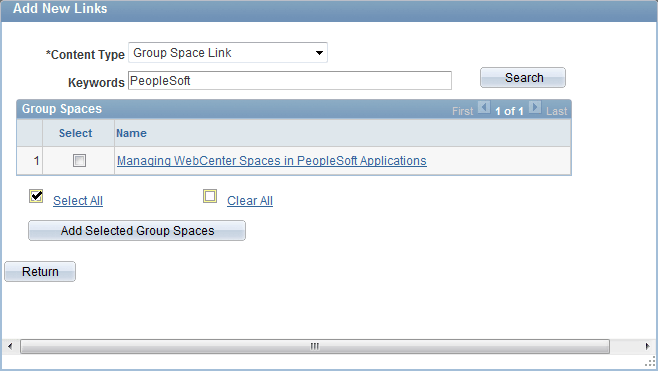
To add new group space links:
-
Select Group Space Link as the content type.
-
To search the group spaces that are available to you in your WebCenter application, enter keywords and click the Search button.
Note:
Keywords for each group space are managed by the WebCenter administrator in the WebCenter application
-
Select the group spaces for which you want to add links.
-
Click the Add Selected Group Spaces button.
The application returns you to the WebCenter Links page.
Click the Return button to go back to the previous page.