Managing Shared Links
Access the Shared Links page .
This example illustrates managing shared links on the Shared Links page.
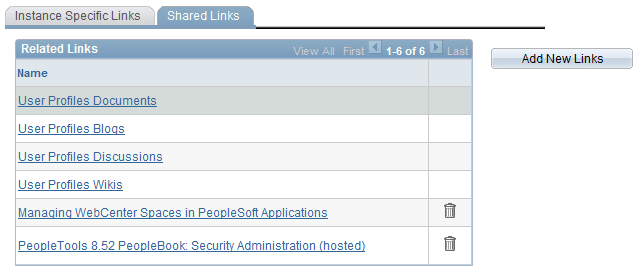
To add new shared links, click the button. The Add New Links page appears.
See Adding Group Space Links, Adding External URL Links.
To delete shared links, click the Delete Link(trash can) icon.
Note:
Links to services within the current group space appear automatically and cannot be removed.