Creating a Component-Based Service Definition
To create a component-based service definition:
-
In the Action Item Details grid, select PS Component as the content type.
-
Click the Create Service link.
-
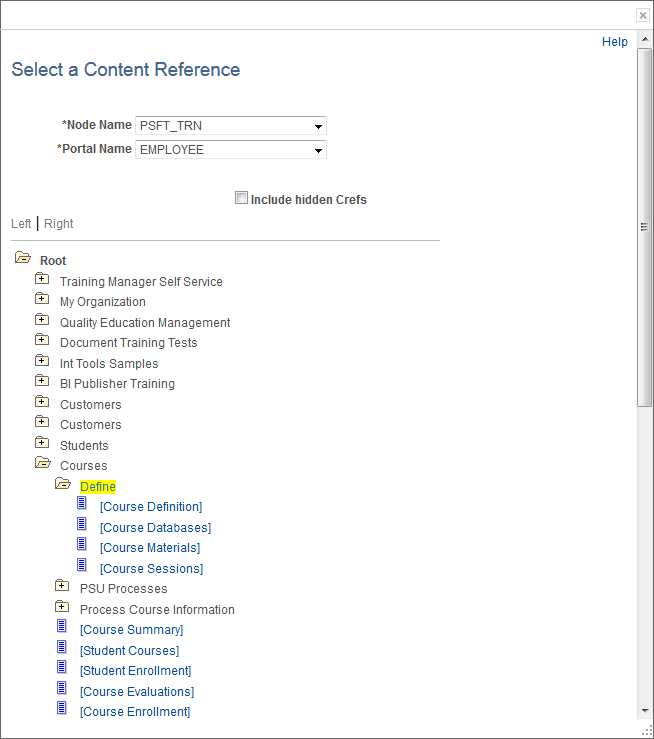
Use the Select a Content Reference page to first select the component.
This example illustrates the fields and controls on the Select a Content Reference page.
-
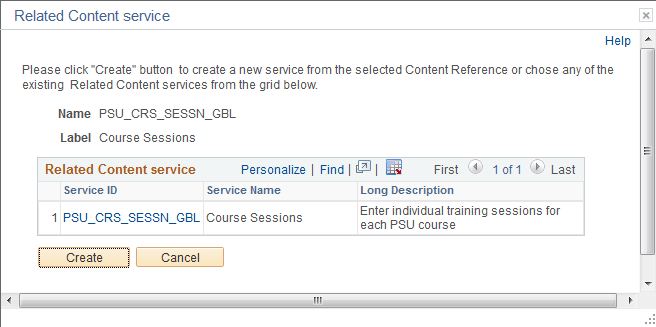
Then, use the Related Content service page to confirm your selection and create the service definition.
This example illustrates the fields and controls on the Related Content service page.