Selecting a Remote Link
Access the Select a Content Reference page. (Click the Remote Menu Item link on the Add Link page.)
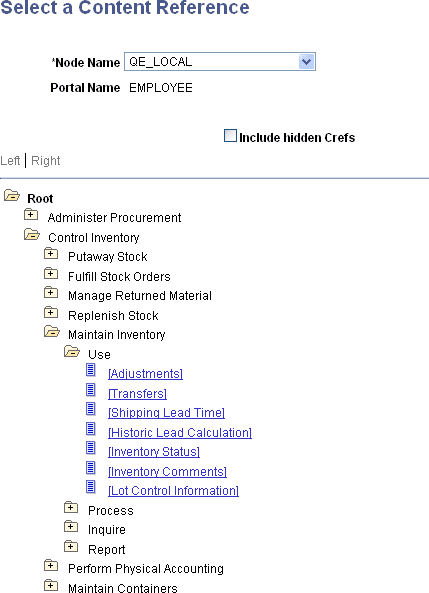
This example illustrates the fields and controls on the Select a Content Reference page:
Important:
In order to select a remote link, unified navigation must be configured between the local portal system and the remote content provider system.
To select a remote link:
-
Select the remote node.
-
Navigate the remote folder and menu item hierarchy.
-
Select the remote, component-based content reference as the remote link.
Related Topics