Specifying IB Connector Data Source Parameters
After selecting IB Connector as the data type on the Select Data Source page, access the Specify Data Source Parameters page. (Select On the Select Data Source page, click the Next button.)
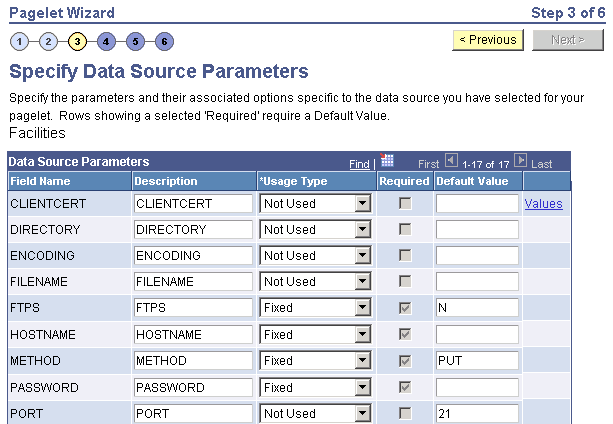
This example illustrates a portion of the fields and controls on the Specify Data Source Parameters for an IB connector data source.
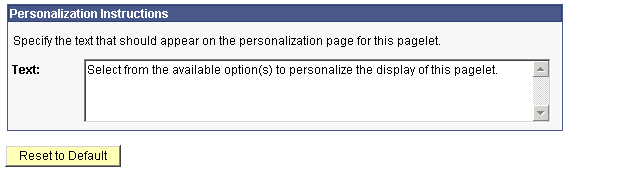
This example illustrates the remainder of the fields and controls on the Specify Data Source Parameters for an IB connector data source.
Define the data source parameters for the IB Connector data source. Click the User Values button to set the default values for users.
Related Topics