Specifying Integration Broker Data Source Parameters
After selecting Integration Broker as the data type on the Select Data Source page, access the Specify Data Source Parameters page. (Select On the Select Data Source page, click the Next button.).
This example illustrates a portion of the fields and controls on the Specify Data Source Parameters for an Integration Broker data source.
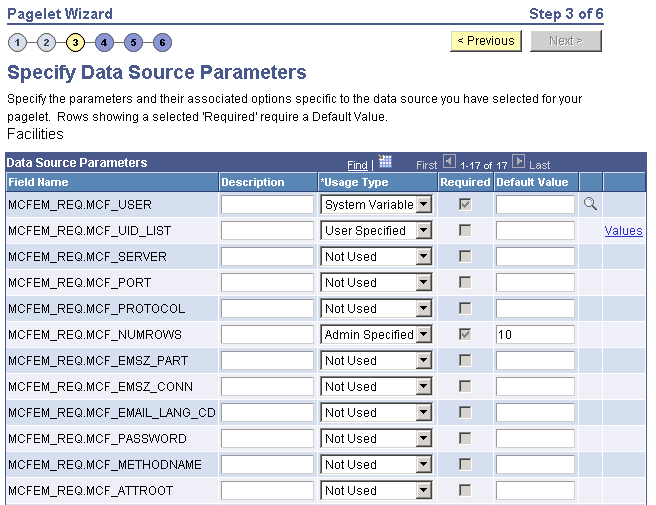
This step is applicable for the Integration Broker data source if the service operation is based on a structured message or if the message is structured but contains a schema. The structure that is associated with the message is translated into data source parameters on this page.
If the message is unstructured, then no schema structure has been associated with the message. Therefore, no data source parameters can be supplied and Pagelet Wizard bypasses this step.
You must supply values for all rows with the Required option selected.
Personalization Instructions
Use the Personalization Instructions text box . These personalization instructions appear on the Personalization page of the pagelet.
Note:
Personalization instructions must be translatable.