Step 5: Review and Submit
Use the Review and Submit page to review and publish the tile definition.
Navigation:
On the Tile Display Properties page, click the Next button.
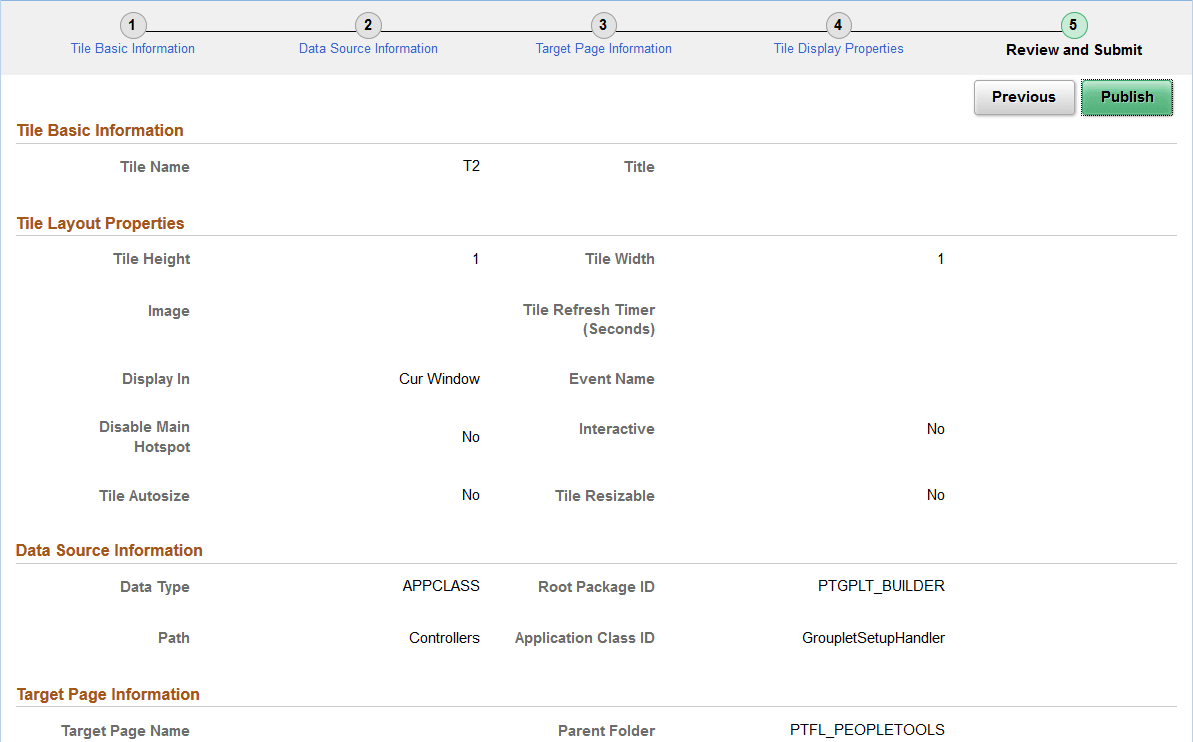
This example illustrates the fields and controls on the Review and Submit page. You can find definitions for the fields and controls later on this page.
| Field or Control | Description |
|---|---|
|
Publish |
Click the Publish button to initially publish the tile definition. Note: After the tile definition has been published, subsequent modifications can be saved by clicking the Save button on any Tile Wizard page when the Save button is displayed and is active. However, you must click the Publish button and re-publish the changes to update the behavior of the tile. |