Defining Console Preferences
To access the Console Preference page, select .
This example illustrates the fields and controls on the Console Preferences. You can find definitions for the fields and controls later on this page.
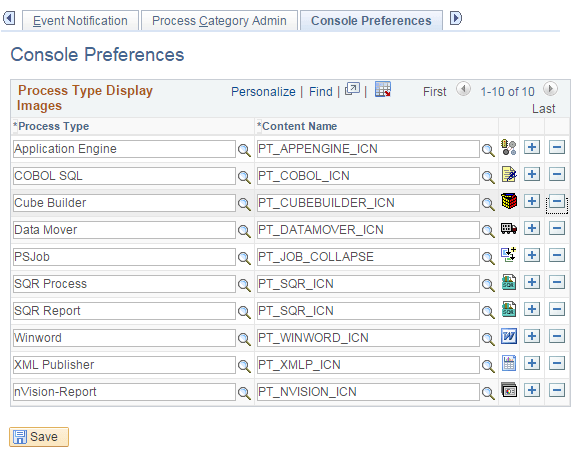
This page is used to identify the icons that are displayed in the Reporting Console for each process type.
If you add any custom process types, you will need to add the custom process type to the Console Preferences.