Defining Search Configuration
You can perform search indexing on PTSEARCHREPORT only after configuring the search index parameters after installing the PeopleTools version.
To access the Configure Search Index page, select .
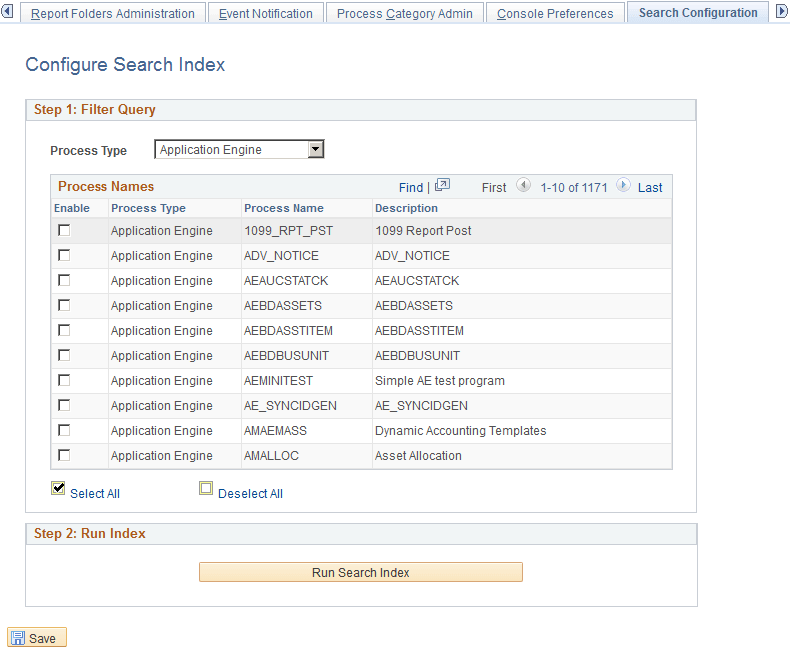
This example illustrates the fields and controls on the Configure Search Index page. You can find definitions for the fields and controls later on this page.
-
From the Process Type list, select the process type that you want to edit.
This list the process types in the Process Name grid.
-
From the Process Name section, enable the process names to enable search indexing.
-
Select the Run Search Index button to run the search index.