Defining Notifications
To access the Job Notification page, select
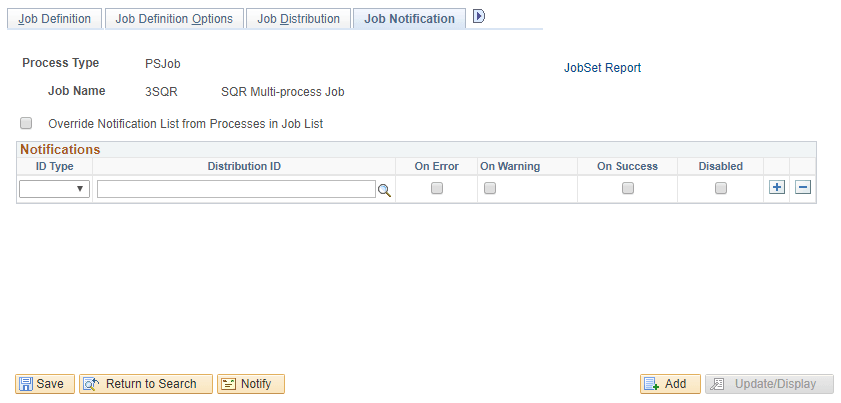
Use the Job Notification page to set up a list of users to be notified if a process encounters an error, warning, successfully completes, or is disabled. Set up the list based on role or user ID.
This example illustrates the Job Distribution page. You can find definitions for the fields and controls later on this page.
| Field or Control | Description |
|---|---|
|
Override Notification List from Processes in Job List |
Select to notify only users that are specified in the job definition. If deselected, users specified in the job and process definitions are notified. Job Within Job: Select to notify only users that are specified in the main job definition. If deselected, users specified in the main job, jobs within, and process definitions are notified. Important: The Override option is ignored for any job listed within the main job. |
|
On Error |
Send notification to the Distribution ID if an error occurs in the process. |
|
On Warning |
Send notification to the Distribution ID if a warning occurs in the process. |
|
On Success |
Send notification to the Distribution ID when the process successfully completes. |
|
Disabled |
Select if you do not want to send notifications to users specified on this line. |