Specifying Job Notification Messages
To access the Job Messages page, select
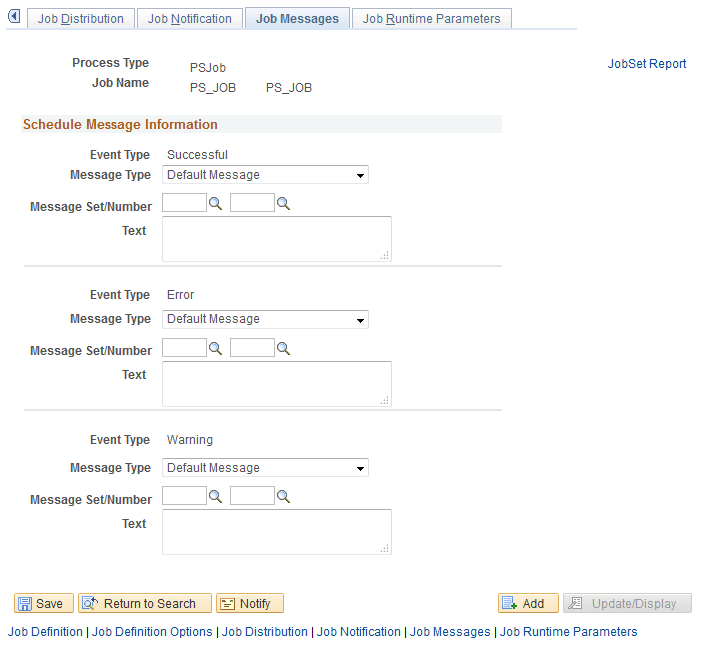
Use the Job Messages page to configure the messages that are sent when the Job Notification feature is used. You can specify messages for successful completions, errors, and warnings.
This example illustrates the fields and controls on the Job Messages page. You can find definitions for the fields and controls later on this page.
| Field or Control | Description |
|---|---|
|
Message Type |
Select the message type: Default Message: Use the basic default message. Customized Message: Create your own message. Message Catalog: Select a message from the Message Catalog. |
|
Message Set/Number |
Select the Message Catalog set and number of the message. Complete these fields when the message type is Message Catalog. |
|
Text |
Enter the message text when the message type is Customized Message. |