Viewing and Editing Data Transformations for a Connected Query
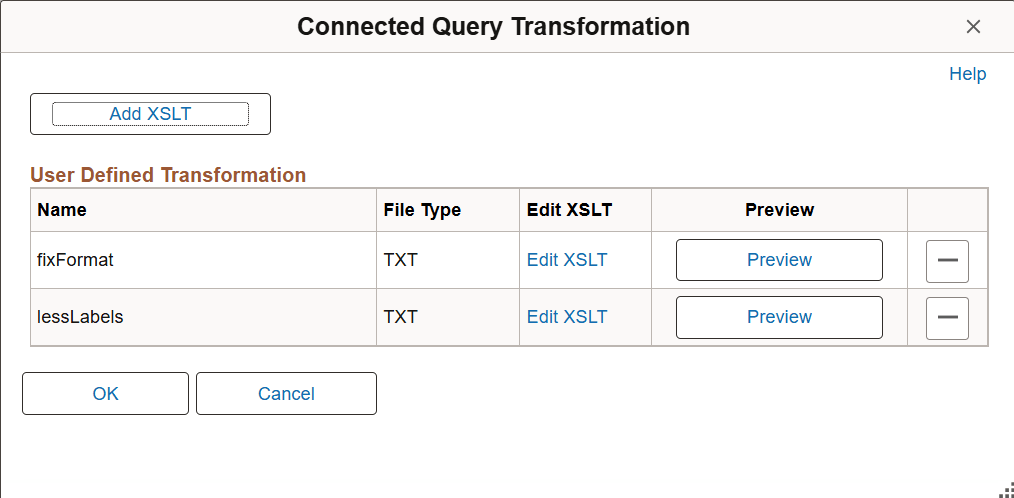
Use the Connected Query Transformation page (PSCONQRSXSLT) to view, add, or modify the list of transformation program XSLTs that are defined for the connected query.
Navigation:
-
Select
-
Click the Transformations button.
This example illustrates the fields and controls on the Connected Query Transformation page.
Note:
When you click the Preview button to view sample output of the connected query with transformation, the maximum number of rows that will appear in the output depends on the value that you set in the Max Rows Fetched for Query field in the Connected Query Manager page.
See Extracting and Transforming Data from PeopleSoft Pure Internet Architecture.