Administering Search Instances
To administer search instances, access the Search Instance Administration page by selecting .
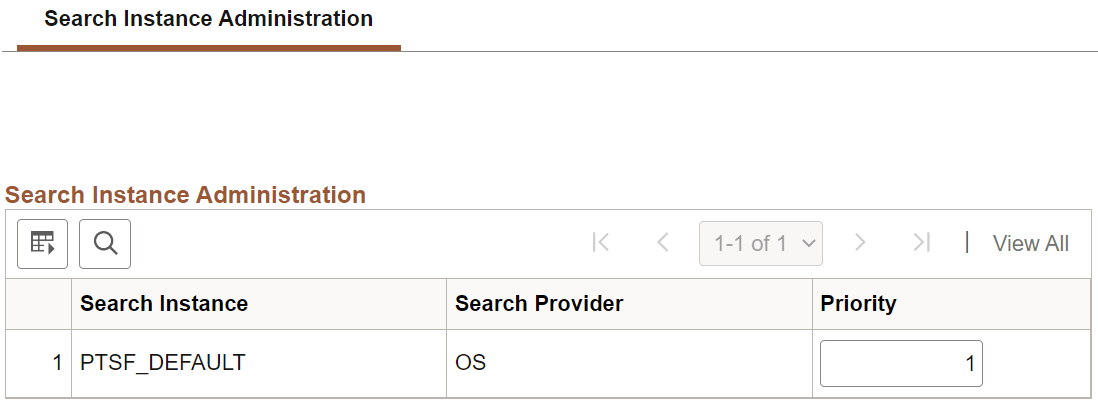
Search administrators can use the Search Instance Administration page to specify the priority for each search instance.
This example illustrates the fields and controls on the Search Instance Administration page. You can find definitions for the fields and controls later on this page.
| Field or Control | Description |
|---|---|
|
Search Instance |
Lists the search instances created in PeopleSoft Search Framework. |
|
Search Provider |
Lists the search provider associated with a search instance. |
|
Priority |
Allows Search administrators to set the sequence in which the available search instances are to be used when any of the search instances fail. The lowest number is 1 and it has the highest priority. The search instance with the priority set at the lowest number has the highest priority, and it will be set as the default search instance. When you create a search instance on the Search Instance Properties page, the new search instance is assigned a sequence number. You can use this page to specify the sequence that you want. |