Adding Permissions Lists to ACM Templates
Use the Permission Lists – ACM Templates page (PTACM_ACCESS) to define access to automated configuration management (ACM) templates to the PTPT4800 permission list.
Note:
You can add access to ACM templates only to the PTPT4800 permission list.
To access the page select and click the ACM Templates tab.
This example illustrates the fields and controls on the Permission Lists – ACM Templates page.
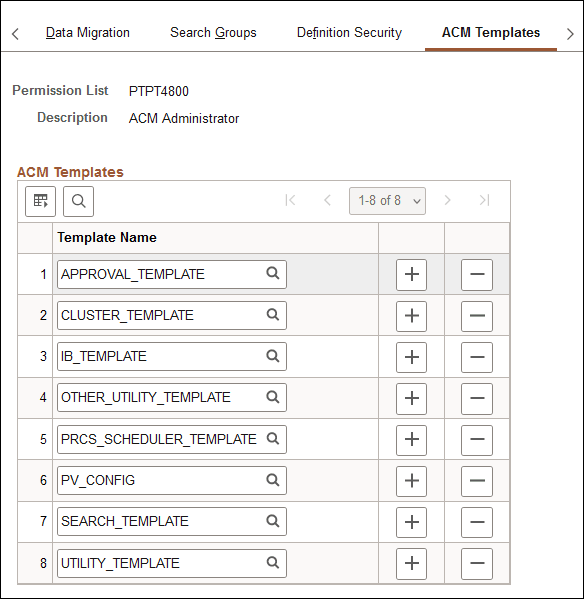
| Field or Control | Description |
|---|---|
|
Permission List |
Displays the name of the permission list. |
|
Description |
Displays the description of the permission list. |
|
Template Name |
Click the Lookup button to search for an ACM template to assign to the permission list. |