Displaying Additional Links
Access the Roles - Links page (select and click the Links tab).
This example illustrates the fields and controls on the Roles - Links page.
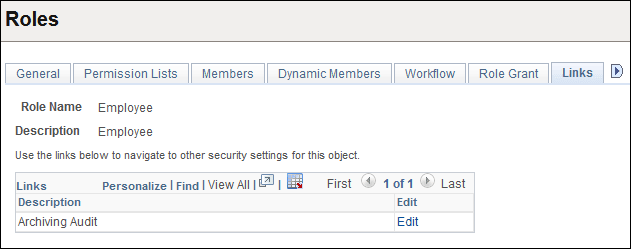
Use this page to access links to other pages within your PeopleSoft system. For example, perhaps a PeopleSoft application requires a specific security setting to be associated with a role. If this application-specific setting appears on a page not in PeopleTools Security, add a link to the application page so that anyone updating the role can easily navigate to the page.
Note:
The Links page is read-only. You create the inventory of links to pages that exist outside of PeopleTools Security by using the Security Links component.
If you have added any links for roles in the Security Links component, they appear on the Links page.
Related Topics