Displaying Additional Links
Access the Permission List - Links page (select and click the Links tab).
This example illustrates the fields and controls on the Permission Lists - Links page.
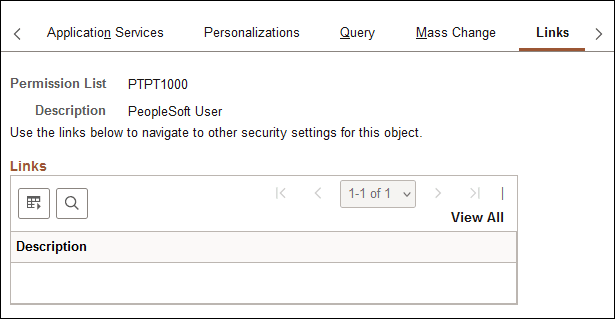
Use this page to access links to other pages within your PeopleSoft system. For example, perhaps a PeopleSoft application requires a specific security setting to be associated with a permission list. If this application-specific setting appears on a page not in PeopleTools Security, add a link to the application page so that anyone updating the permission list can easily navigate to it.
Note:
The Links page is read-only. You create the inventory of links to pages that exist outside of PeopleTools Security by using the Security Links component ().
Related Topics