Setting Application Services Permissions
Access the Application Services page (select and click the Application Services tab).
This example illustrates the fields and controls on the Permission Lists - Application Services page.
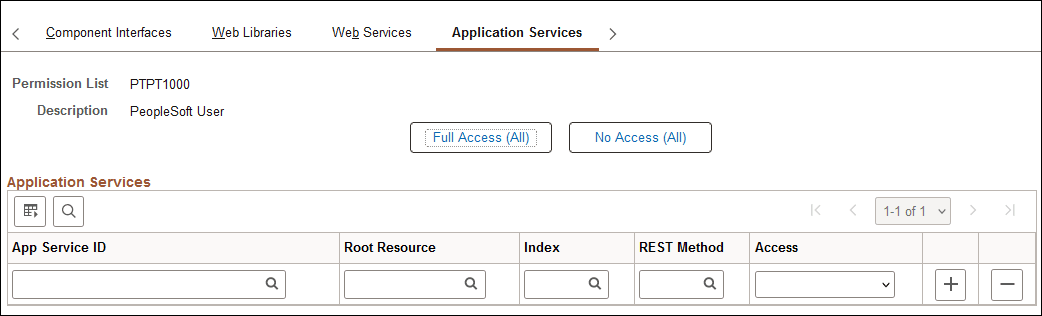
| Field or Control | Description |
|---|---|
|
Full Access (All) |
Click to grant Full access to all services listed on the page. |
|
No Access (All) |
Click to set all services listed on the page to No Access. |
|
App Service ID |
Select the ID for an Application Service defined in the PeopleSoft system. |
|
Root Resource |
Select the root resource for the Application Service. |
|
Index |
Select the index number for the Application Service. |
|
REST Method |
Select the HTTP REST method used by the Application Service. |
|
Access |
Grant access to the operation by selecting Full Access. Deny access by selecting No Access. |
See the information on managing Application Services in the Integration Broker product documentation.To perform a bulk update for Application Service permissions, see Integration Broker: Setting Application Services Security.