Specifying Additional Connect DNs
Access the Additional Connect DN’s page (select and click the Additional Connect DN's tab).
This example illustrates the fields and controls on the Configure LDAP Directories - Additional Connect DN's page.
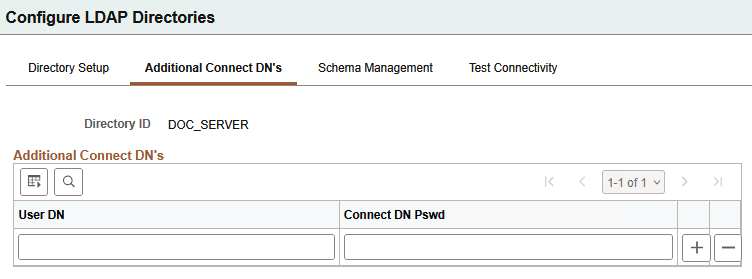
The PeopleSoft application server uses the user DN and password specified on this page to connect to the LDAP server to retrieve user profile information about the specific user signing in to the system. The user DN must reflect a user with the appropriate LDAP browse rights.
Note:
You will not see any available schema extensions unless you have installed the PeopleSoft Directory Interface.
| Field or Control | Description |
|---|---|
|
User DN |
Add any DNs that you need in addition to the default connect DN that you entered on the Directory Setup page. The default user ID is most likely an administrative ID. This value enables you to set up a more secure user ID for the scope of the mapping. |
|
Password |
For each additional DN that you enter, add the corresponding password. |