DataLoader Tab
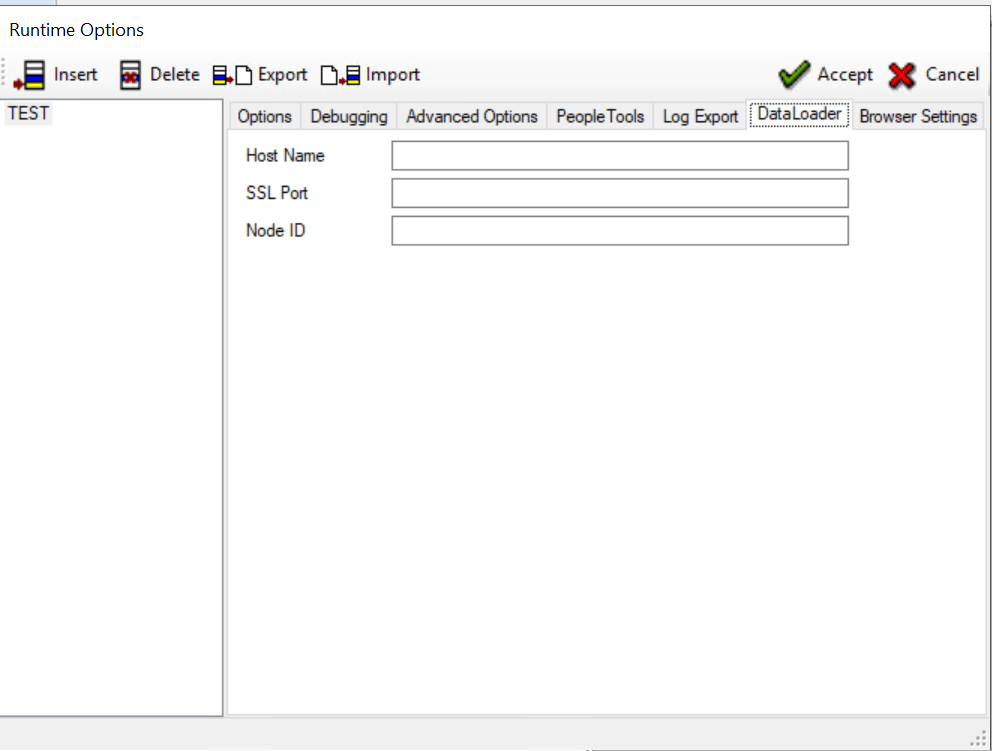
Use the DataLoader tab to enter configurations information similar to PTF login screen.
This example illustrates the fields and controls on the Runtime Options dialog - Log Export tab. You can find definitions for the fields and controls later on this page.
| Term | Definition |
|---|---|
|
Host Name |
Enter the deployment host name. |
|
SSL Port |
Enter the SSL port of the server in the current Runtime Options. |
|
Node ID |
Enter the node ID added to the current Runtime Options. This field is required if more than one database is connected to the server. Enter the name of the PeopleSoft node with which the integration gateway is to communicate. Contact your Integration Broker administrator or system administrator for the correct values. |