Step 3 of 4: Select an Analyzed Project
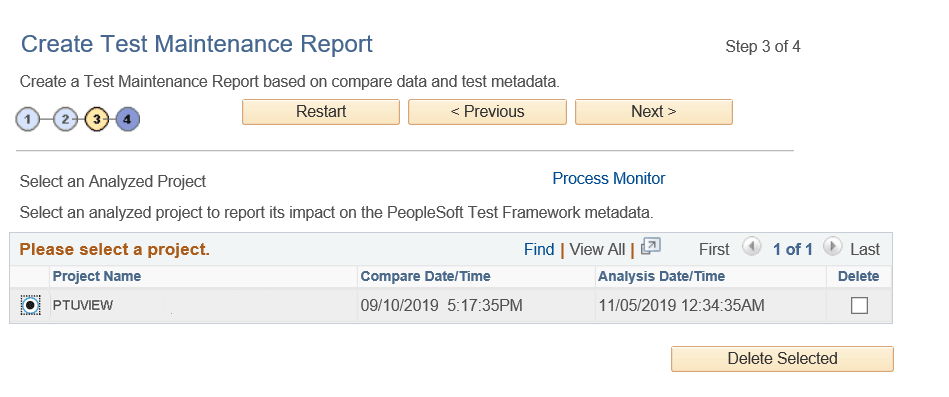
This example shows Step 3 of 4:
This example illustrates the fields and controls on the Create Test Maintenance Report Wizard: Step 3 of 4.
Use this page to select the analysis data PTF will use to generate the report.
Sets of compare data are listed by project name, the date and time the compare was generated, and the date and time the analysis was run.
Select the Delete check box and click Delete Selected to delete analyses.