Allow Users to Create AI Agents in Oracle Analytics
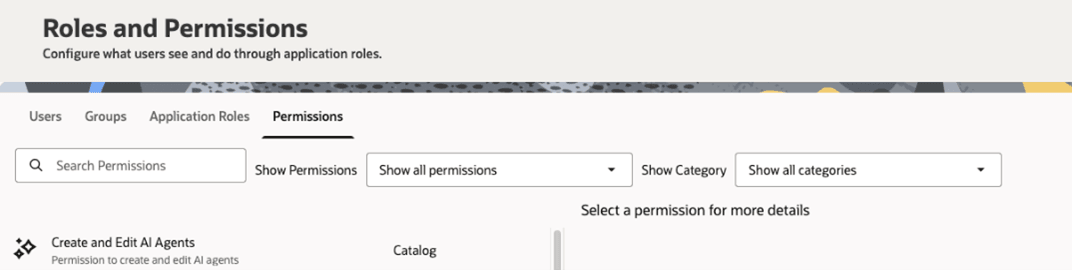
You can allow users to create and edit AI agents.
- On your home page, click Navigator
 , and then click Console.
 - Under Extensions and Enrichments, click Generative AI. See Configure Generative AI Services.
- Grant the Create and Edit AI Agents permission. See Grant or Revoke Permissions for Application Roles.