Apply Conditional Formatting to Totals and Subtotals
In workbooks you can optionally apply conditional formatting rules to totals and subtotals.

- On your home page, hover over a workbook, click Actions, and select Open.
- In the Grammar Panel, display the Edge Labels tab, and locate the column where the conditional formatting is applied.
- Under Conditional Formatting, use the Apply To option to select <Column Name> Total.
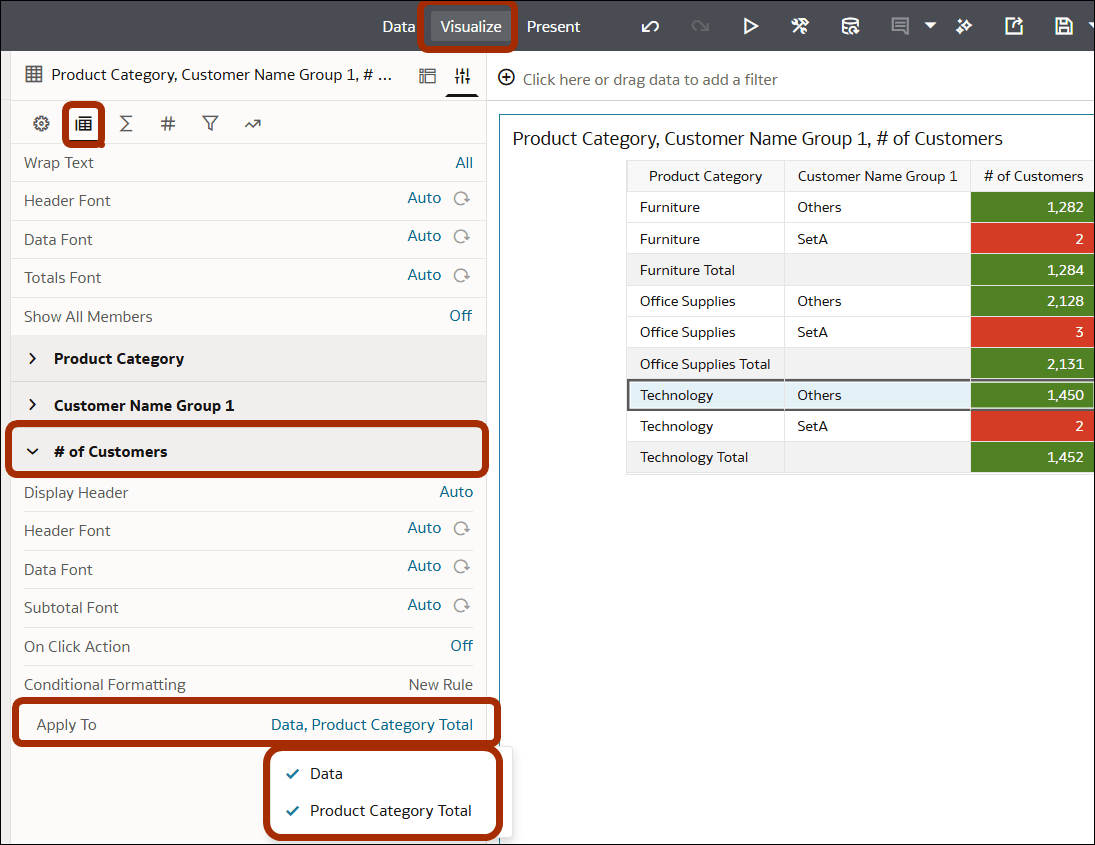
If your visualization has subtotals or grand totals enabled (on the Totals pane of the Grammar panel) you can also apply conditional formatting to these.
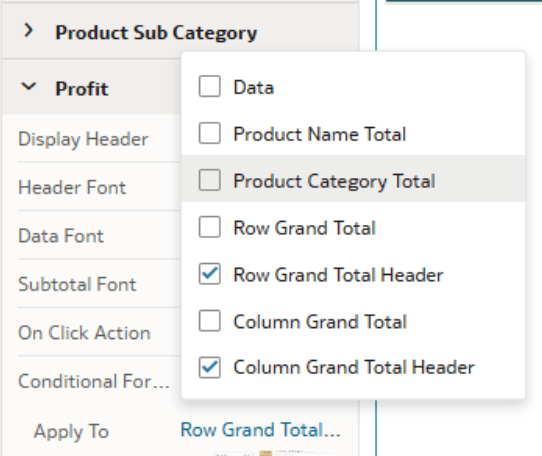
See Customize Grand Totals and Subtotals in Tables and Pivots.