Configure a Folder for Public Content
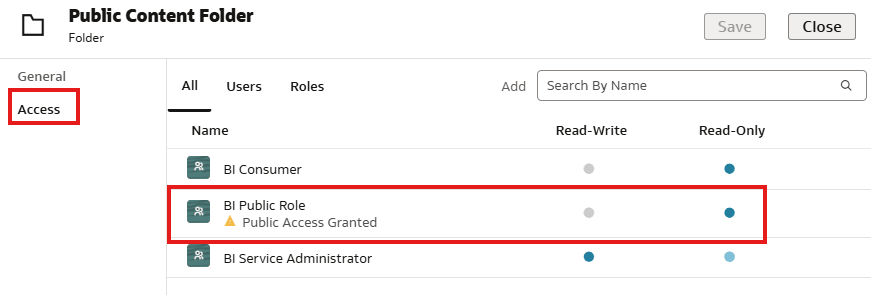
Create a folder in the catalog to store the content that you want to make publicly available.
- Add
BI Public Role.
Create a folder in the catalog to store the content that you want to make publicly available.
BI Public Role.