Create a Canvas Layout Template from an Existing Template
Modify an existing canvas layout template and save it as a new shared template. This is helpful if you don’t want to start from scratch with your canvas design.
You must have the Create and Edit Shared Layouts permission to create canvas layout templates. Your administrator manages permissions.
- On your home page, hover over a workbook, click Actions, and select Open.
- Click Create Canvas
 .
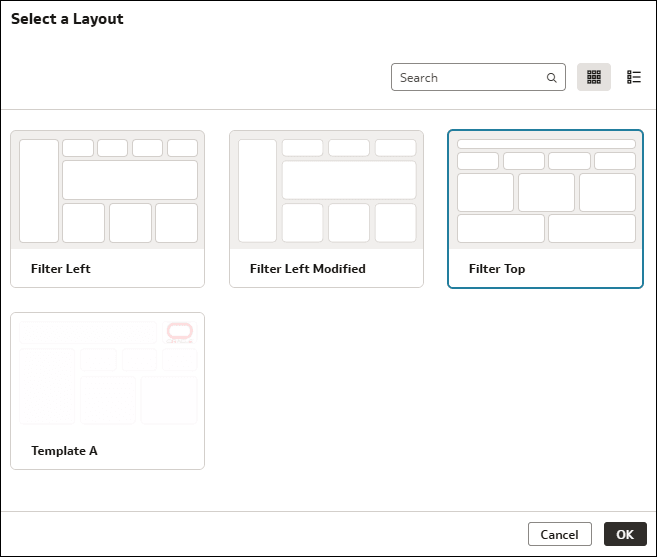
. - On the canvas, click Select a layout. Then select the layout template you want to start from and click Ok.
- Modify the layout by adding, removing, and rearranging elements on the canvas.
- Right-click the canvas tab and click Save As Shared Layout.
- In Name, give your template a meaningful name.
- Click Save.