Creating and Managing New Items
Learn about how to manage your new and existing items, such as connections, datasets, data flows, sequences, models, and scripts in the Oracle Analytics Catalog.
About creating and managing new items
Content authors save new items in the catalog in My Folders (for private content) or Shared Folders (for shared content).
Connections
When you create a connection, use the new Location field on the Create Connection dialog to specify where to save it.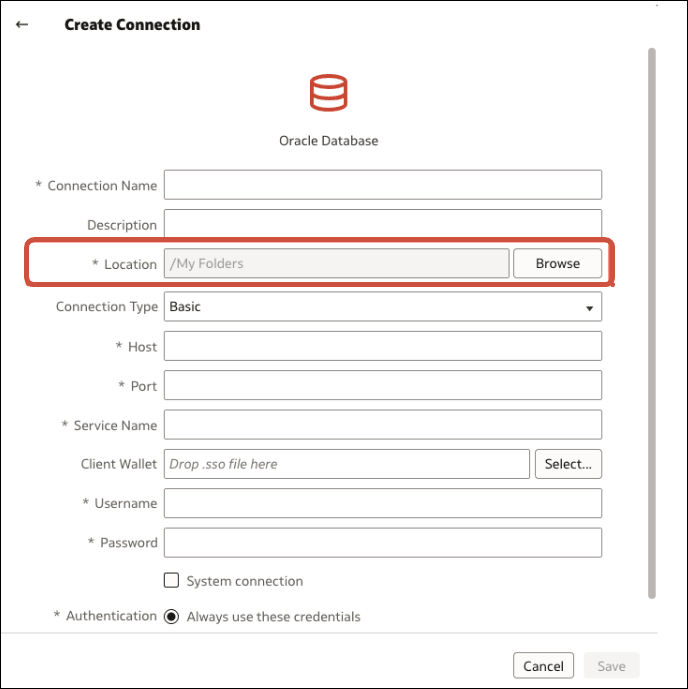
Description of the illustration onecat-connection.png
The default location is /My Folders, but you can select a different folder or create a new sub-folder in which to save the connection.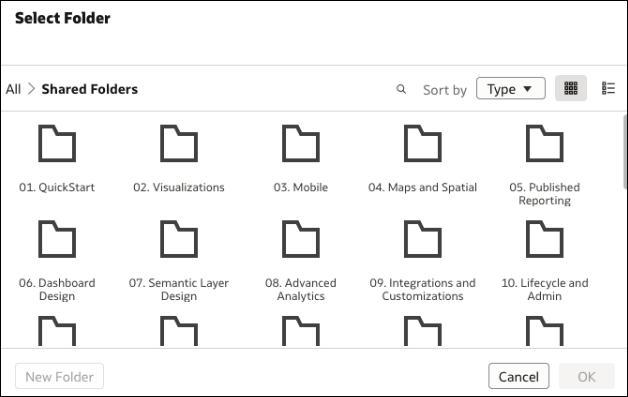
Description of the illustration onecat-choose-folder.png
Datasets, Data Flows, and Sequences
When you save a new dataset, data flow, or sequence, the save dialog displays a location browser, which enables you to specify where to save it.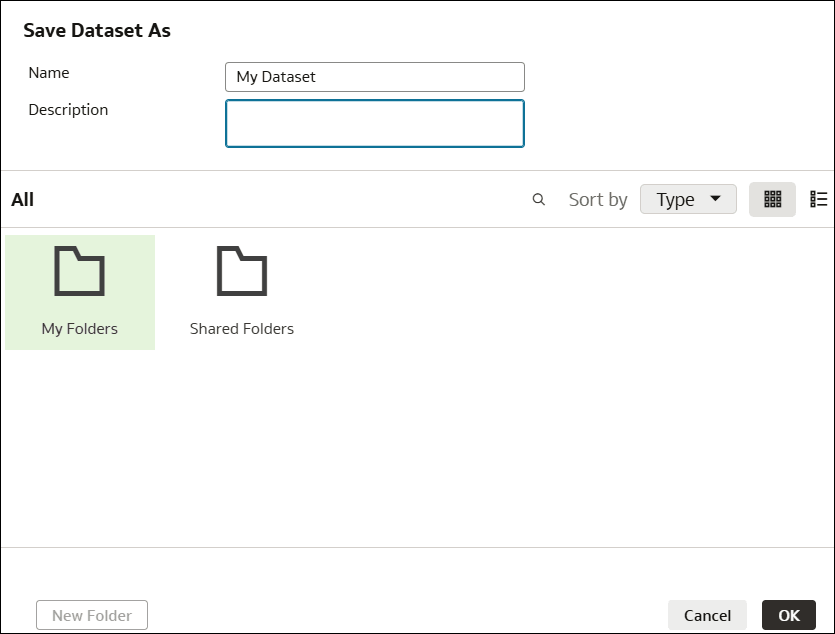
Description of the illustration onecat-dataset.png
Datasets Generated by Data Flows
Datasets generated by data flows are stored in the same folder as the data flow. If you haven't saved a data flow, you're prompted to save it in the catalog before you can run it.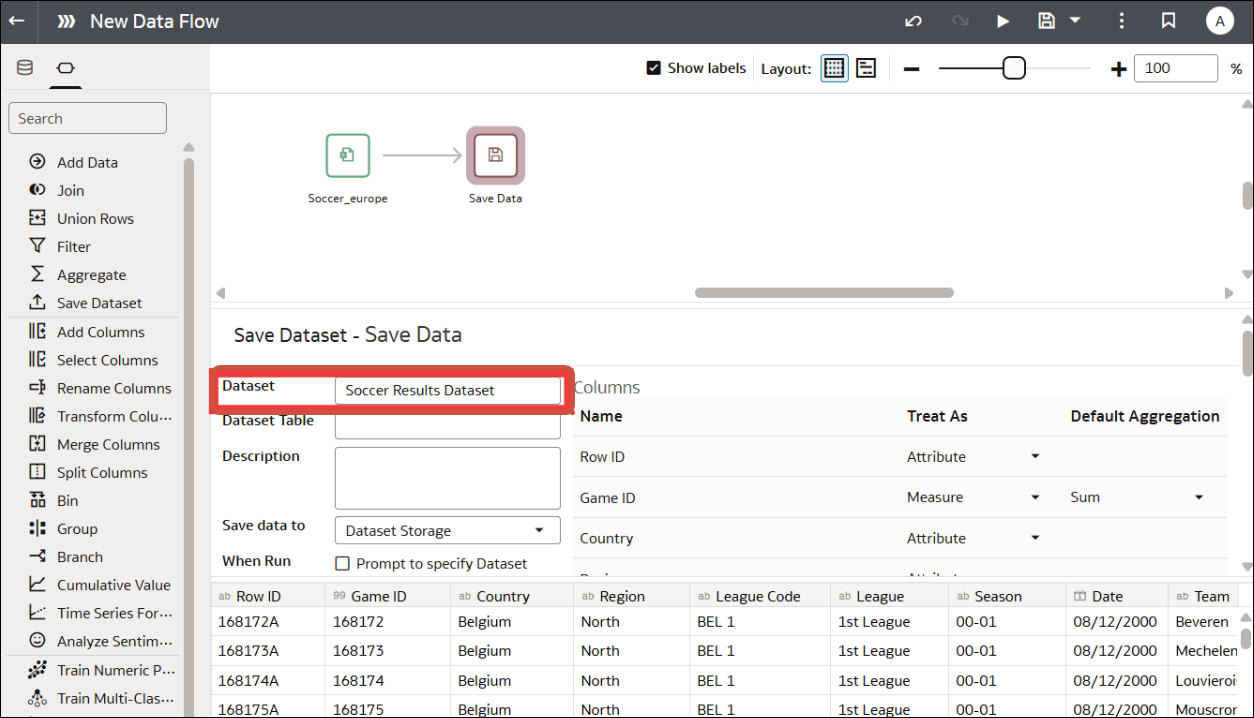
Description of the illustration onecat-dataflow-ouput.png
You can move datasets to a different folder after they've been generated, and subsequent executions of the data flows will replace the datasets in their new location.
Models and Scripts
When you register a model or script, you use the Location field to specify where to save it. 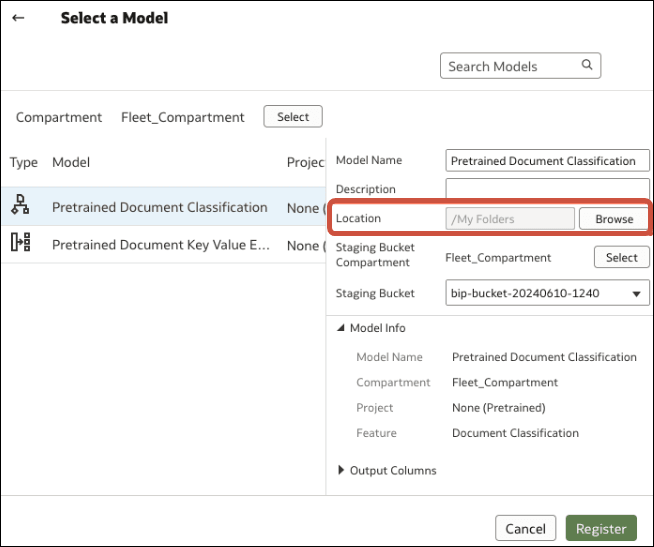
Description of the illustration onecat-ai-model.png