Save Groups and Calculated Items
You can save a group or calculated item as either an inline object (with an analysis) or as a named object (a standalone object).
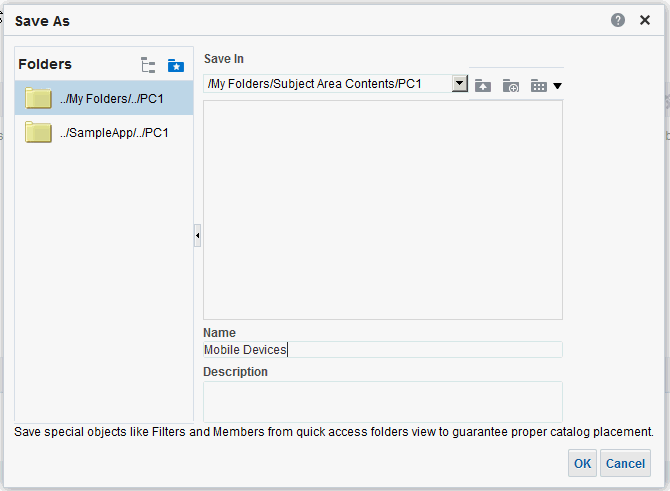
For example, you can save the Mobile Devices group as a named object in the catalog, for reuse in the Brand Revenue analysis.
Save a group or calculated item as an inline object
Save a group or calculated item as a named object
-
On the Results tab, display the Selection Steps pane.
-
Click the link for the group or calculated item.
-
Select Save Group As or Save Calc Item As.
-
Enter a folder in the Save In field.
-
Click OK.