Make Your Analyses Dynamic
You can specify what you want to happen when a user clicks a column heading or value in an analysis. For example, you could specify that when a user clicks the Product column value, it drills down into the data that was summed to create the column value.
Add Interactivity to Analyses
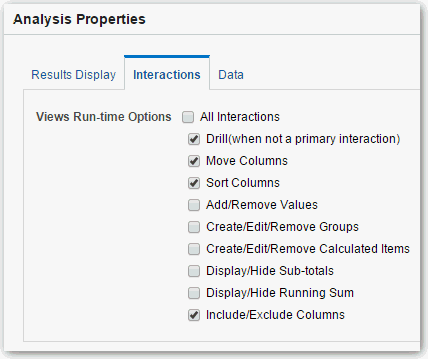
You can make views more interactive by adding interactions that are available to users who left-click in a view or right-click to display a popup menu. For example, you might specify the default primary interaction (the left-click action) for a geographical region column as Drill. This enables users to drill down to sub-regions.
For hierarchical data, the default left-click interaction is to drill down to detail in the data. You can add right-click options that display a web page or link to a view.
- Click OK.
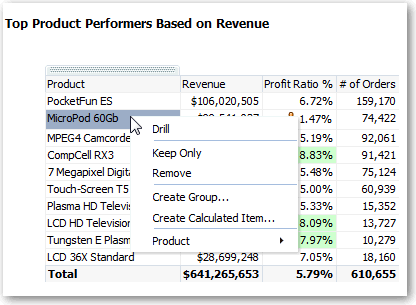
You can specify the interactions that are available at runtime when you right-click a dashboard column or data cell. Here’s an example of the available interactions when you right-click a product name in the Products column. This column is in a Top Product Performers Based on Revenue table.
Of the selections shown, you can set Drill, Create Group, and Create Calculated Item.