Overview to Managing Content
Find out about managing your content in the Oracle Analytics catalog.
You store analytics content in the catalog. When you save new items, you save them in My Folders or Shared Folders in the catalog.
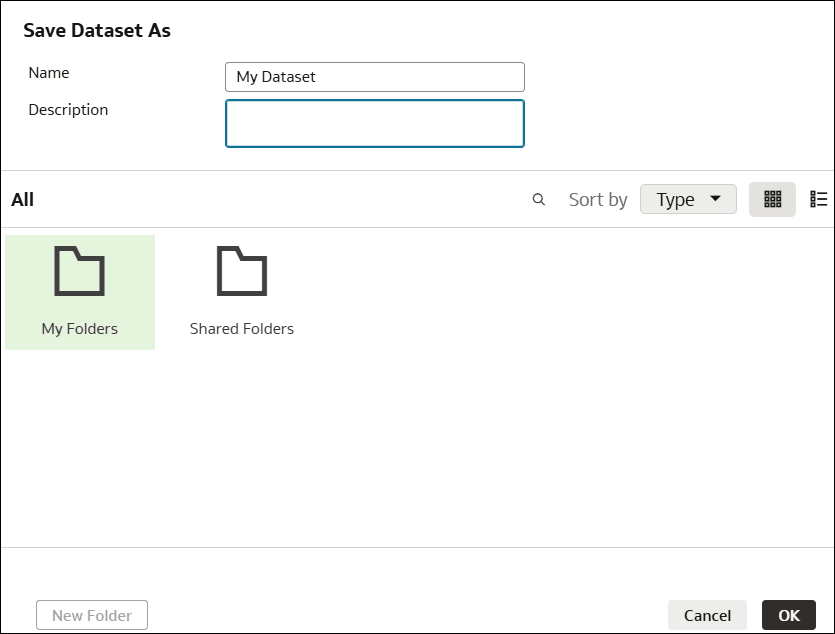
Description of the illustration onecat-save-dataset.png
You can also create subfolders in the catalog to organize your content. For example, you might create a folder structure based on users, projects, or geographies, or a combination of each.
About My Folders and Shared Folders
My Folders
Use the My Folders area to store private and draft content.
Shared Folders
Use the Shared Folders area to store content placed here is accessible to other users or groups, based on permissions set by the content owner.
If you move content around in the catalog, the folder you move content to determines who can access it. See Catalog Access Inheritance Rules.