Turn Workbook Personalization On or Off
When you configure the presentation settings for a workbook, you can specify whether consumers can use filter personalizations and workbook states.
For information about how filter personalizations and workbook states work, see Filter Personalizations and Workbook States.
Your administrator can disable workbook personalization for the entire organization through system settings. In this case, you can't turn personalization on for your workbook. See System Settings - Enable Personalization in Workbooks.
- From the Preview menu
 , select Configure Presentation.
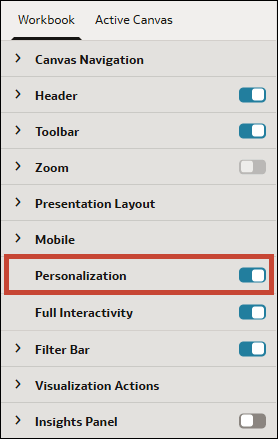
 - Click Personalization to turn it:
- On - Enables workbook states so consumers can use them.
- Off - Disables workbook states so consumers can't use them.