Use a Canvas Layout Template in a Workbook
Use a layout template when you create a canvas in a workbook instead of designing the canvas from scratch.
- On your home page, hover over a workbook, click Actions, and select Open.
- Click Create Canvas
 .
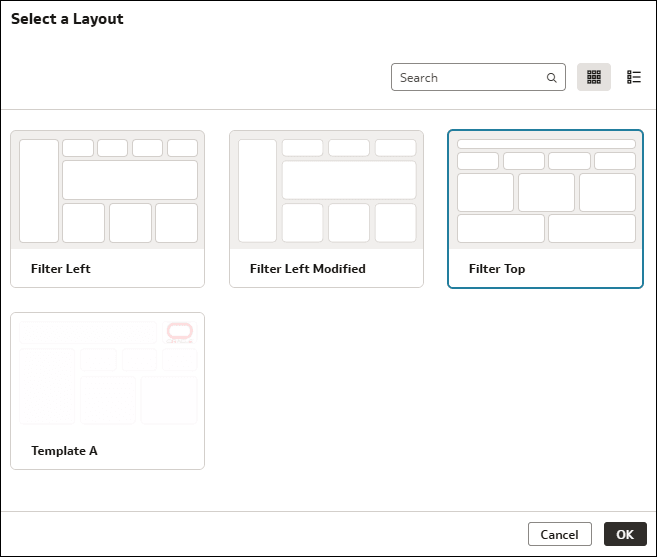
. - On the canvas, click Select a layout. Then select a layout template from the list available to you and click Ok.
- In the Data pane, drag and drop columns to the drop targets for the visualizations defined on the canvas.
- Click Save.