Accessing Reconciliations from the Reconciliations Card
Use the Reconciliations card to display the Reconciliation List.
The Reconciliation List, Transactions tab, Reconciliation Balances tab, and Detail Balances tab displays the default filter, user-created filters, and selected columns (including balance attributes).
To access reconciliations from the Reconciliations card:
-
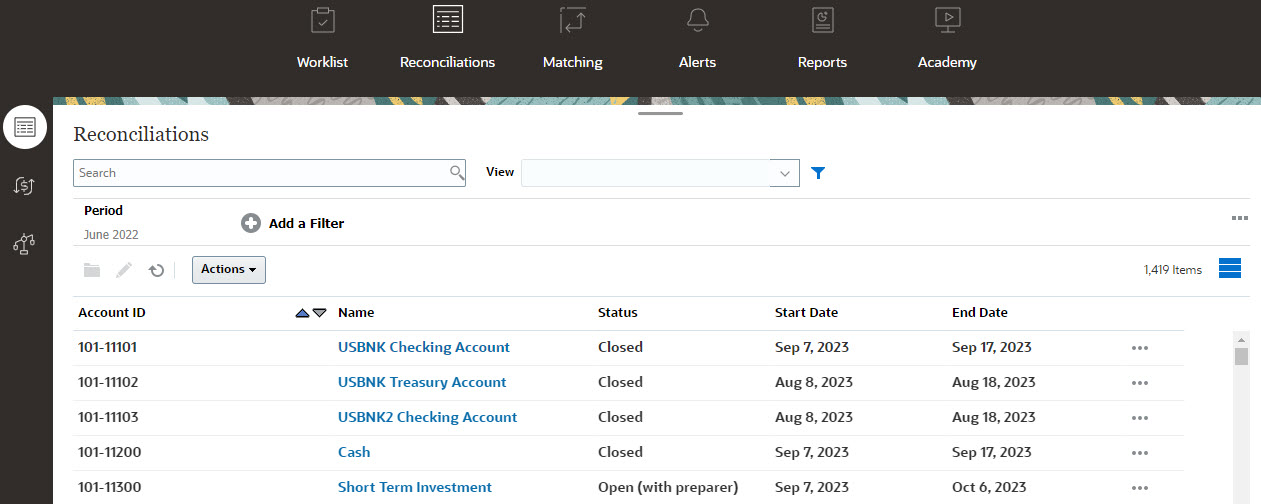
From the Home Page, click Reconciliations to display the Reconciliation List.
-
You can view only the reconciliations that you need to access by using one of the following:
- In the Period filter, you can easily select the required period by using the drop-down to filter on options such as All, Daily, Monthly, or Quarterly.
-
Use filters to control the reconciliations displayed in the Reconciliations list.
Note:
If you apply a filter on the Late attribute, all reconciliations that are currently late are displayed. To display reconciliations where any role has ever been late, filter using the Ever Been Late attribute. -
Use the Search field. You can search across any of the attributes in the grid below, except for the Source and Subsystem balances, dates, and any icon-based columns. For example, you could search on the word "Accounts" to see all records that have Accounts in the name such as Accounts Payable or Accounts Receivable.
-
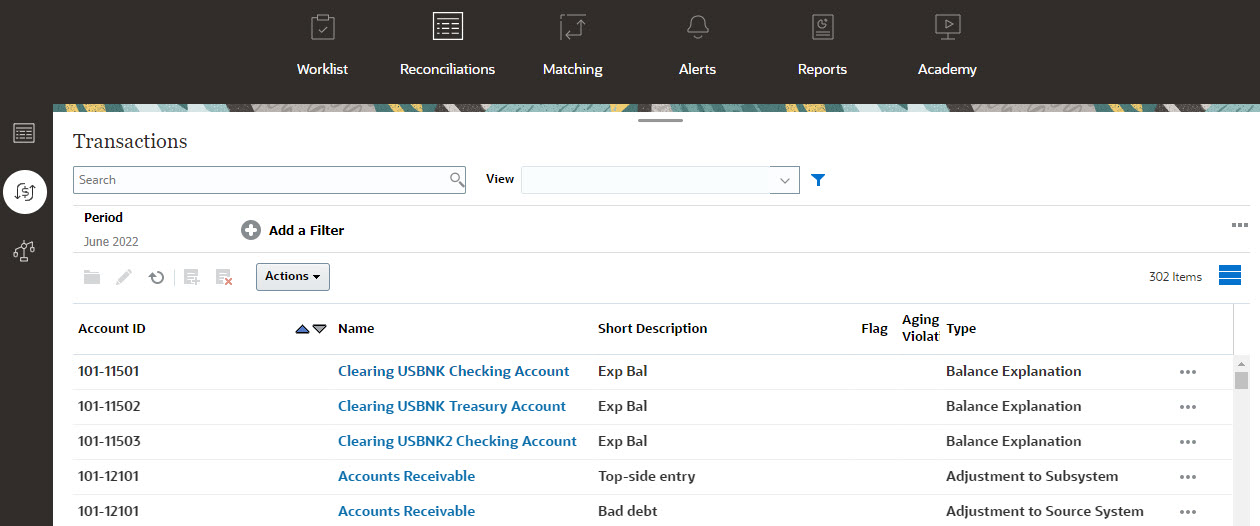
You can also access Transactions from the Reconciliations card.
Note:
An empty list is displayed for Power Users who have no security scope defined and no reconciliations assigned.