Preview the Finished Report
-
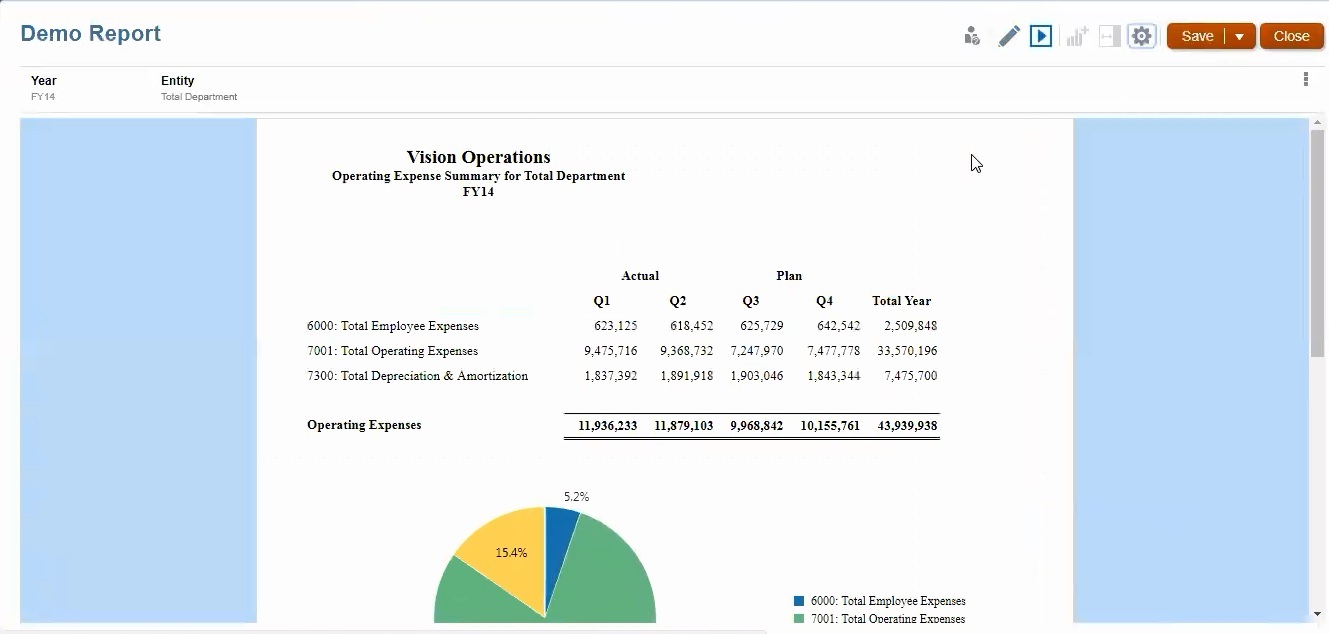
Click Preview
 to preview the finished report. Notice the report shows the Operating Expenses Summary for the Total Department.
-
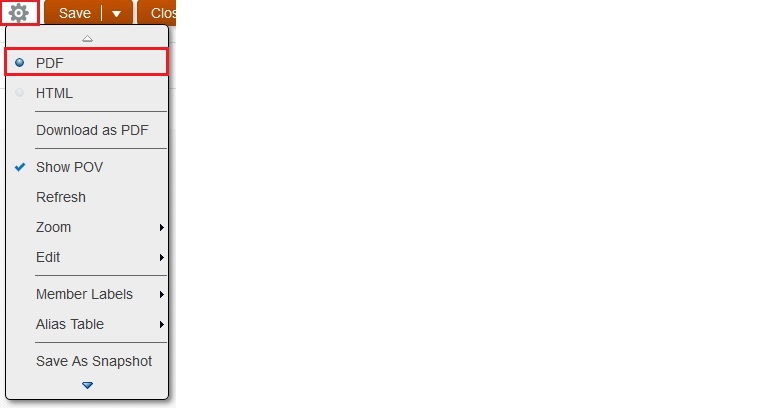
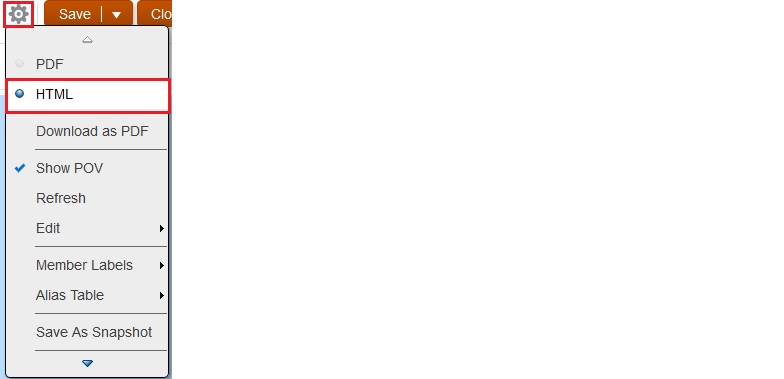
Click Report Actions
, and make sure HTML is selected.
-
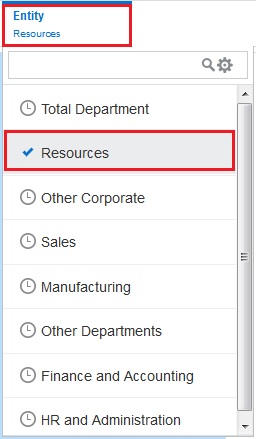
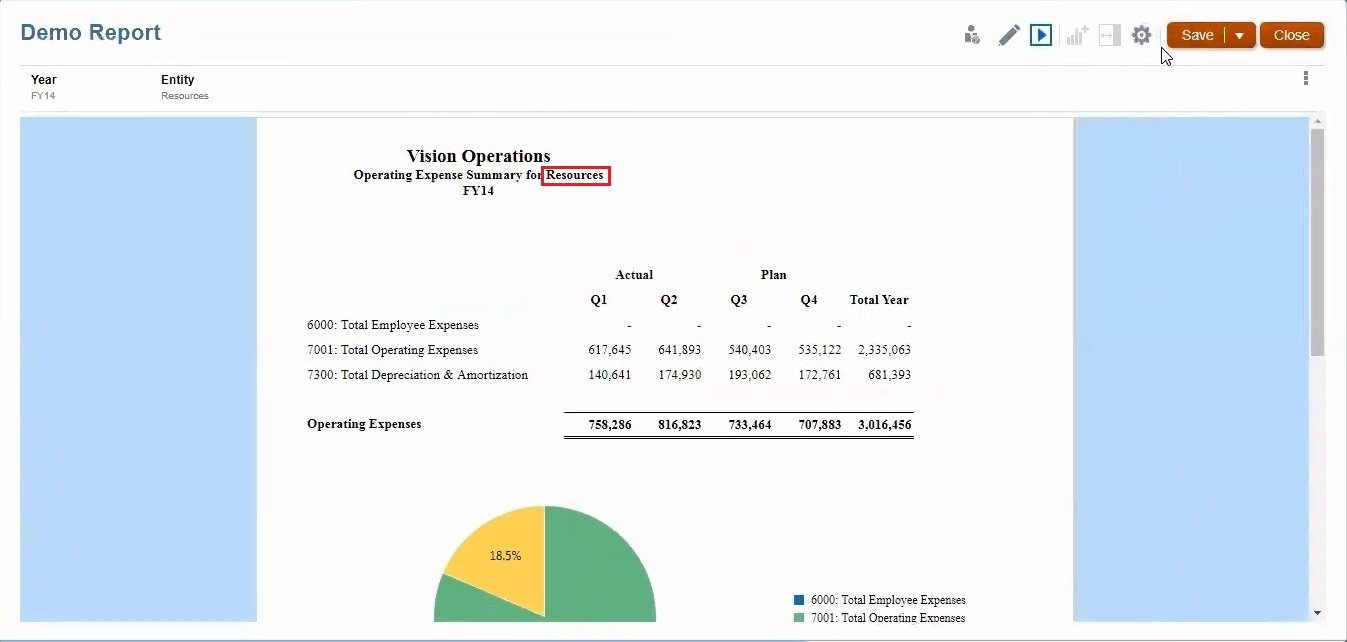
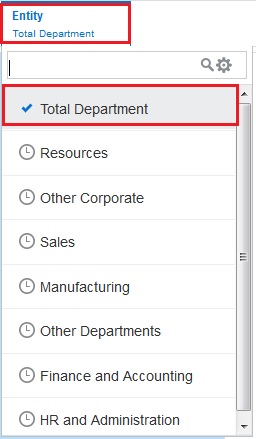
Click the Entity POV, and select Resources to change the report view.
-
Notice that the report now shows the Operating Expenses Summary for Resources.
-
Click the Entity POV, and change the report view back to Total Department.
-
Click Report Actions
, select PDF, and scroll through the pages of the report.