Choose How to Create Workflows and Agentic Applications
Using AI Agent Studio, you can create workflows and agentic apps from scratch, or modify preconfigured and existing ones.
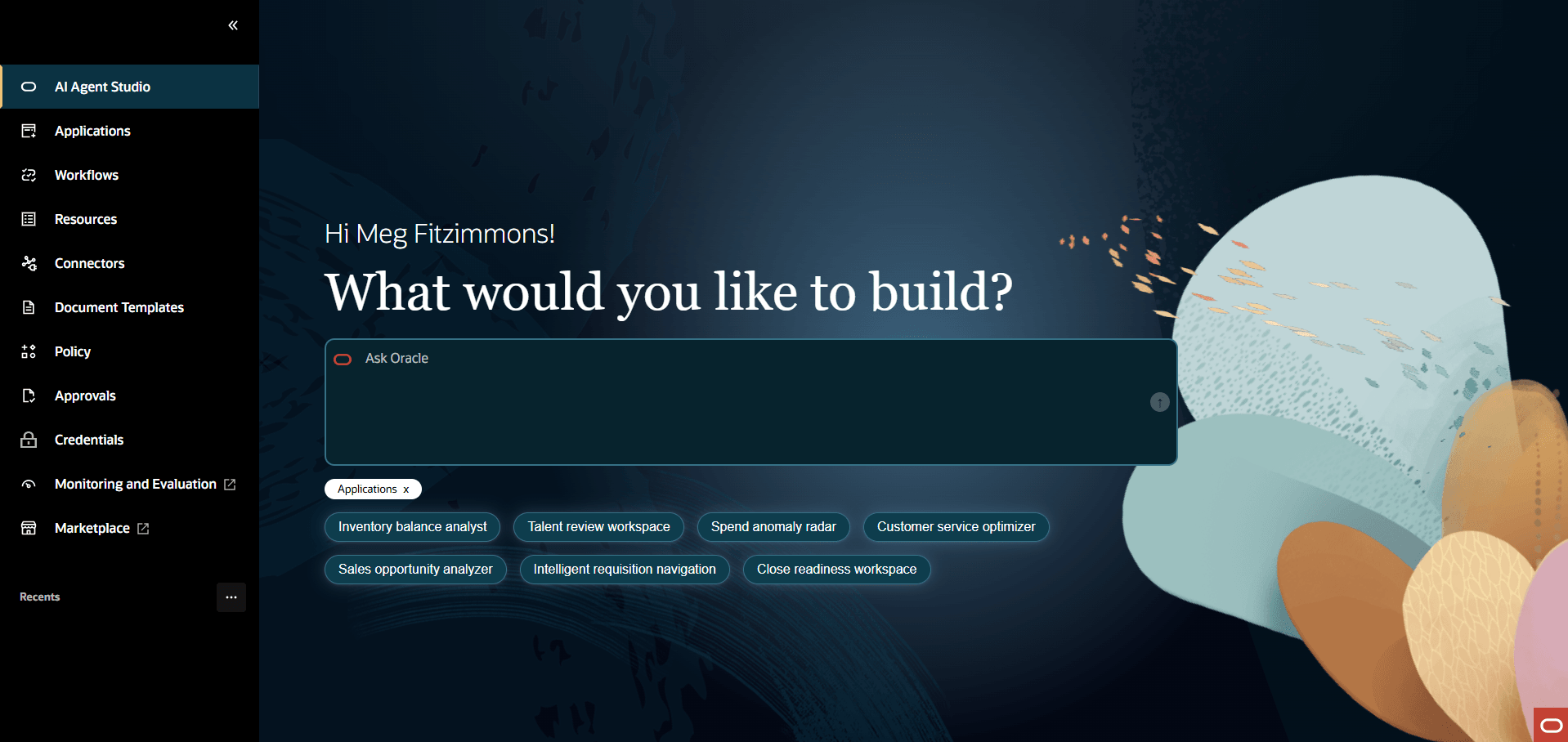
Create Workflows
- Using Ask Oracle
- In the Ask Oracle field, describe the
workflow you want to create.
Example: I want to create a Supplier Quote Assistant workflow to process quotes from multiple suppliers. The workflow should extract and map the required attributes from each quote document, create a draft requisition, and submit it for approval. A workflow agent is required to execute these tasks in the specified order.
- Close the Applications tag displayed below the Ask Oracle field, and then select the Workflows tag.
- Select
 .
.
- In the Ask Oracle field, describe the
workflow you want to create.
- From the Workflows Tab
- From AI Agent Studio, select the Workflows
 tab.
tab. - Select Add.
- Specify all details for the workflow and publish it. For more information, see Create Workflows.
- From AI Agent Studio, select the Workflows
Create Agentic Apps
- Using Ask Oracle
- In the Ask Oracle field, describe the agentic
app you want to create.
Example: I want to create a Contract Assistant Agentic Application to generate a new contract with auto-filled fields. This assistant will be provided with multiple contract templates to generate the new contract. The app must also review existing contracts to perform risk analysis, recommend changes and route the contract for final approvals. For these activities that need distinct expertise (template management, legal validation, recommendation, and routing), the app will need to a workflow that collaborates with other worker agents.
- Make sure the Applications tag below the Ask Oracle field is selected.
- Select .
The page to create a new agentic app is displayed where you can continue creating the agentic app with the help of the displayed instructions.
- In the Ask Oracle field, describe the agentic
app you want to create.
-
Using the Applications tab
- From AI Agent Studio, select the Applications
 tab.
tab. - Select Add.
- Specify all details for the agentic app and publish it. For more information, see Build Agentic Applications Using App Builder.
- From AI Agent Studio, select the Applications
Modify Existing Workflows and Agentic Apps
- To modify agentic apps, go to the Applications
tab and select Edit
 .
.Preconfigured agentic applications are identified by the Seeded tag. Select Duplicate
 and create a copy of the app to edit.
 - To modify workflows, go to the Workflows
tab and select Edit
.
Preconfigured workflows are identified by the Seeded tag. Select Duplicate
and create a copy of the workflow to edit.For more information, see Edit a Workflow.