Overview of Designing a Form
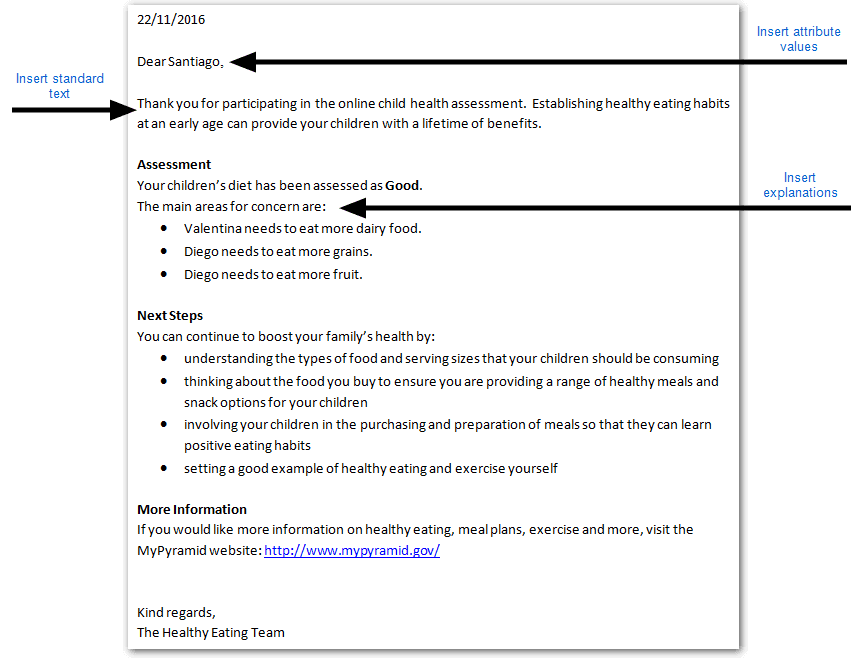
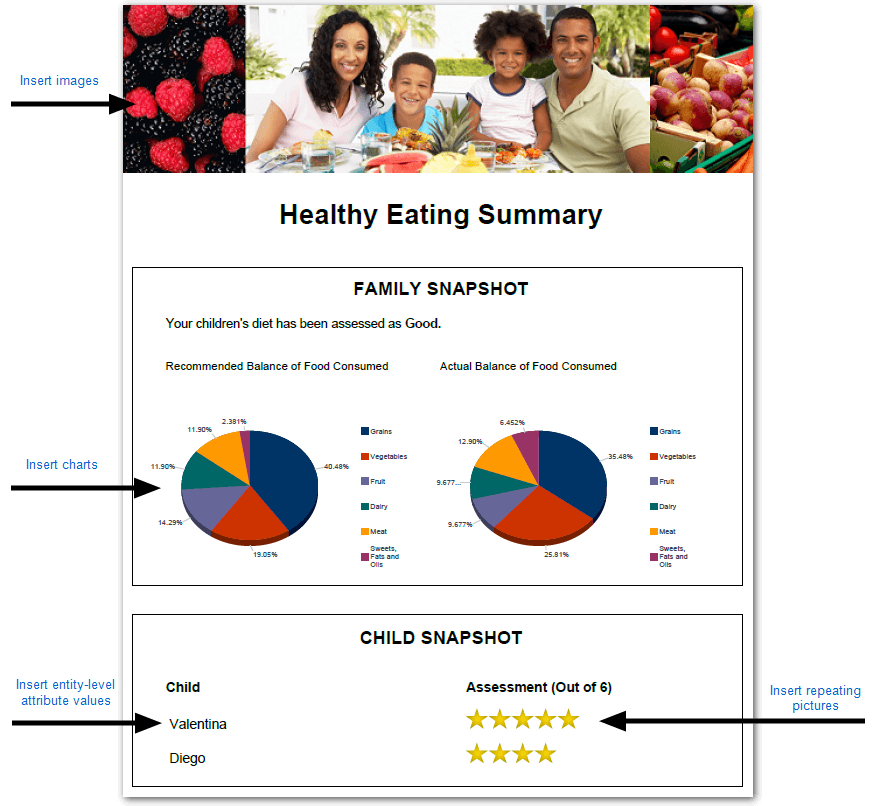
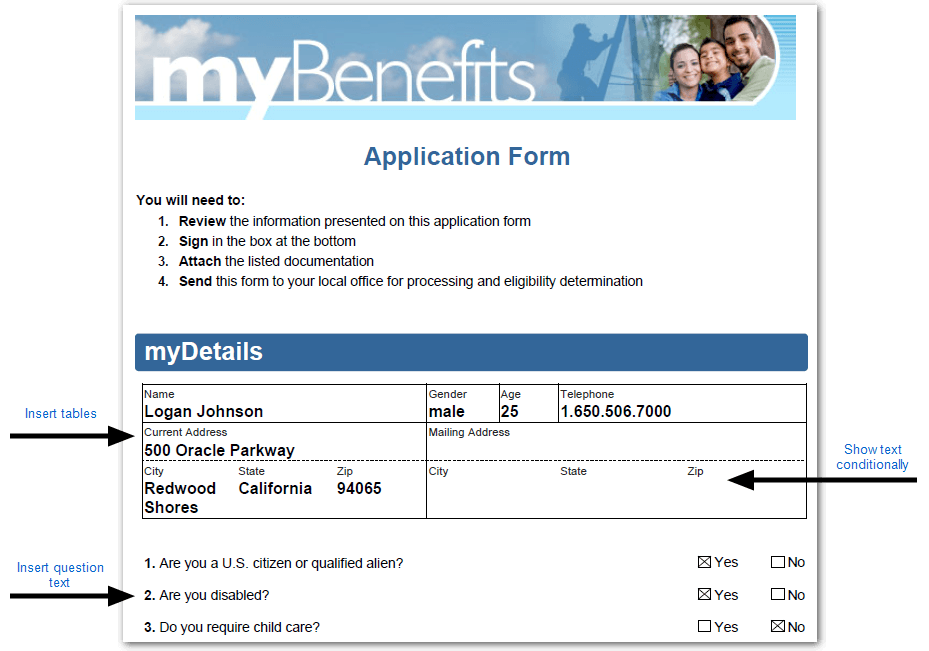
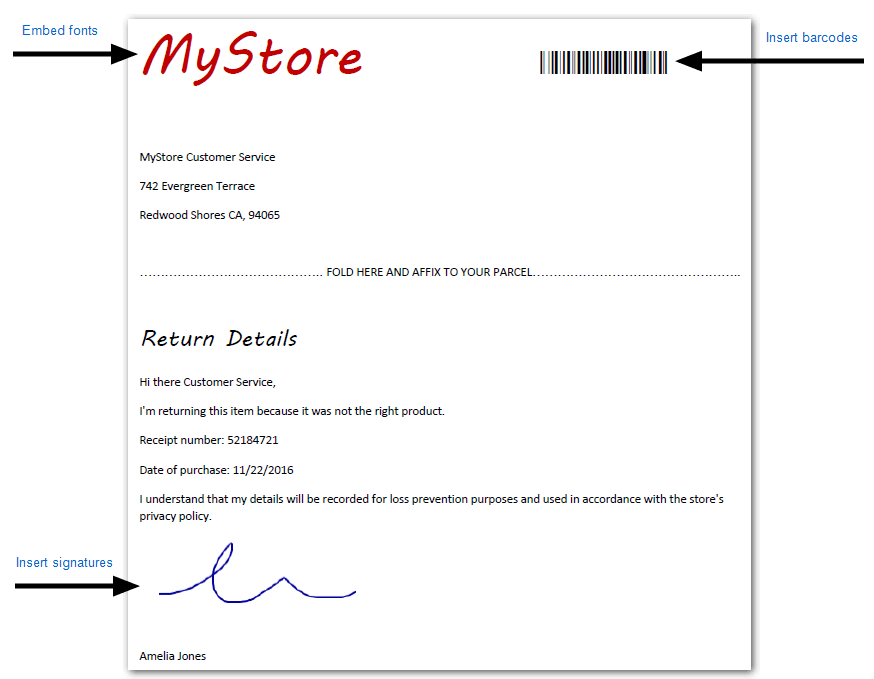
Using Policy Modeling, you can create many different types of forms such as pre-filled application forms, decision letters, interview summary documents, policy summaries, order forms, audit reports and return forms. When designing a form using an RTF template you can:
Using Policy Modeling you can also reuse an existing PDF form as a template to ensure consistency with existing business processes. For more information, see Design a PDF Template for a Form.
Tip: Forms are demonstrated in the Healthy Eating, Insurance Picker, Know Your Customer, myBenefits, My Store App, Parental Leave Calculator and Safety Inspection example projects installed with Policy Modeling.