Create Augmentation for Data Augmentation Scripts
Create an augmentation prior to creating the Data Augmentation Scripts (DAS) application.
You must have at least one existing data augmentation before you set up the Data Augmentation Scripts (DAS) application. See Augment Your Data.
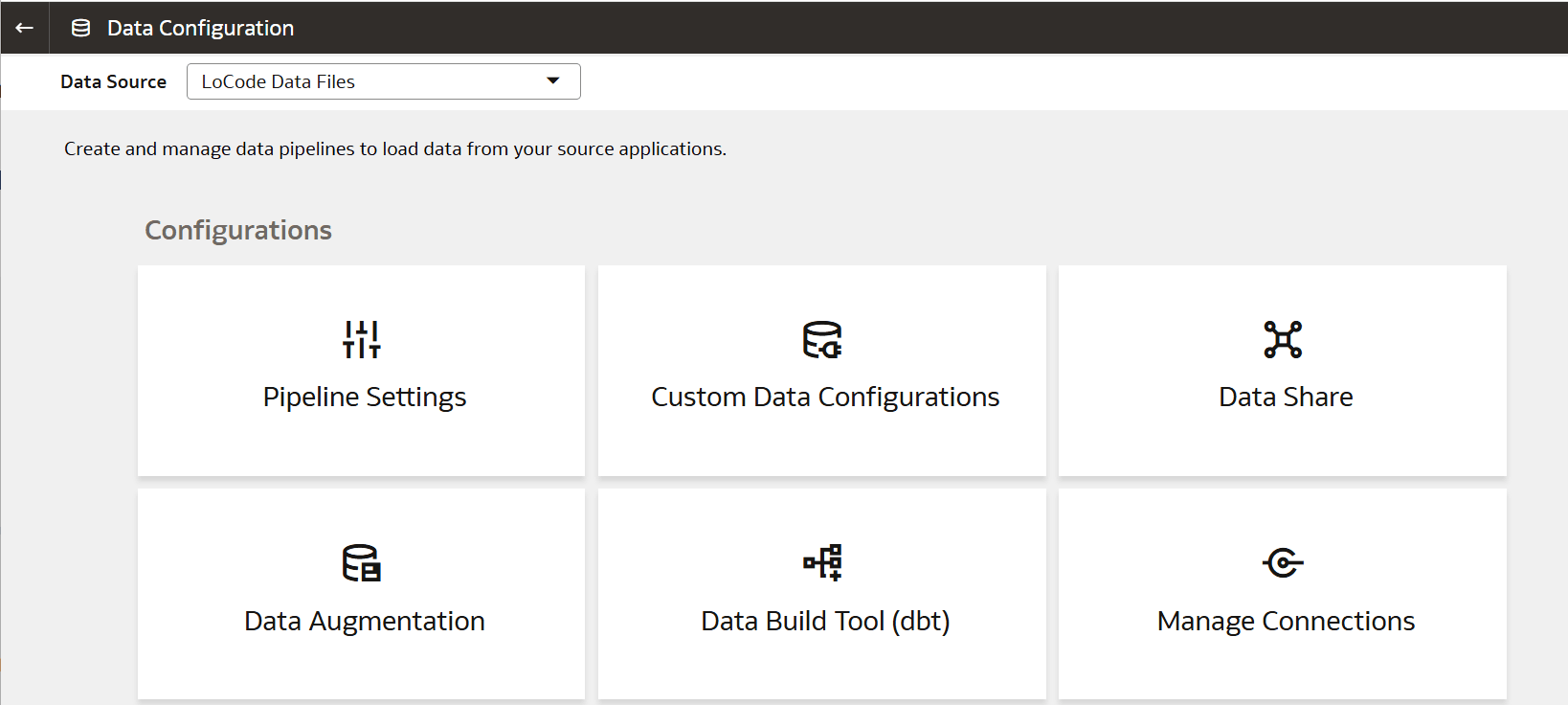
- On the Data Configuration page, select Data Augmentation Scripts Data Files for Data Source, then click Data Augmentation under Configurations.
- On the Data Augmentation page, select the Augmentation, click Create and then select Augmentation.The dimension data augmentation is for the Data Augmentation source,
CUSTOMERS. Depending on your source, you can select another dimension for data augmentation. - In the Data Augmentation wizard, add a new dimension:
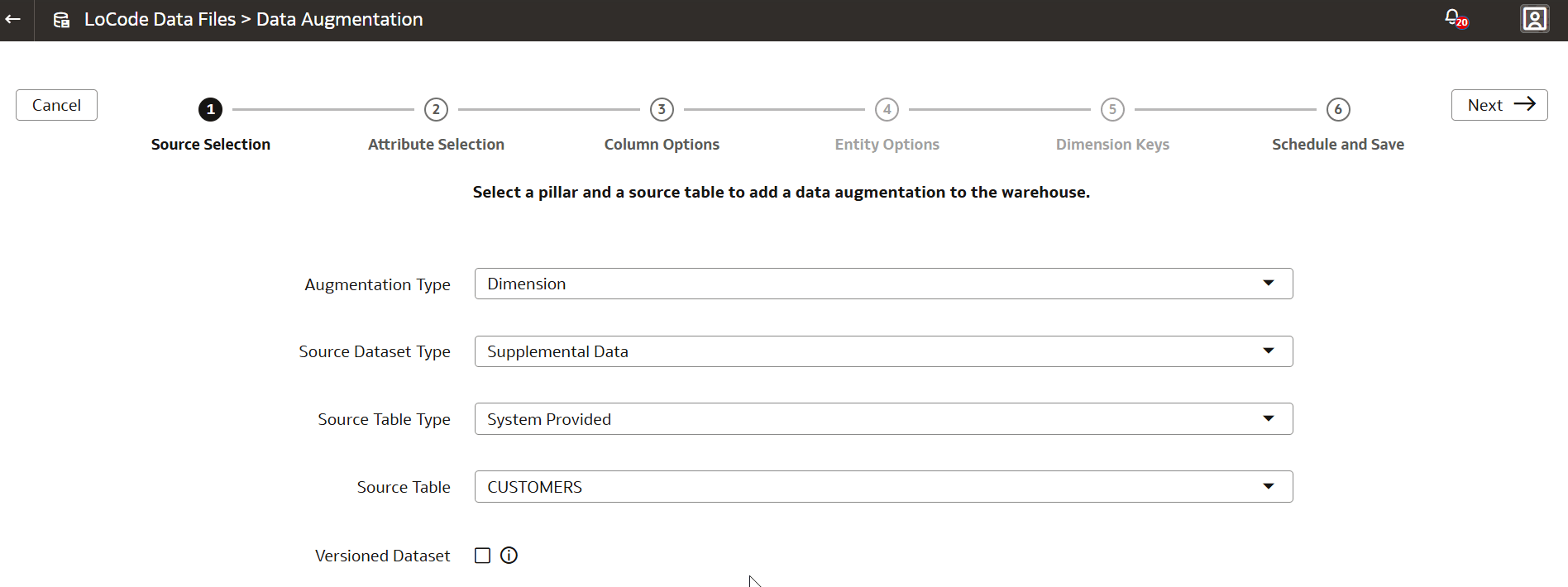
- For Augmentation Type, select Dimension.
- For Source Dataset Type, select Supplemental Data.
- For Source Table Type, select System Provided.
- For Source Table, select CUSTOMERS.
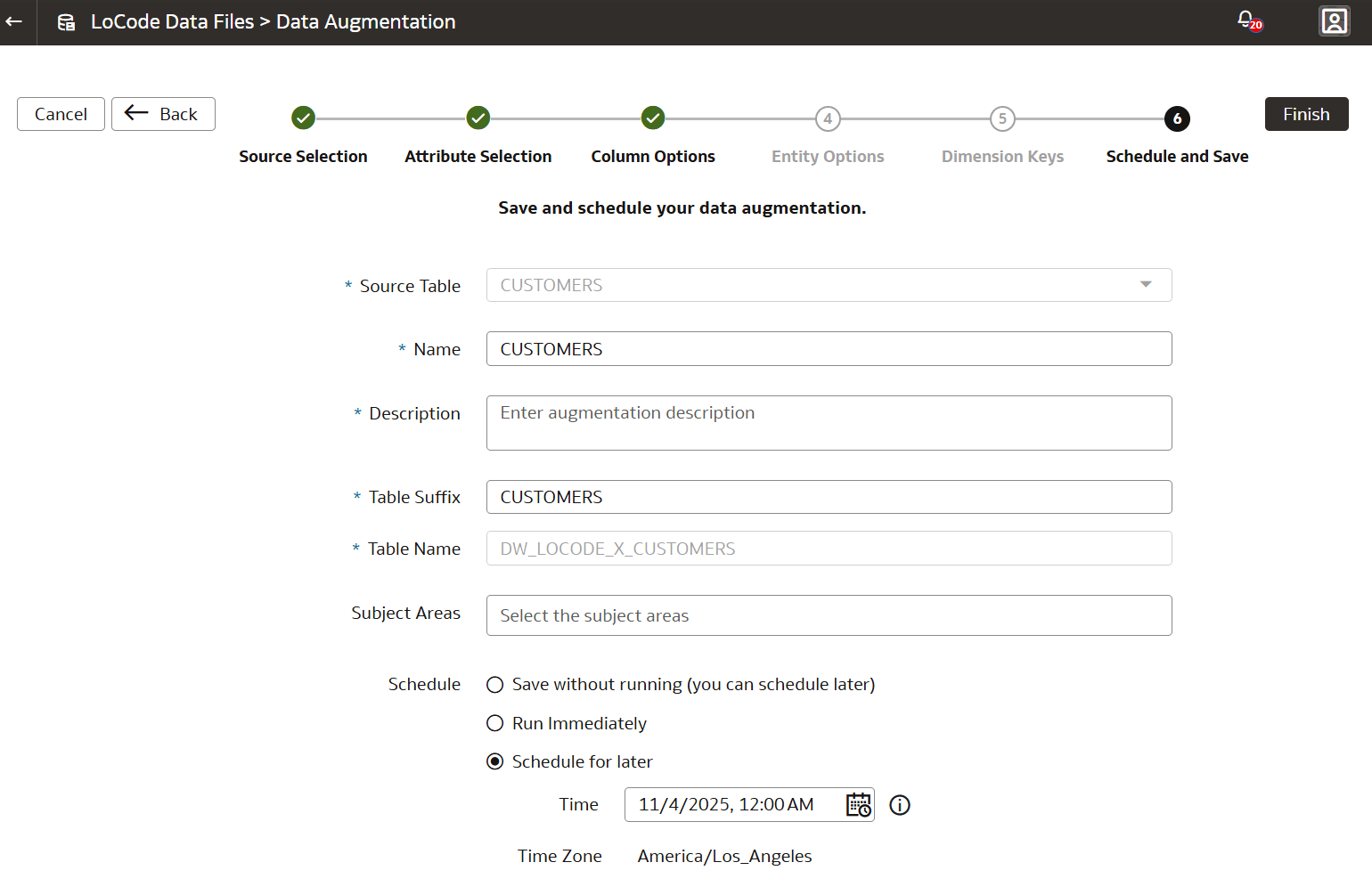
- Select the default Column Options.