Custom Record Types Associated with a Custom Segment
On the Record Types list page, the custom segment name in the Segment column means that the custom record type is associated with a custom segment.
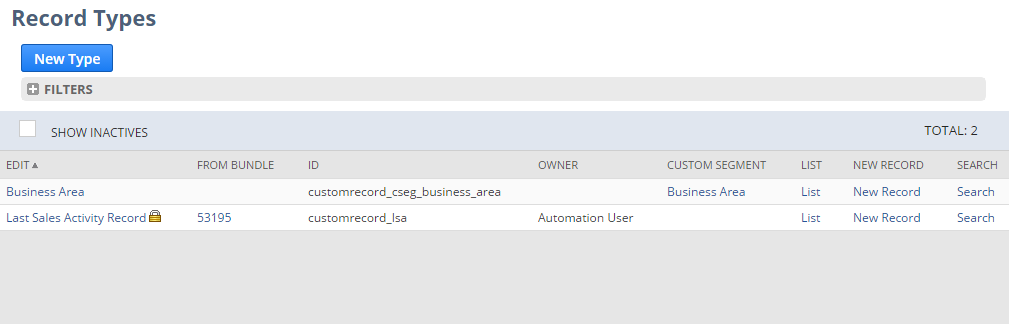
The custom record has the same name as the custom segment.
The associated custom record type stores the segment values and related fields. Use the AI Description field on this custom record type to describe what the values represent and how the related fields are used. AI features can use this description to interpret the custom record.
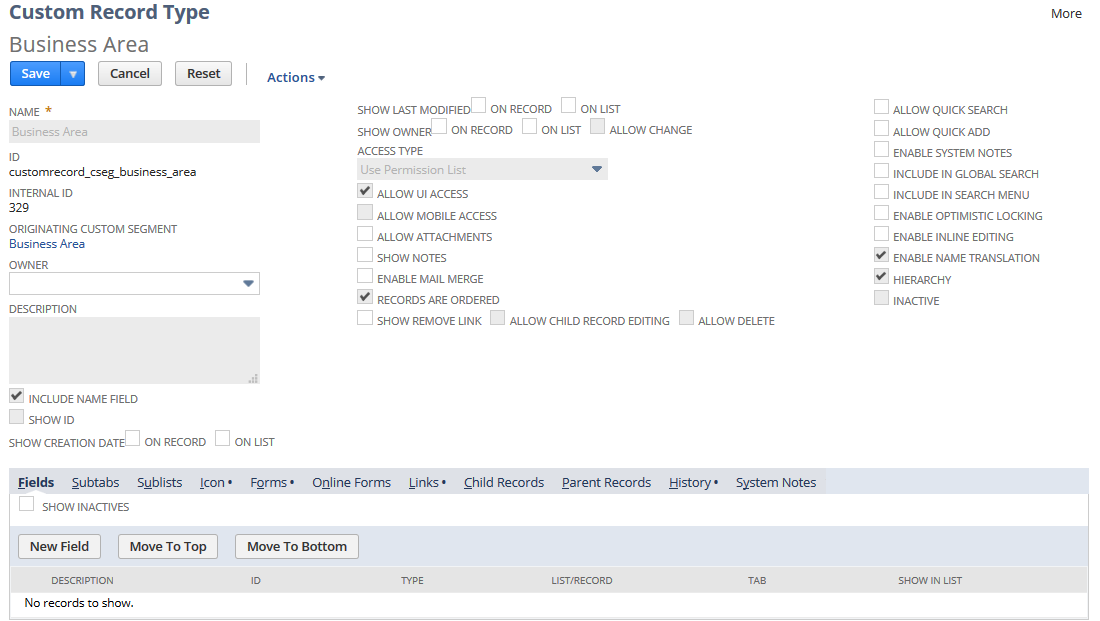
When editing a custom record that's associated with a custom segment, keep the following in mind:
-
Some of the fields on the Custom Record Types page are read-only to avoid conflict with the custom segment settings.
-
Some of the subtabs on the Custom Record Types page aren't available because the record is associated with the custom segment.
-
You can't edit the permissions of the custom record. The custom record permissions are set on the custom segment definition page.
-
You can't inactivate the custom record type because it's associated with a custom segment.
In the AI description field, describe what the custom segment's values represent. Include any field relationships needed to understand those values. For general guidance, see Guidelines for Writing an AI Description.
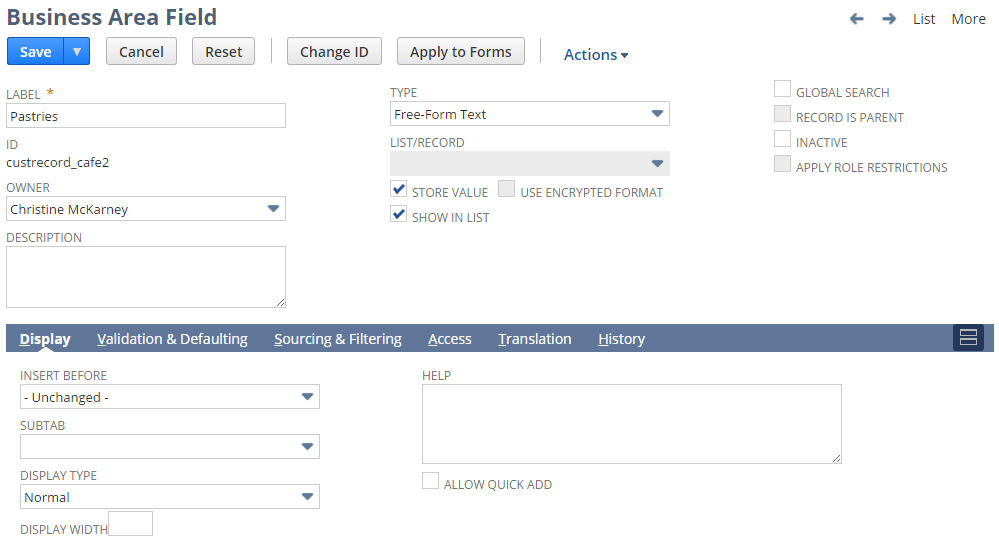
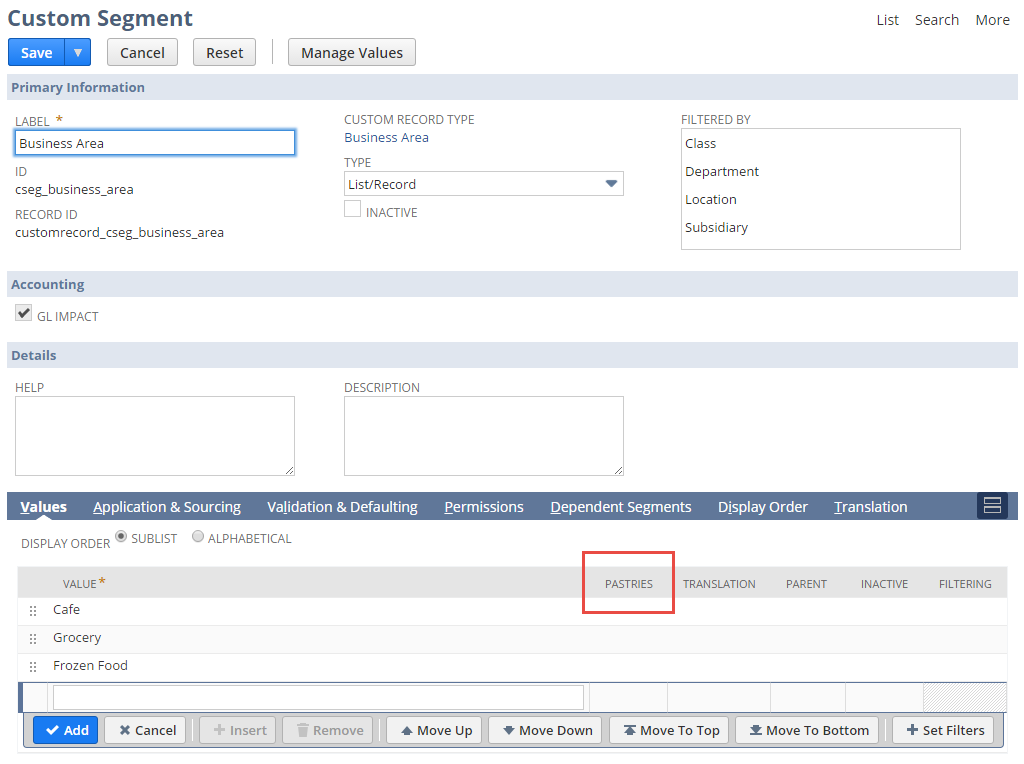
When you add a new field to the record, it appears as a column on the Values subtab of the custom segment definition page.