Redwood Experience for Workforce Compensation Communicate Worksheet
Enrich the manager experience with the new Workforce Compensation Communicate worksheet developed using the Redwood tool set when you enable it along with the Redwood experience. Managers will access the new Communicate sheets from the Communicate tab in the Landing Page. This version is for the delivery type of Centrally managed and stored
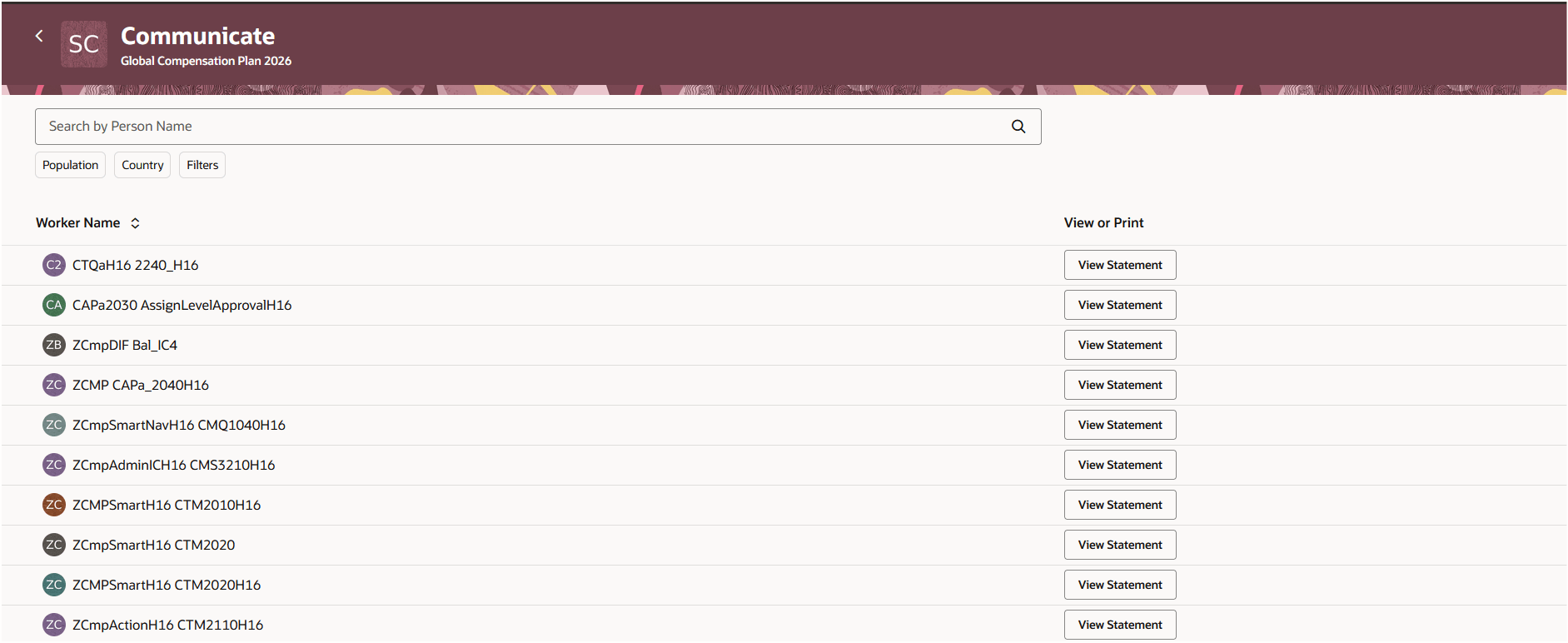
Communicate Worksheet
If the ability to stagger the release for statements is enabled, when the manager views a statement, the Release button will be on the bottom right of the page.
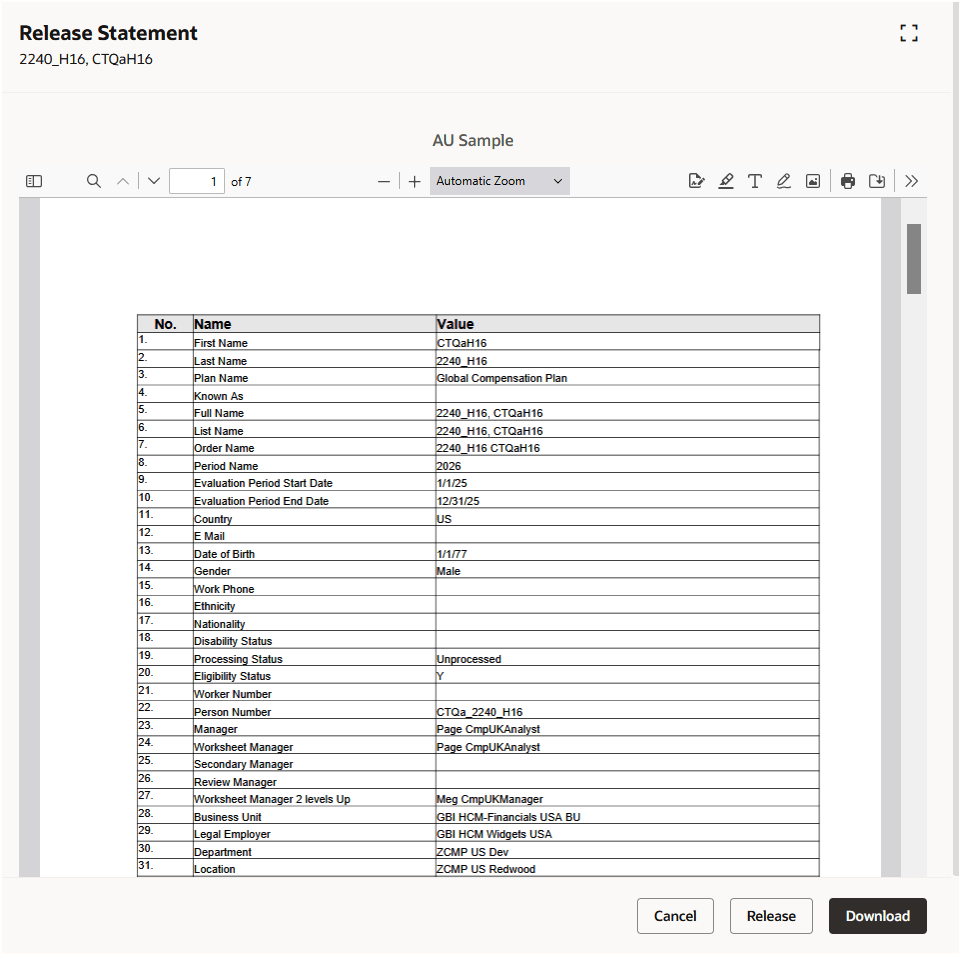
Compensation Change Statement View and Release
If the delivery method of Printed and delivered by managers is used, the Communicate worksheet will look like this, based on your enabled columns:
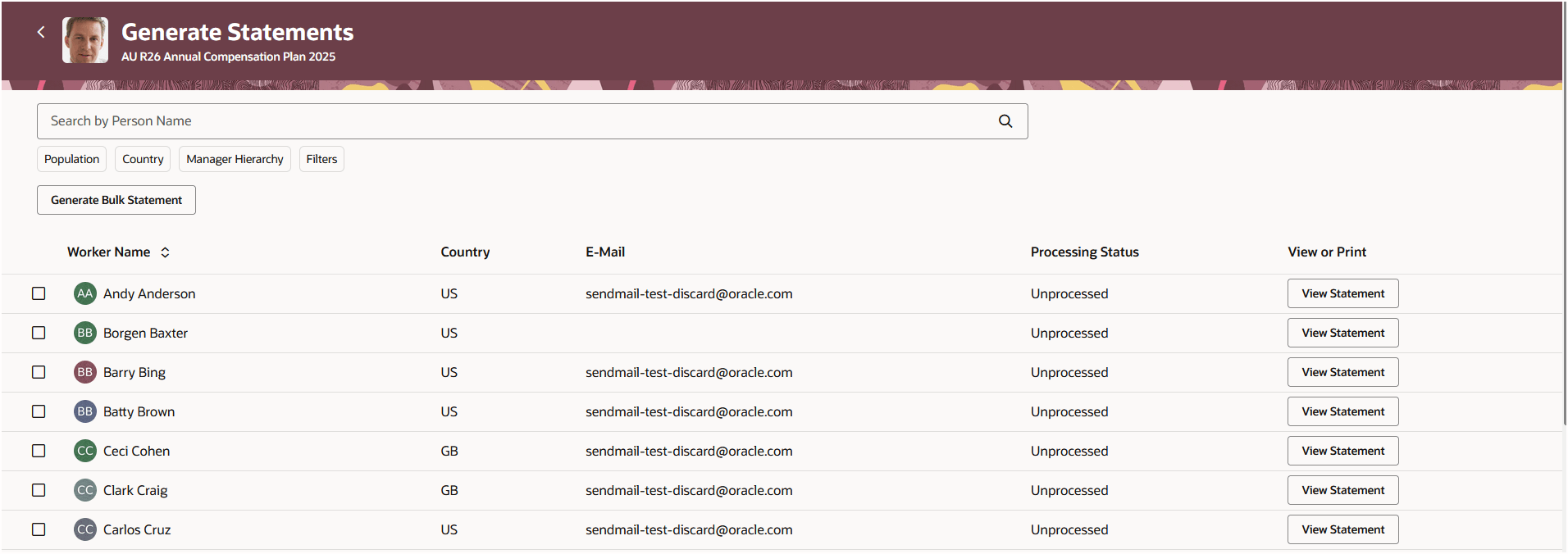
Communicate Worksheet - Printed and Delivered By Managers
Up to 10 people can be selected to be combined into a single statement:
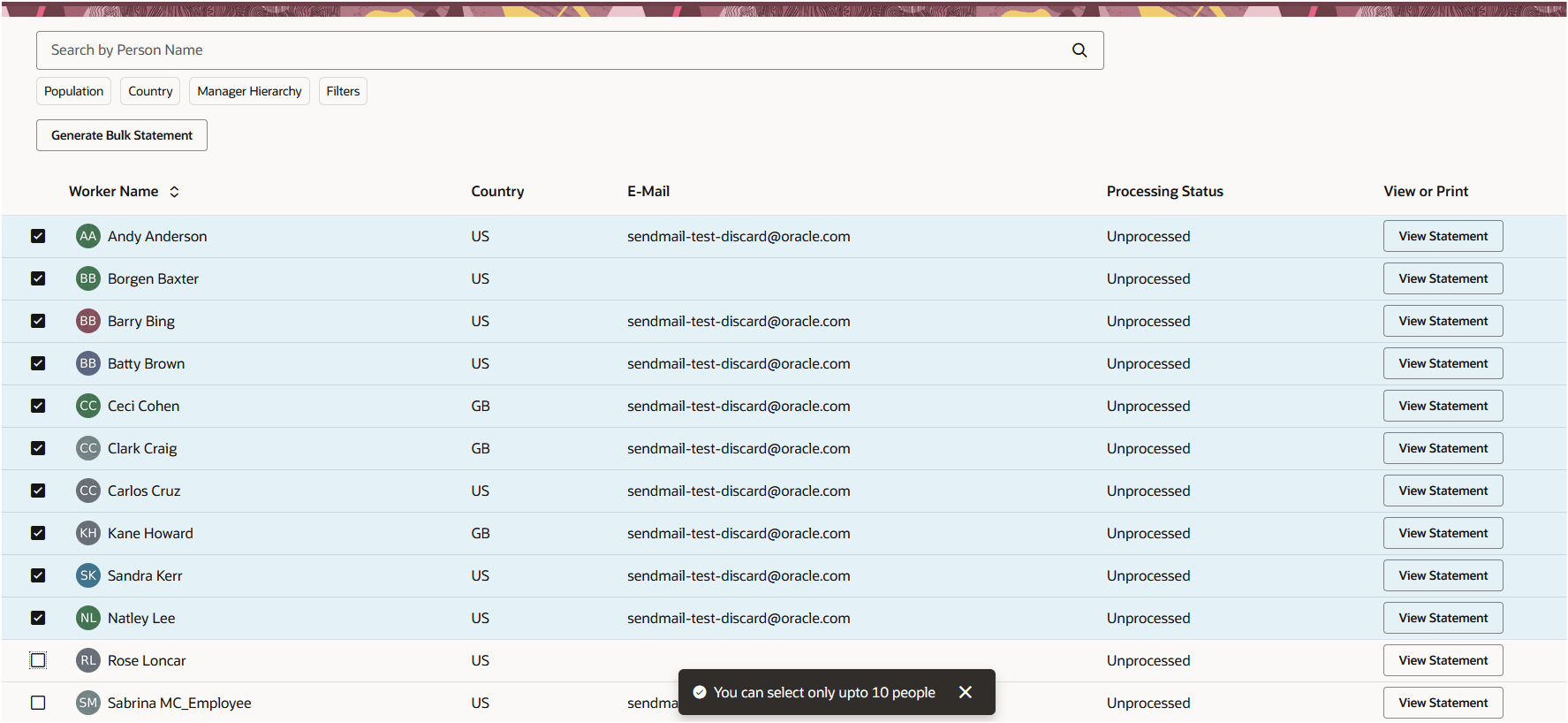
Combined Statement File Creation
Once selected, managers can then select the template and create the file.
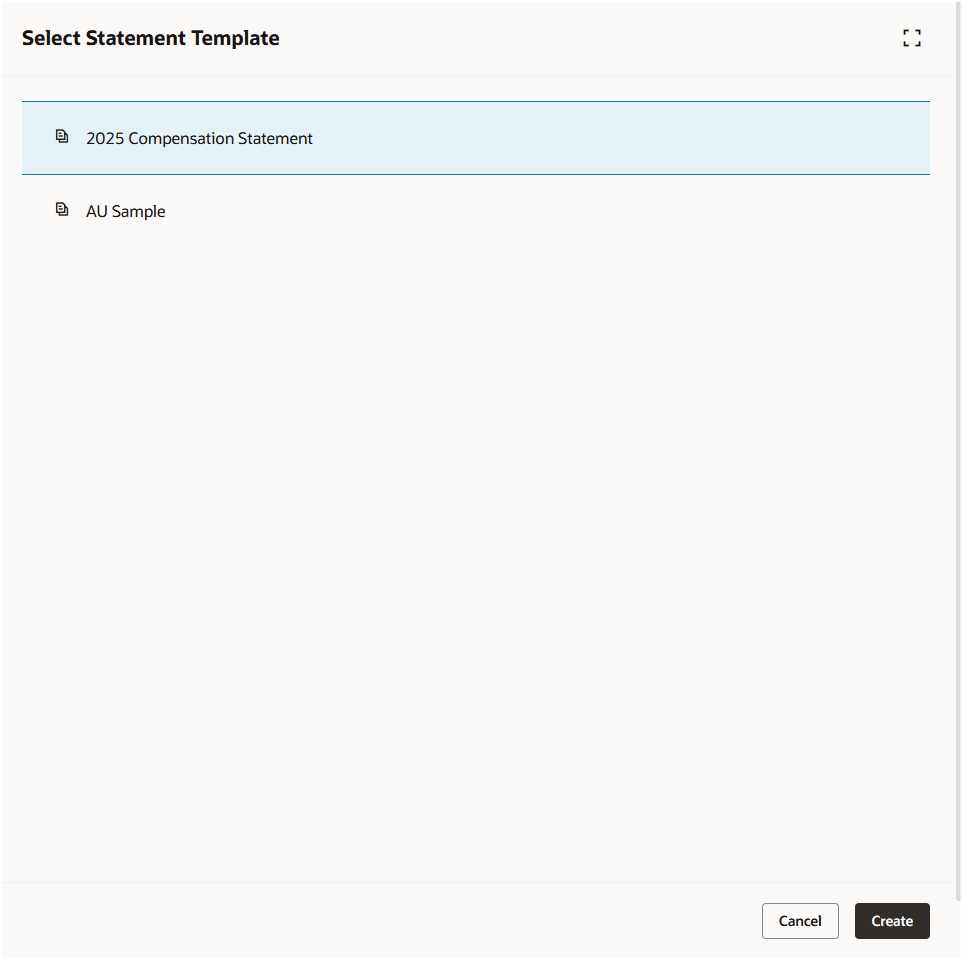
Statement File Creation
Regardless of delivery method, if a person has more than one statement available for them you'll be able to see them when viewing the statements:
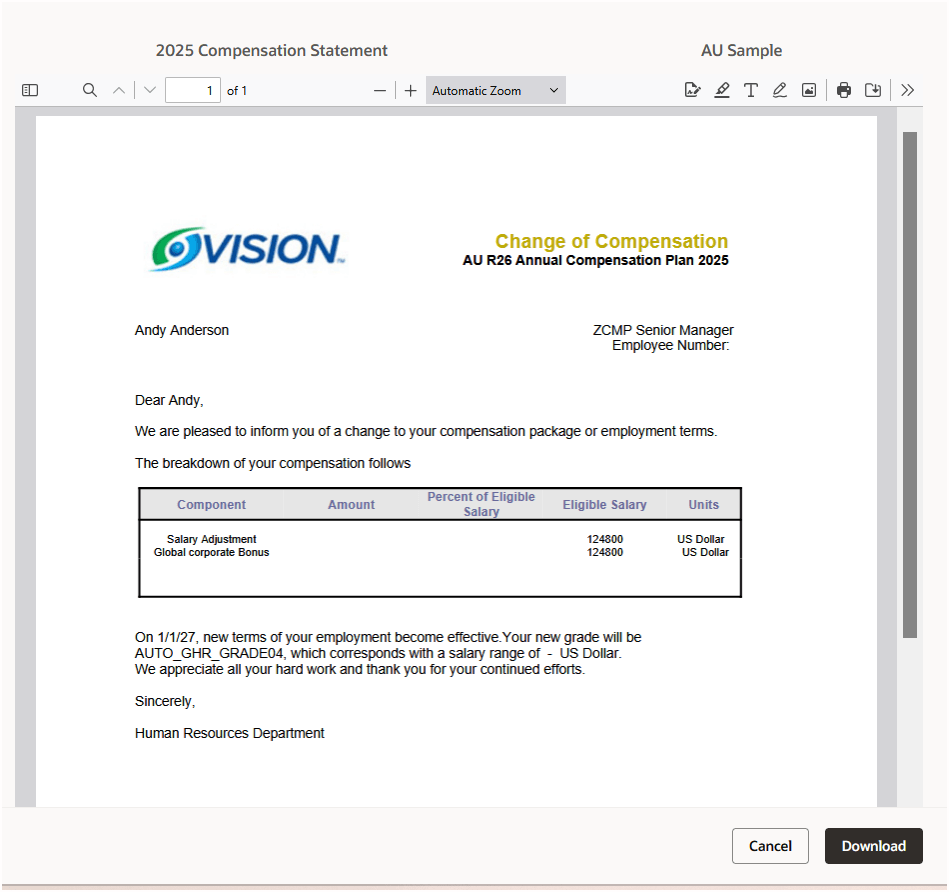
Person With Two Statements
With this re-created Redwood page, you continue your journey into Oracle Redwood solutions.
Steps to enable and configure
You need to enable all of these profile options to enable the Redwood page.
| Profile Option Code | Profile Option Description | Default Value |
|---|---|---|
| ORA_HCM_VBCS_PWA_ENABLED | Enable VBCS Progressive Web Application User Interface | No |
| ORA_CMP_WORKFORCE_COMPENSATION_REDWOOD_ENABLED | Enable the redwood workforce compensation pages. | No |
| ORA_CMP_WFC_LANDING_PAGE_REDWOOD_ENABLED | Enable the controlled release of redwood workforce compensation landing page. | No |
|
ORA_CMP_WFC_COMMUNICATE_REDWOOD_ENABLED |
No |
To revert to the non-Redwood page, set the site-level profile value to No for this profile option.
To configure a profile option, complete these steps in the Setup and Maintenance work area:
-
Search for and click the Manage Administrator Profile Values task.
-
Search for and select the profile option.
-
Set the Level to Site.
-
In the Profile Value field, select a value.