Business Rules Supported for Managers Section for Redwood Employment Processes
You can now configure defaulting and validation business rules for the Managers section in Redwood employment processes.
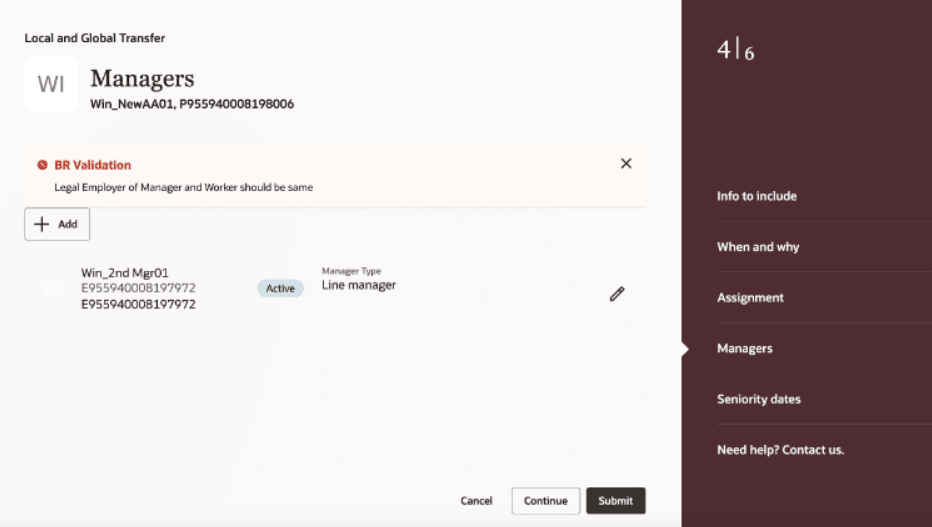
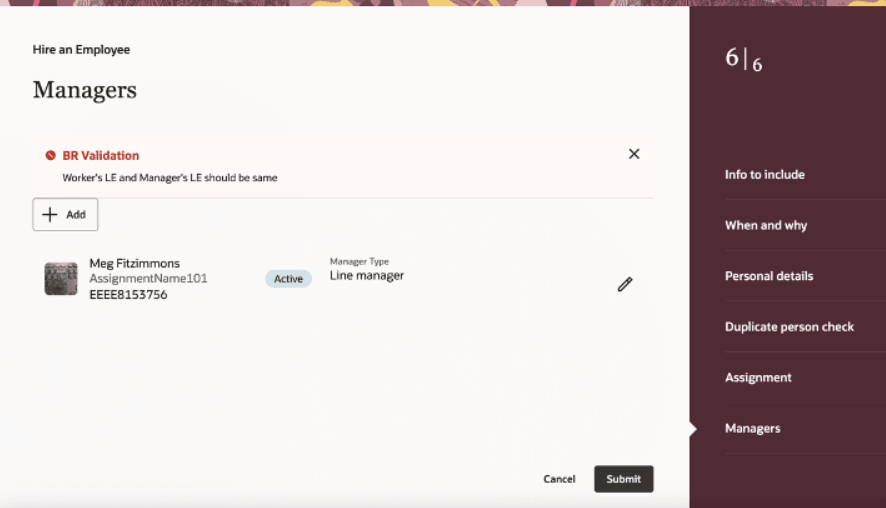
Business rules support for Managers section
Supported Rules for the Manager section
- Enforce that a line manager is always available for an assignment.
- Allow only worker assignment with worker type as employee to be added as a line manager.
- Don't allow worker assignment with person type as Temporary to be added as a line manager.
- Don't allow worker assignment job's manager level as vice president to be added as a manager.
- Allow manager of type line manager from the same organization as that of the direct report to be added as a line manager.
- Don't allow more than 2 number of matrix managers.
- Don't allow more than 2 matrix managers with manager type as Resource Manager.
Enabling business rules on key Redwood pages enables you to enforce consistent data entry, streamline validations, and automate decision logic based on your specific policies.
Steps to enable and configure
For information on displaying fields and sections, refer to these resources on the Oracle Help Center:
You can check this info for the defaulting and validation use cases supported in Employment processes.
Key resources
For more information, refer to these resources on the Oracle Help Center
- Employment Processes, in the Using Global Human Resources guide
Here are the topics we recommend on getting started with Express Mode.
-
Refer to the following documentation in this order:
-
Express Mode in VBS for detailed instructions on using specific Express Mode features.
-
Extending Redwood Applications for HCM and SCM Using VB Studio for details on what’s supported by HCM.
-
-
You can refer to the VB Studio documentation "Configure an Oracle Cloud Application" to check the steps to access VB Studio from a Redwood page.
-
Extending HCM Redwood Applications Using Visual Builder Studio
-
Refer to the Customer Connect forum Visual Builder Studio for HCM