Attestations Enhancements
Attestation handling in Time and Labor is more responsive and transparent for everyone. Now, you can prompt a worker with an attestation if they submit a time card with more than a specified number of warnings. This helps ensure workers review and acknowledge all their time card exceptions before completing the process. And if a manager edits or creates a time card for someone and that action initiates an attestation, the worker is notified that their review is needed.
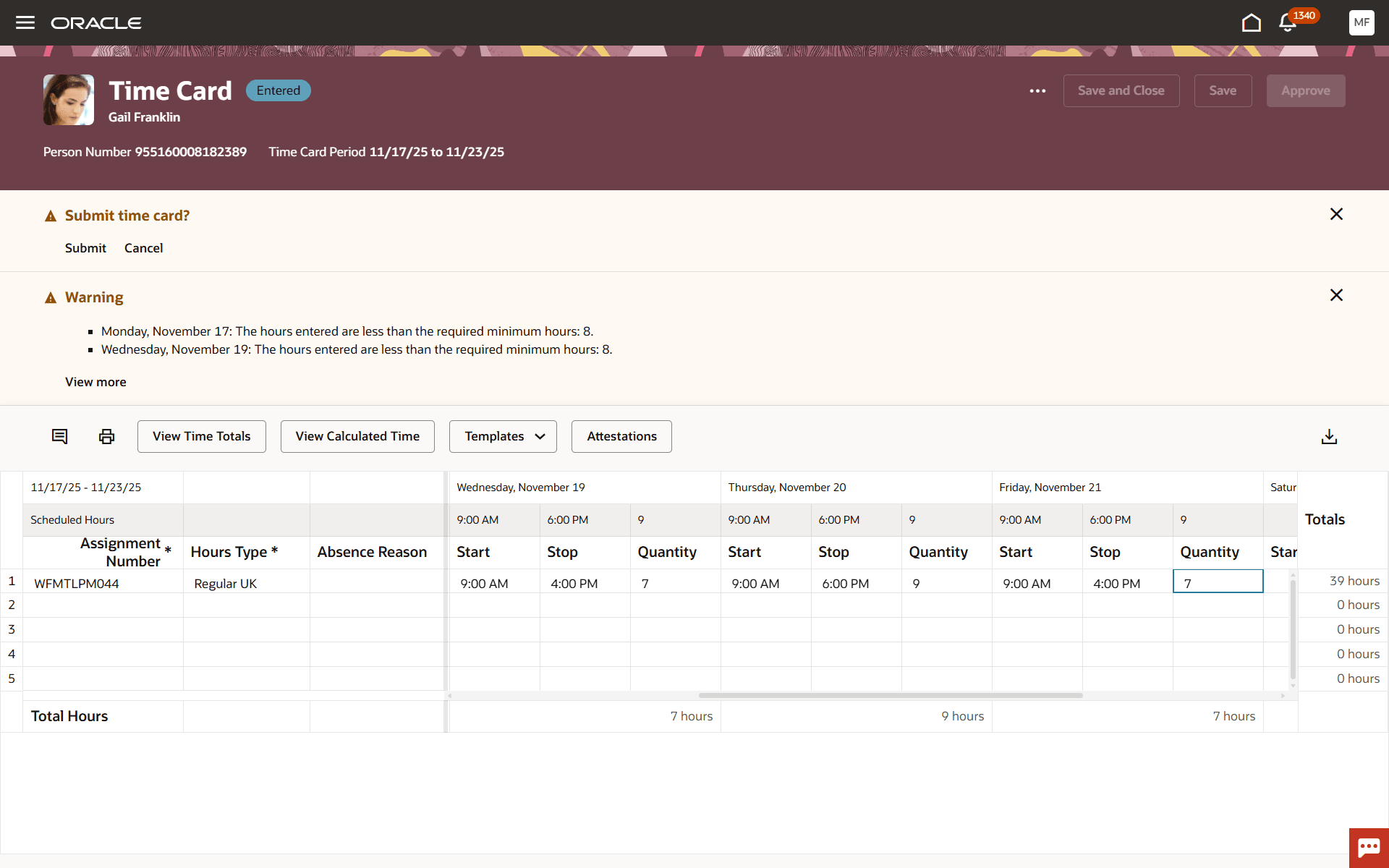
Warning Exceptions Generated after a Manager's Edit, Implying an Attestation
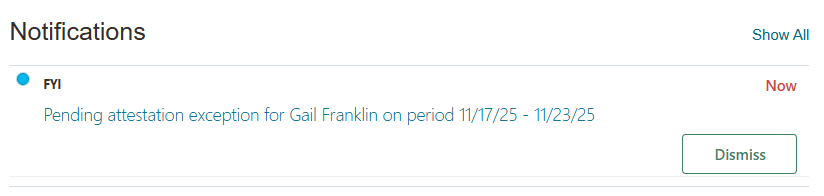
Notification Received by the Worker for the Attestation Pending Their Review

Worker Notification Contents
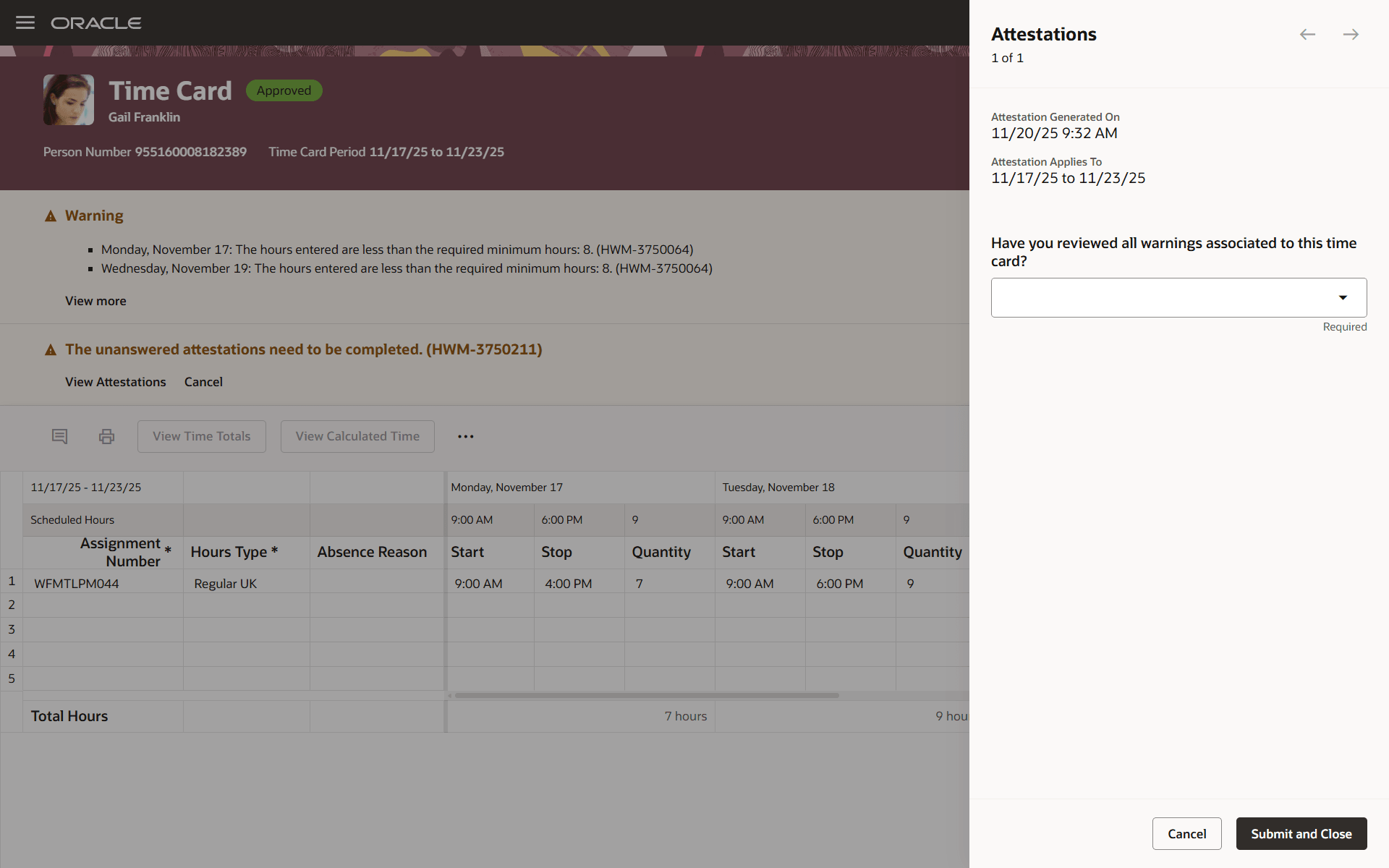
Worker Attestation about Having Reviewed the Warnings
This enhancement helps raise awareness and accountability for addressing time card warnings, supporting exception handling and offering smoother follow-up by sending reminders when attention is needed.
Steps to enable and configure
Set Up Attestations for Time and Labor.
- Use an advanced time category rule in the attestations set's time category.
- In the related fast formula, you can retrieve the number of exceptions with level warning using the attributes OraHwmMessageNamesCsvList to get the messages names and OraHwmMessageLevelsCsvList to get the related levels, here equal to 'WARN'.
Tips and considerations
- Information messages can also initiate attestations.
- You can configure trigger settings to prompt with attestations when a time card is saved or submitted.
Key resources
For more information about Time and Labor profile options for Redwood, see HCM Redwood Pages with Profile Options (Document ID 2922407.1) on My Oracle Support.