Enhanced Time-off Assistant - AI Agent
The Time-Off Assistant helps employees manage common absence tasks without navigating through the application. In 26B, the assistant supports elapsed-based employees for primary assignments and guides employees through absence creation, editing, withdrawal, and deletion with review and confirmation steps.
Agent capabilities
- Adds absences for elapsed-based employees for common absence patterns, such as generic absence and illness or injury.
- Submits full-day or partial-day absences, including first-half or second-half day requests.
- Edits continuous absences in supported statuses, including Saved, Awaiting Approval, In Progress, Scheduled, and Completed.
- Updates absence details such as dates, duration, reason, and comment.
- Withdraws existing absences in supported statuses or delete saved absences.
- Uses guided starting questions when the assistant opens, such as logging a vacation, editing an absence, withdrawing an absence, or viewing upcoming absences.
- Gets a deep link to the application when the assistant can’t complete an absence action, such as for detailed entry, repeat occurrences, or restricted absence patterns.
The assistant validates absence requests before submission. Validation includes nonworking days, minimum and maximum duration rules, overlapping absences, required or optional reasons and comments, insufficient balance enforcement, concurrency rule errors, and edit or withdrawal locks.
Sample questions
- I want to log a partial day absence for next week starting Monday for a duration of 3 hours in the first half of the day.
- I want to take the afternoon off tomorrow.
- I want to take then morning off tomorrow.
- I am sick. Can you log sick leave for me for today? I have a cold.
- I want to change the dates of the absence I logged starting 5th March. I want to new dates to be starting from 6th March and for a single day.
- I want to change the start time of the absence tomorrow to 9am instead of 10am.
- I want to add a comment for my vacation on 9th December. I want to say that I am going to a wedding.
- I want to withdraw my absence starting on 9th Feb.
- I want to withdraw tomorrow's absence.
- I want to delete my saved absence starting on 5th May.
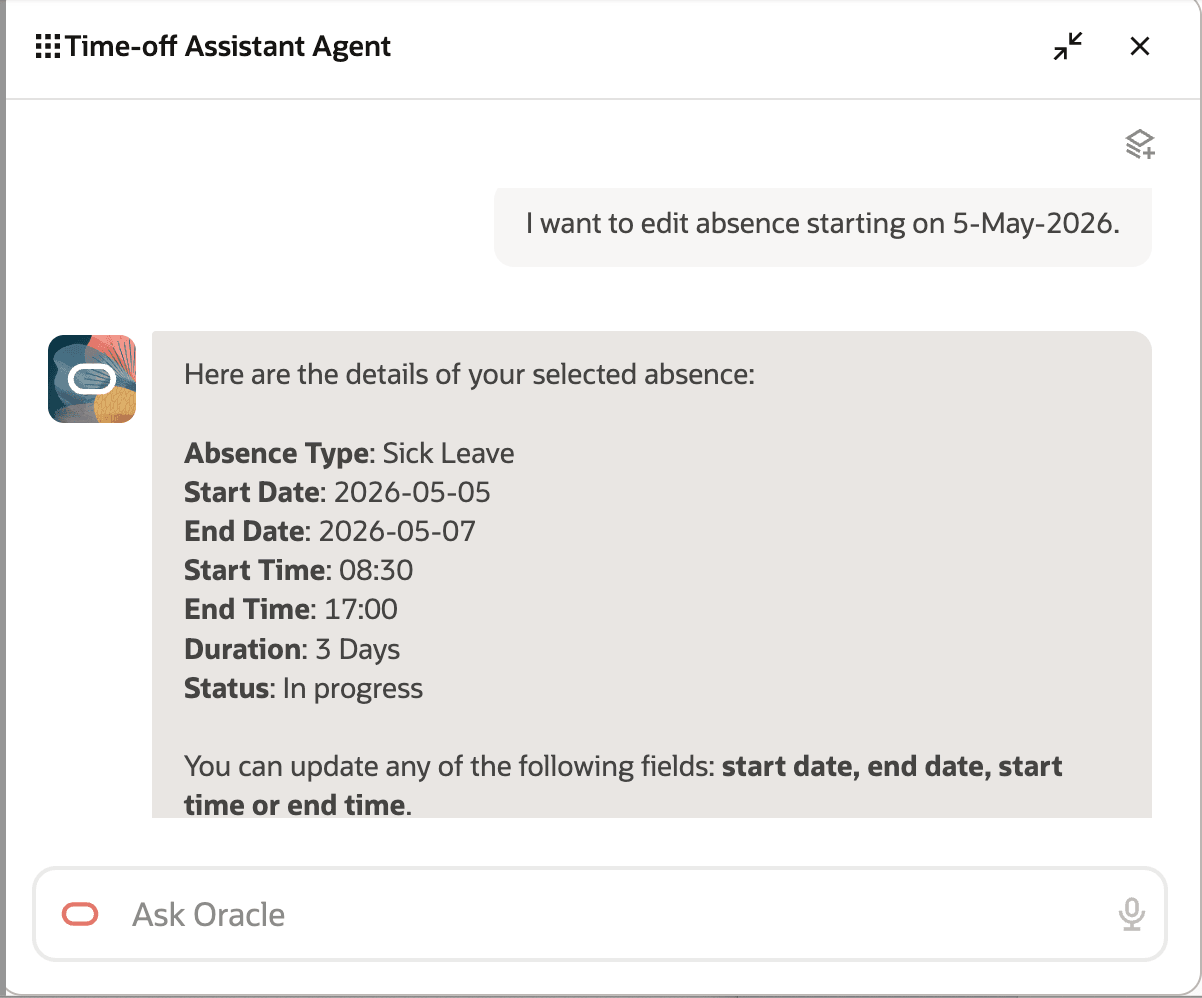
Query to edit an absence
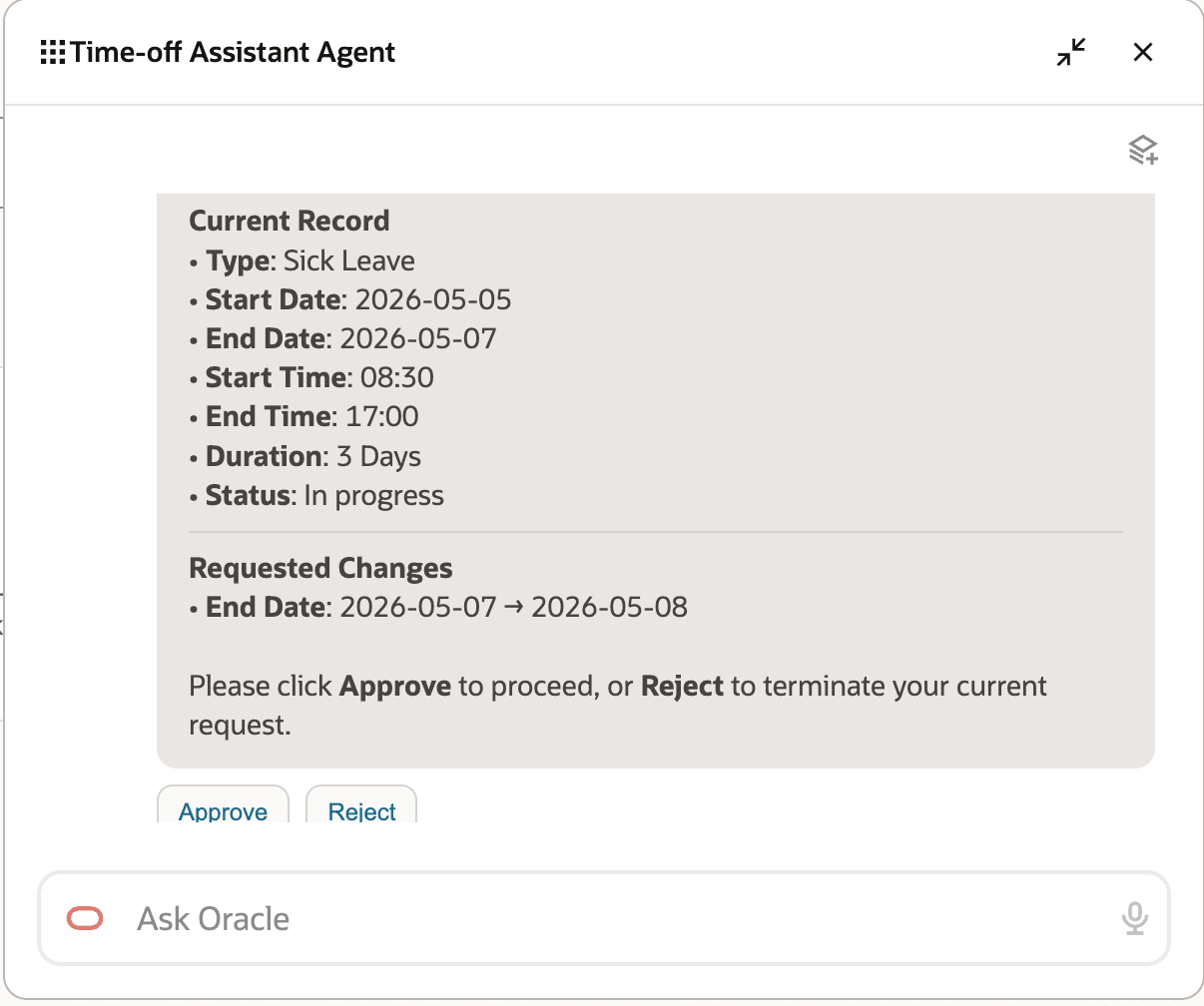
Change to absence requested
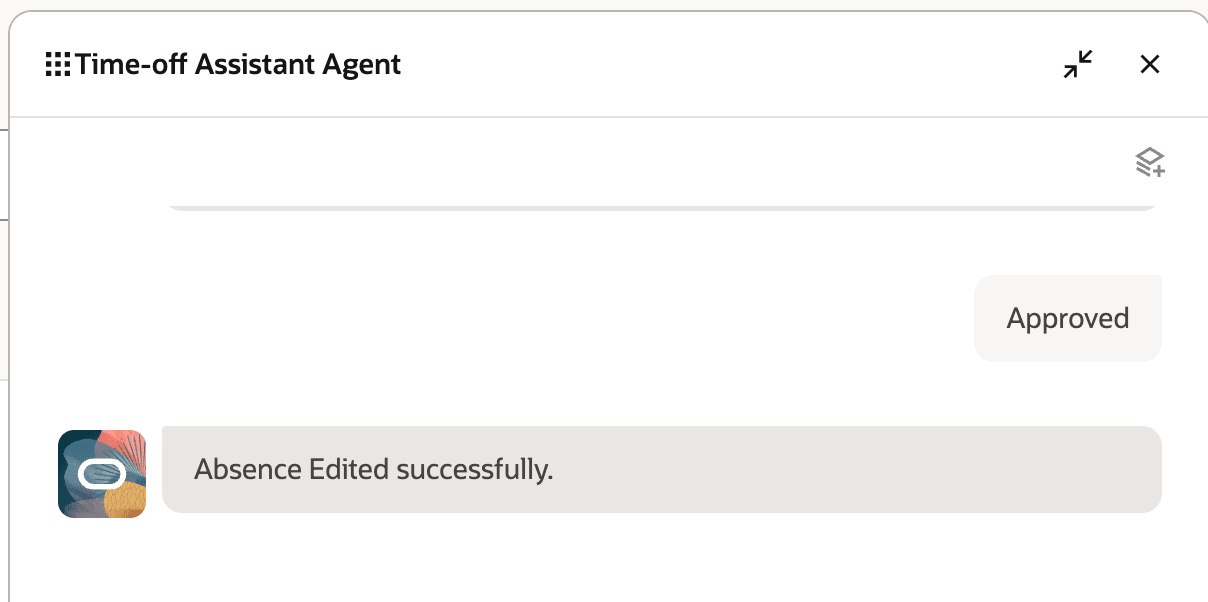
Approved change applied to the absence
Built on Oracle’s AI Agent framework and powered by large language models (LLMs), the agent understands your natural language queries and responds with accurate, secure information based on your role and privileges. It also provides deep links to guide you directly to the relevant pages in Oracle Fusion HCM Cloud apps.
Steps to enable and configure
- If you are a cohort A customer, you need to log an SR to get a CWB. For cohort B or C, this step is not required.
- Your environment must have the appropriate services for Oracle Applications Platform deployed. For more information, see FAQ2521 on My Oracle Cloud Support.
- Set the Enable Security Console External Application Integration (ORA_ASE_SAS_INTEGRATION_ENABLED) profile option to Yes and enable permission groups for the appropriate roles. See Access Requirements for AI Agent Studio.
To learn how to set up AI agents, see Create AI Agents Using Preconfigured Agent Team Templates.
Key resources
Access requirements
The agents you can view depend on the roles and privileges assigned to you. To access this agent, your role must be explicitly granted access to it by an AI Studio Administrator. See How can I give users access to AI agents and Access Requirements for AI Agent Studio.