Display Sequence for Benefit Programs and Plans Not in Program in Redwood Self-Service
You can now define a display sequence for the Benefit programs and plans not in program to control how they are ordered across Redwood Benefits pages and reports.
You can a sequence display on these pages and reports:
- Self-Service Benefits Landing Page
- Self-Service Benefits View Enrollments Page
- Self-Service Benefits Enroll in benefits that matter to you.
- Benefits Summary Enrollments
- Benefits Summary Report
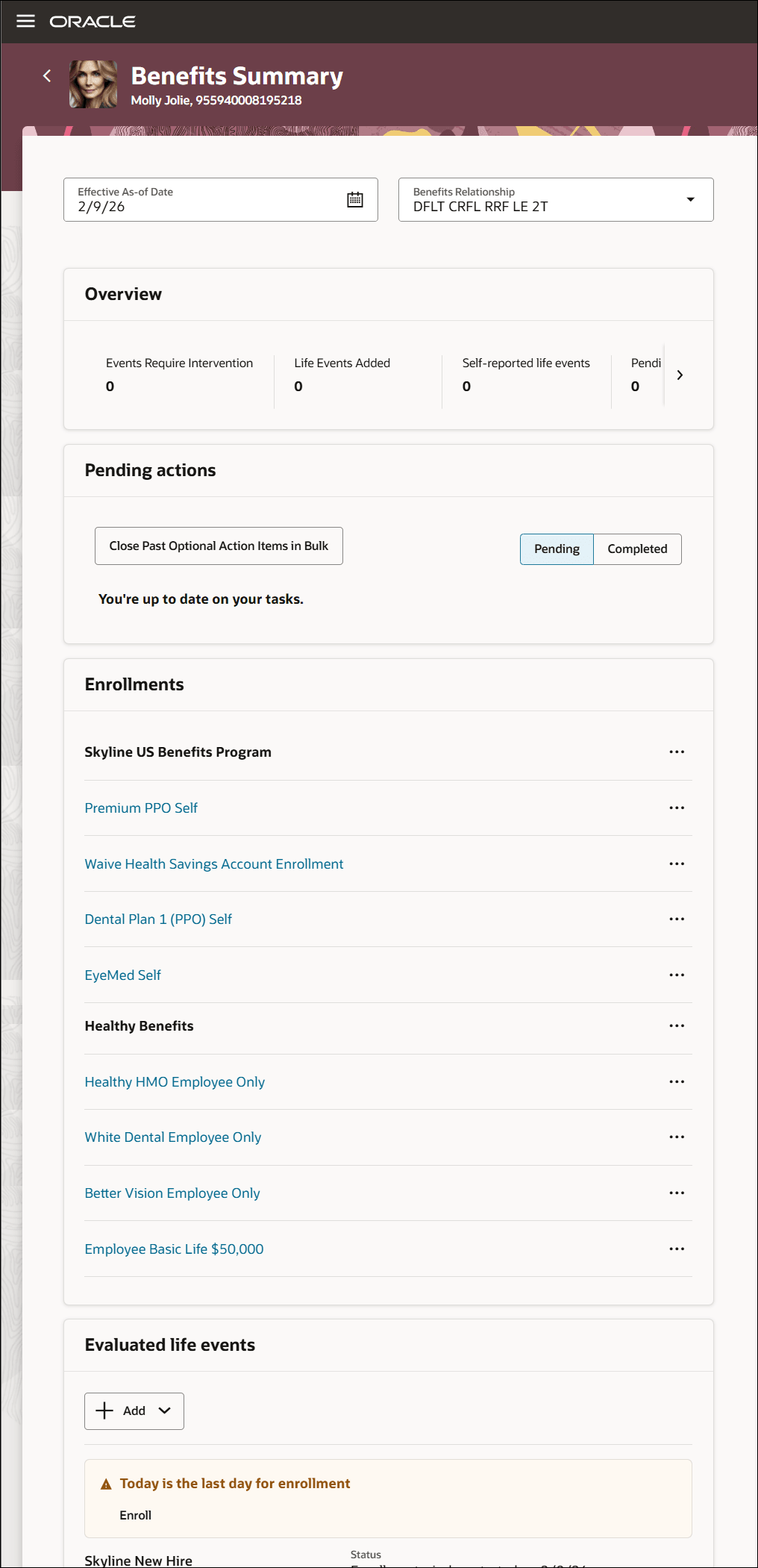
Benefits Summary - Enrollments
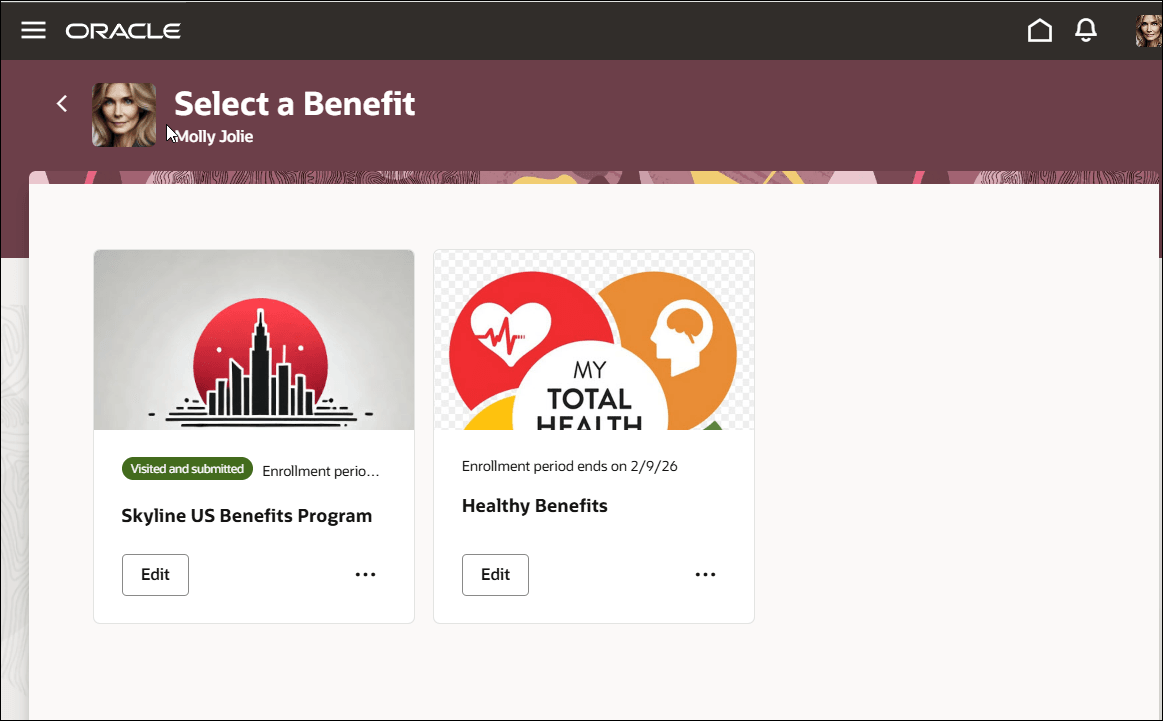
Benefits Summary - Program Selection
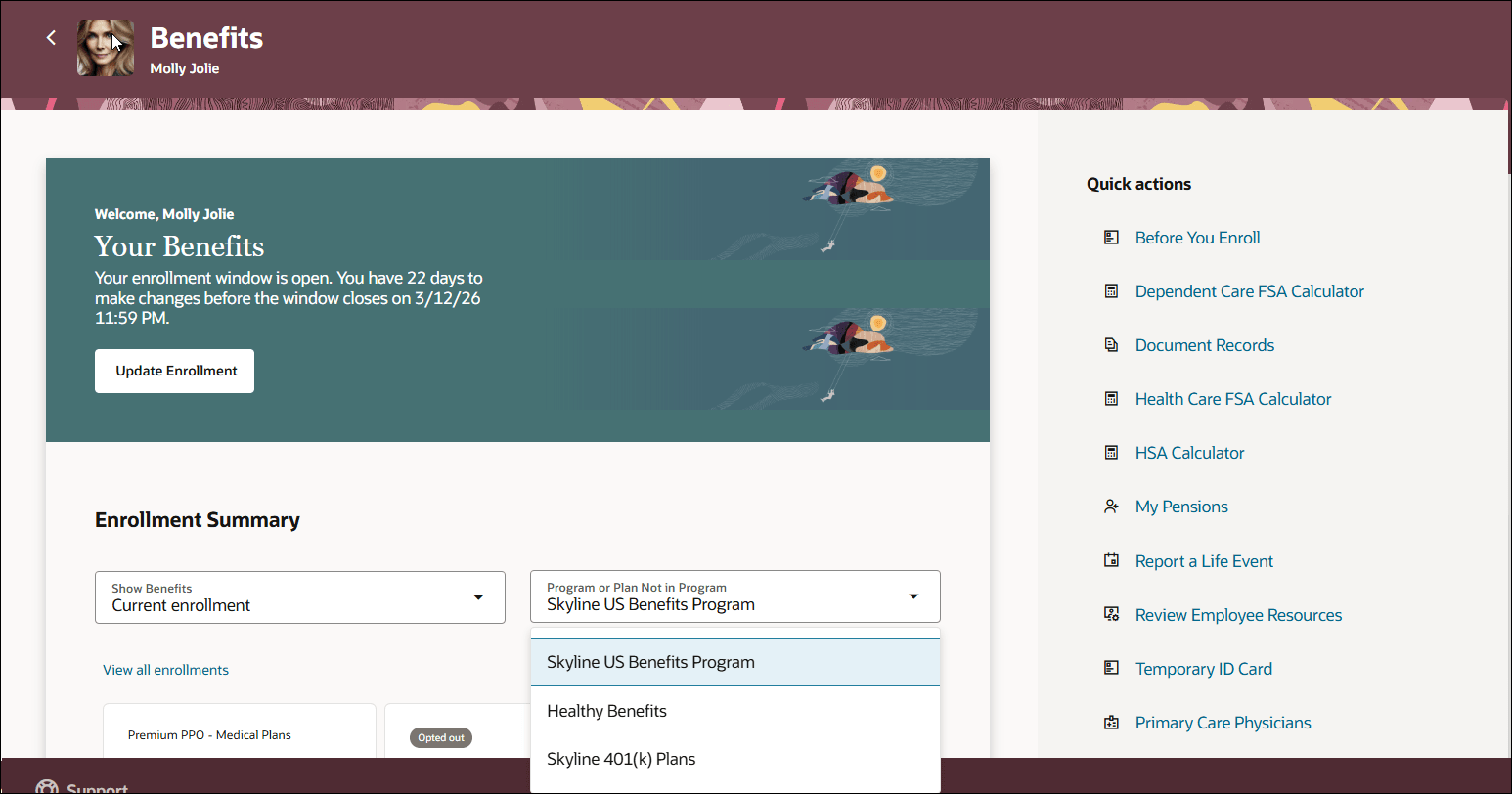
Benefits Self-Service - Landing Page
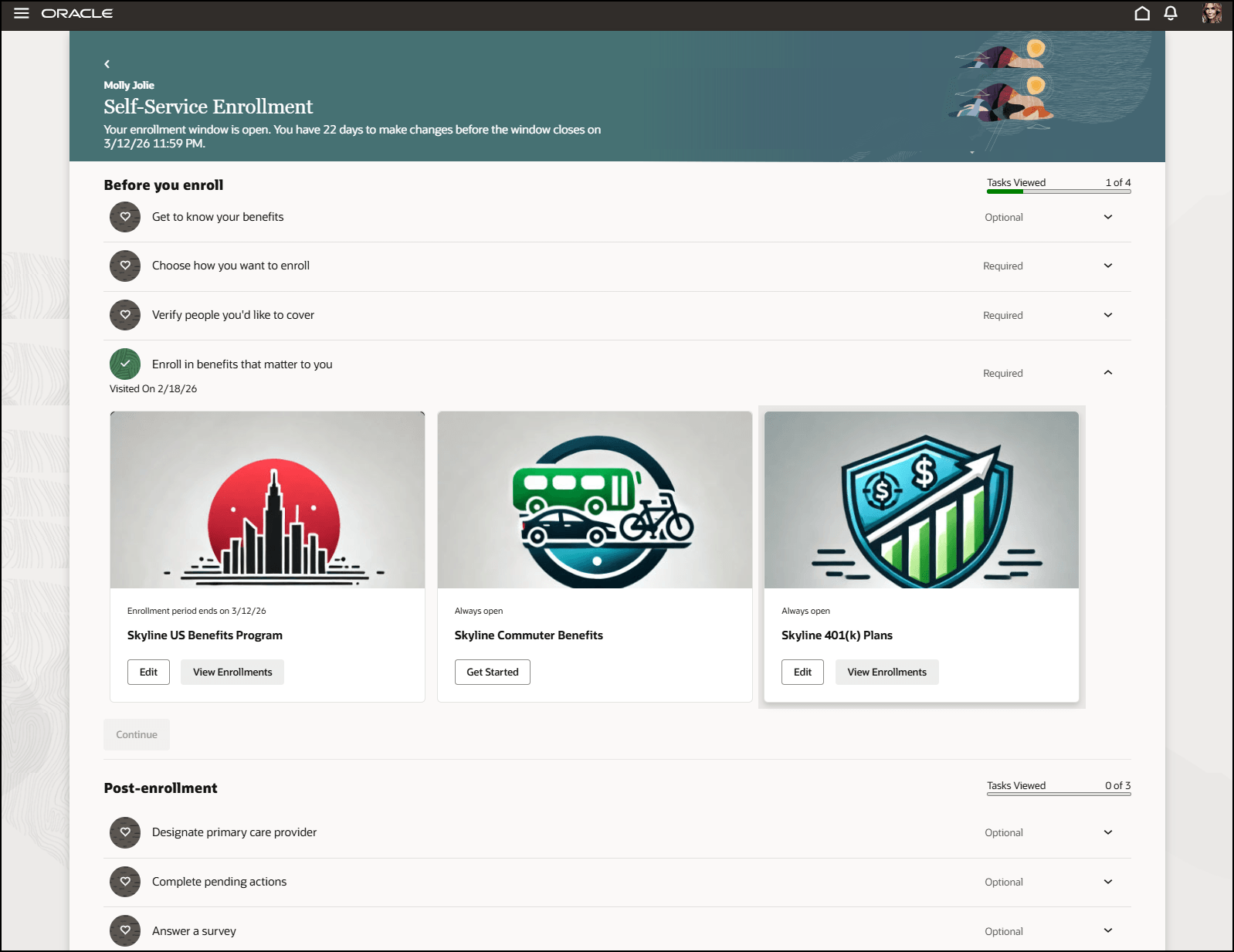
Benefits Self-Service - Program and Plan Selection
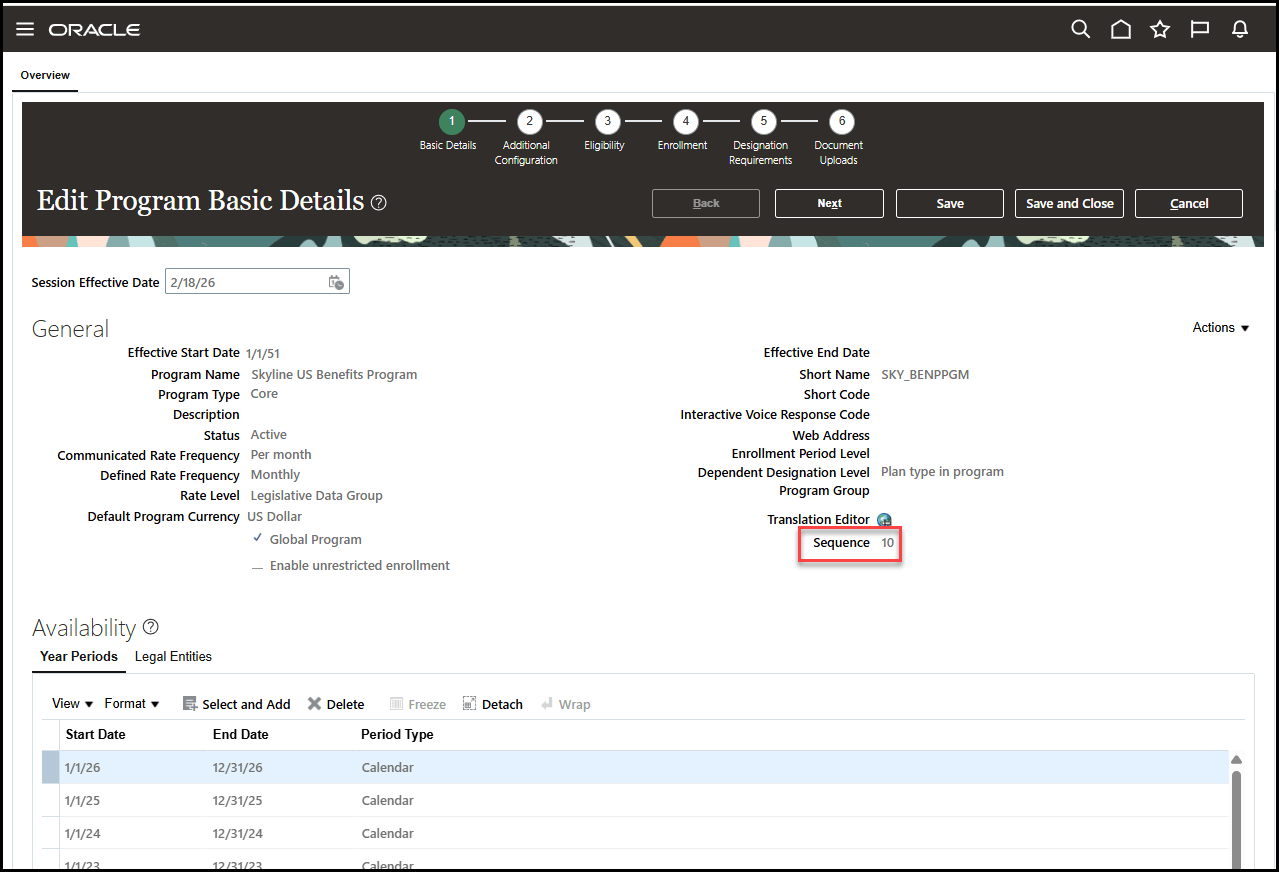
Benefits Program
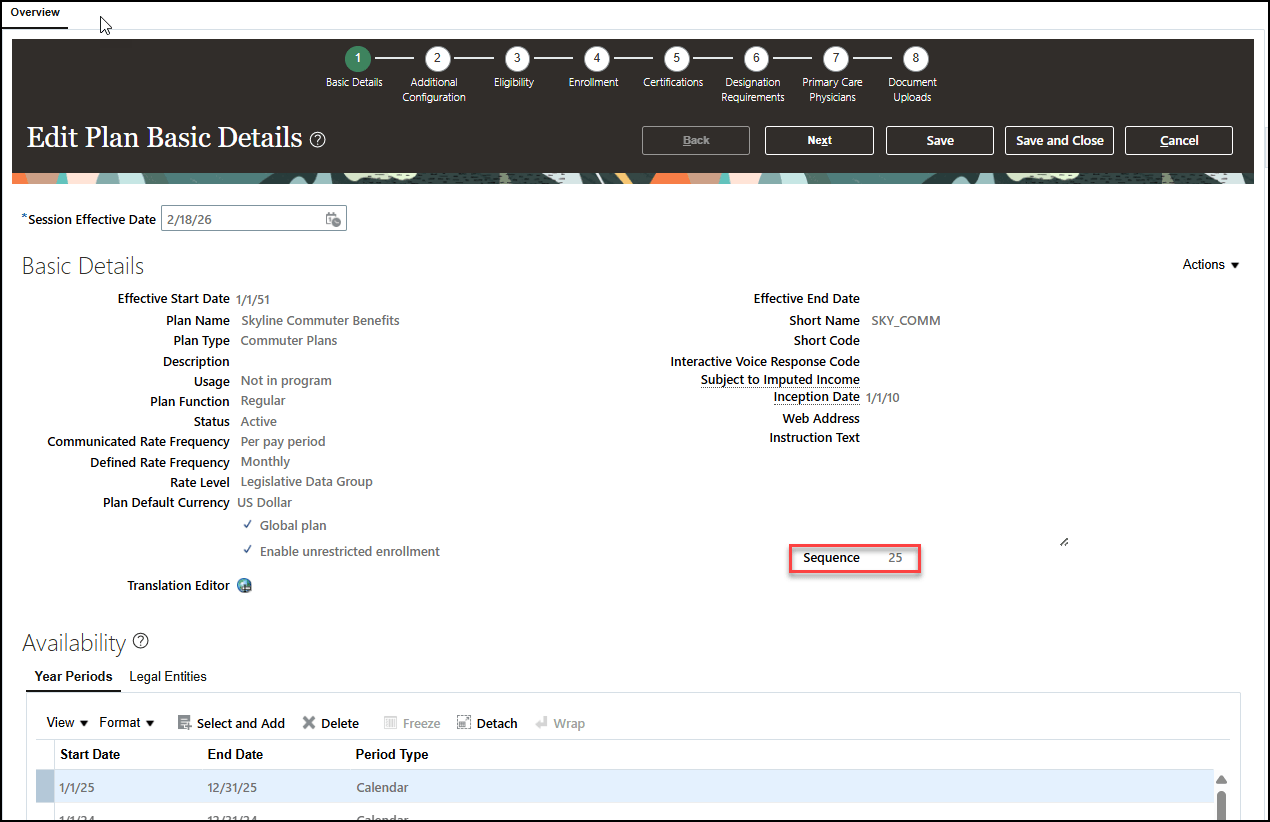
Benefits Plan Not in Program
By adding an optional Display Sequence (SEQ) field, allows administrators to organize benefit plans and programs in an order that makes sense for employees. Instead of appearing alphabetically, plans can be arranged in a logical flow. Any plans or programs without a sequence value automatically appear at the bottom of the list.
Steps to enable and configure
How do I configure display sequence for the benefit programs and plans not in program?
Tips and considerations
- Sequence values with null values are displayed after all other programs or plans not in program with sequence.
- Benefits summary report will still order by life event but programs and plans not in program will show in sequence order.
Key resources
- Implementing Benefits
- Start Here- Learning opportunities to get started with Benefits Redwood Adoption
Access requirements
How do I adopt Redwood for Benefits?
How do I enable a profile option?