Read-only Salary and Individual Compensation Setup Pages
You can now use the Configure Page Properties feature to set conditional page properties based on the logged-in user’s security roles. By configuring the appropriate page property, you can disable buttons that allow data changes, making the data view-only for users having the role.
This feature is now available on the following Redwood pages: Salary Basis, Differential Profile, Individual Compensation, Configure Compensation History, and Map Third-Party Plans.
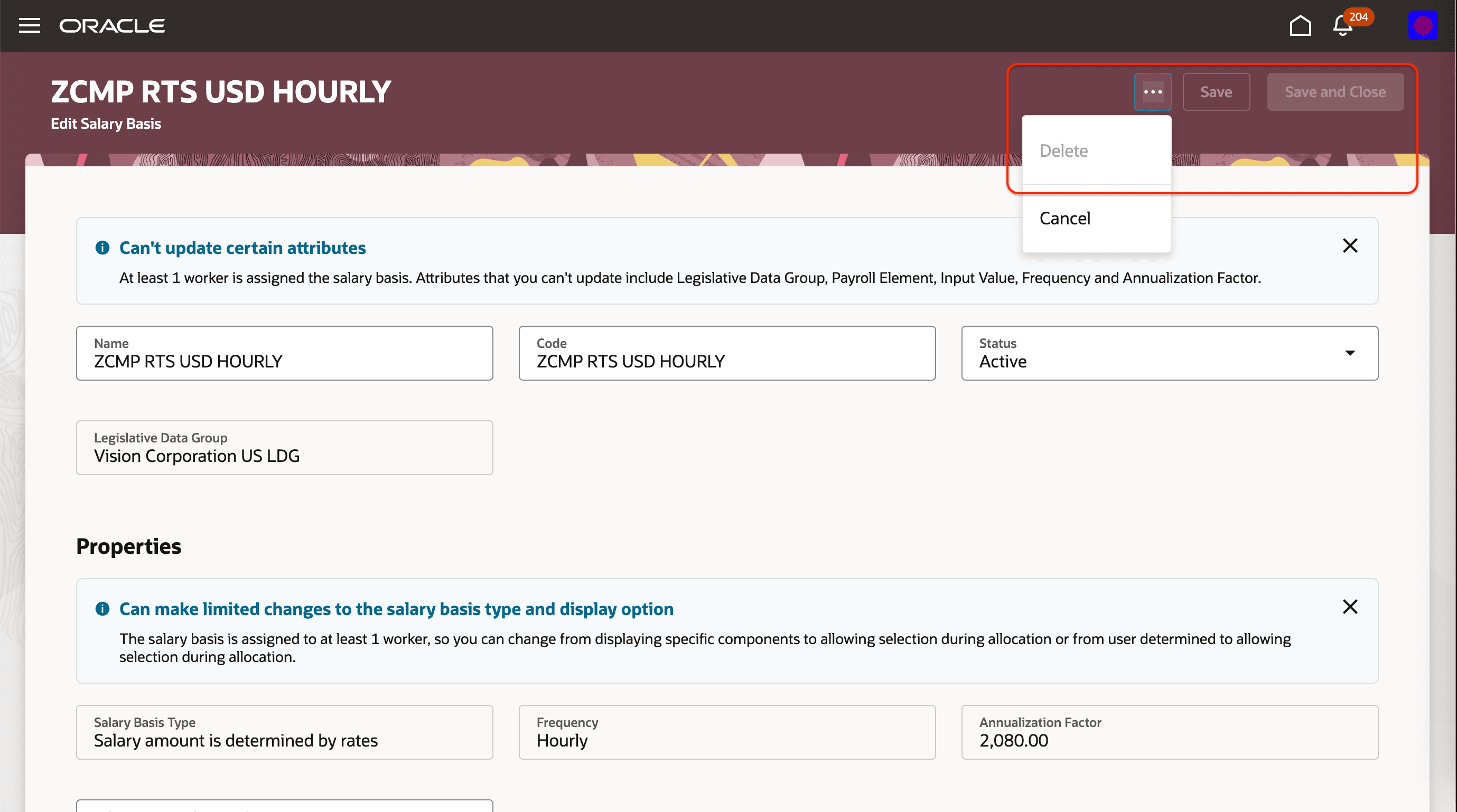
Transaction Buttons Disabled in Salary Basis Page
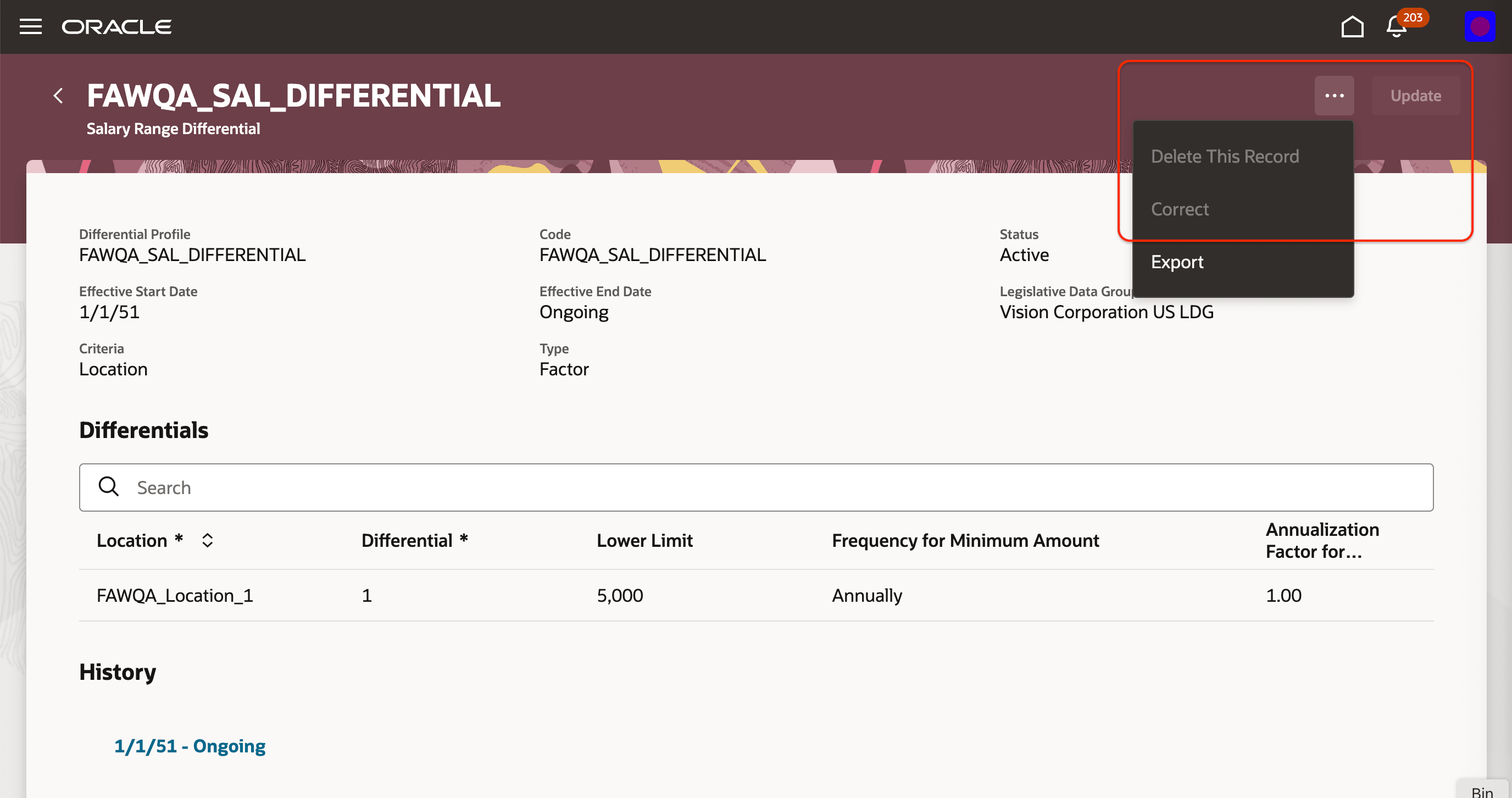
Transaction Buttons Disabled in Salary Range Differentials Page
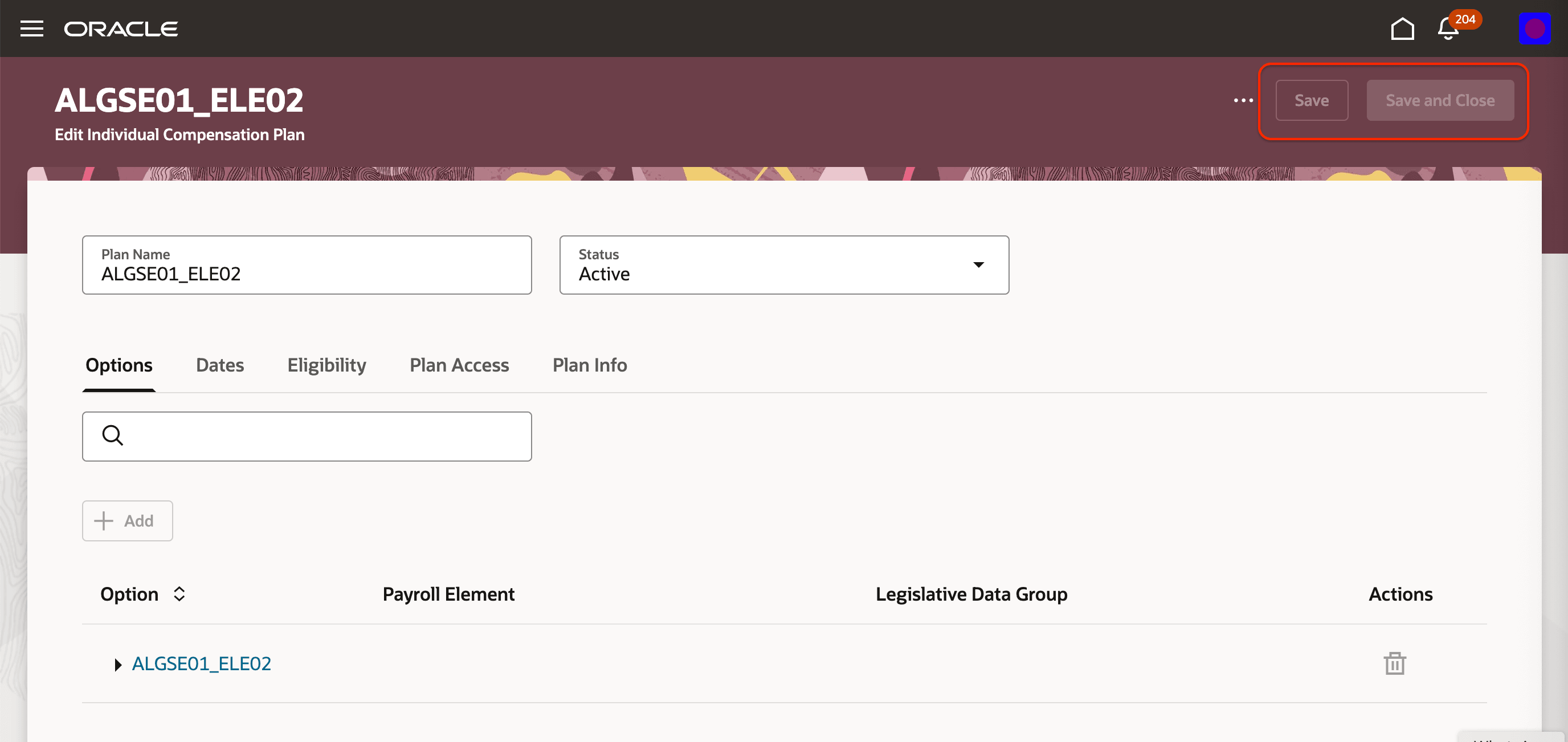
Transaction Buttons Disabled in Individual Compensation Plan Page
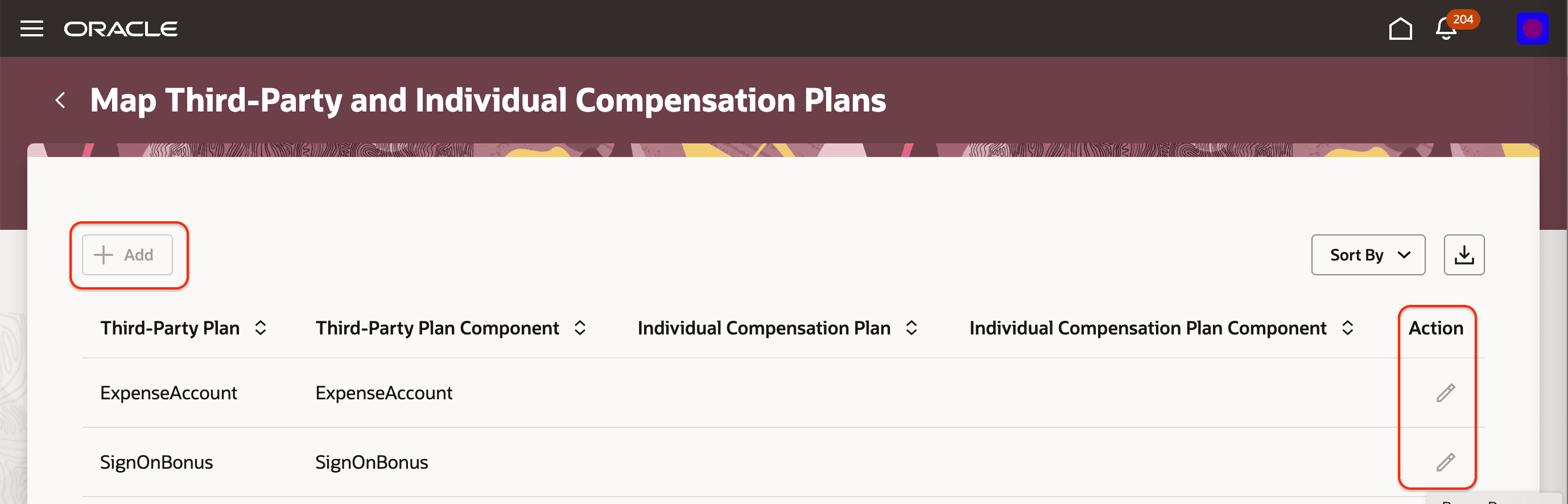
Transaction Buttons Disabled in Map Third-Party Plans Page
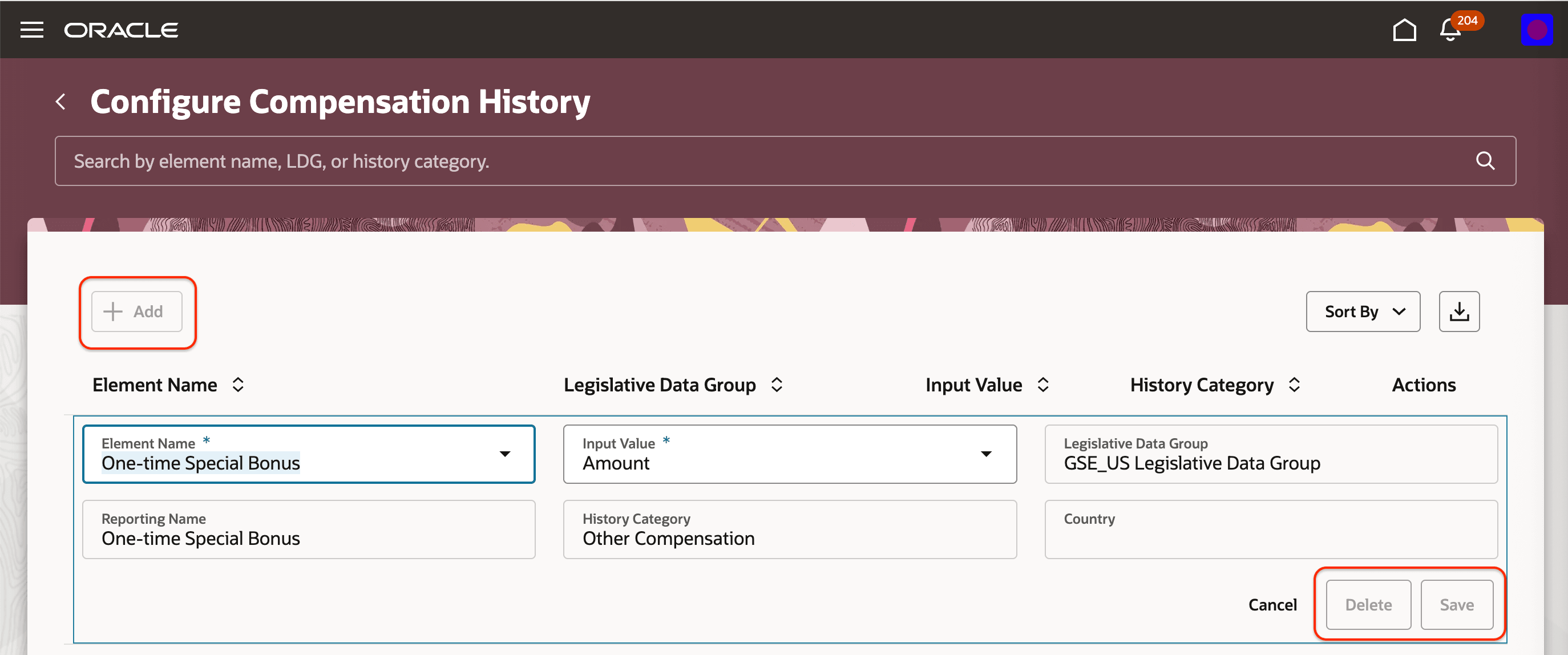
Transaction Buttons Disabled in Configure Compensation History Page
Here is a sample read-only page property configured for the salary range differentials page.
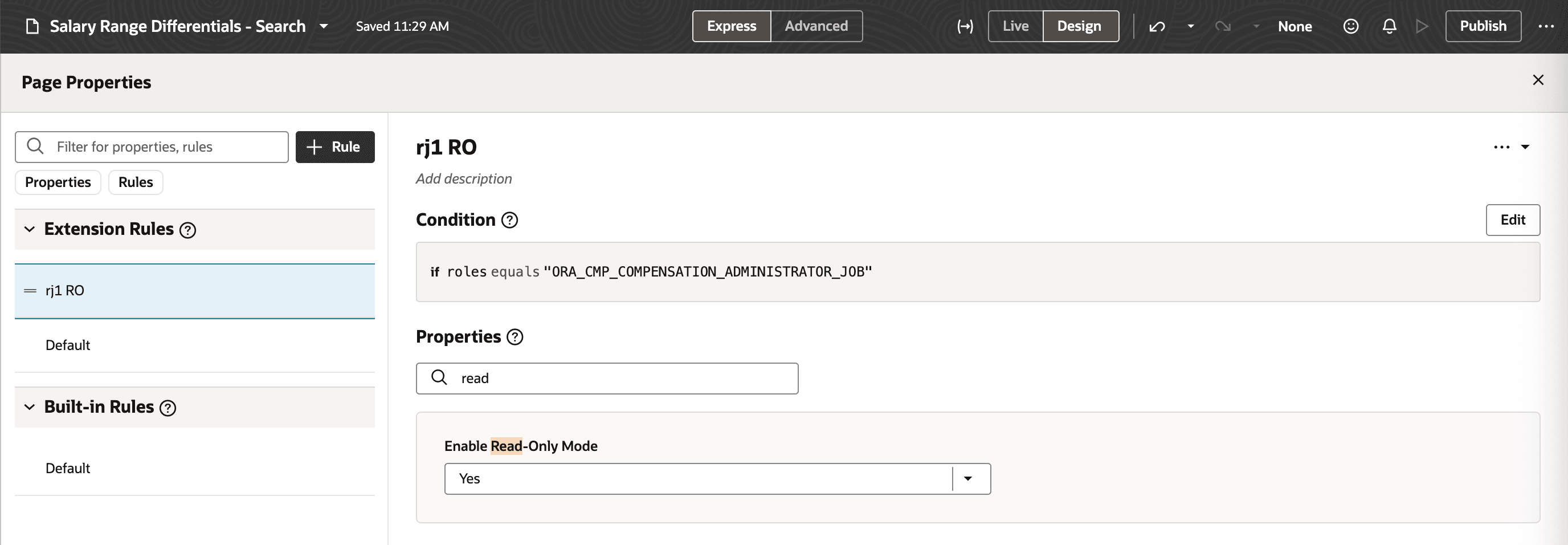
Read-only Page Property Configured for Salary Range Differentials
Enhances data security and compliance by preventing unauthorized changes. It also reduces operational risk and supports proper segregation of duties.
Steps to enable and configure
For more information about how you configure page properties, see Set Property Values Using Rules.
Tips and considerations
| Page | Read-only property available at |
| Salary Basis | Search page level |
| Differential Profile | Search page level |
| Individual Compensation Plan | Search page level |
| Map third-party plans | Page level |
| Configure Compensation History | Page level |
Key resources
For more information, refer to these resources on the Oracle Help Center.
- Set Property Values Using Rules in the Extending Oracle Cloud Applications in Visual Builder Studio Express Mode guide.