Start and End Dates for Guided Journey Tasks
You can now define the start and end dates for guided journey tasks. The tasks are displayed on the Redwood page to which the guided journey is associated based on the dates that you configured.
For example, an organization configures a guided journey to support employees during the benefits open enrolment period. The journey task start date is set to February 1 when enrolment opens, and the end date is set to February 20 when enrolment closes. The employees can view the guided journey tasks only within this defined time frame. After February 20, the guided tasks are no longer displayed on the Benefits page.
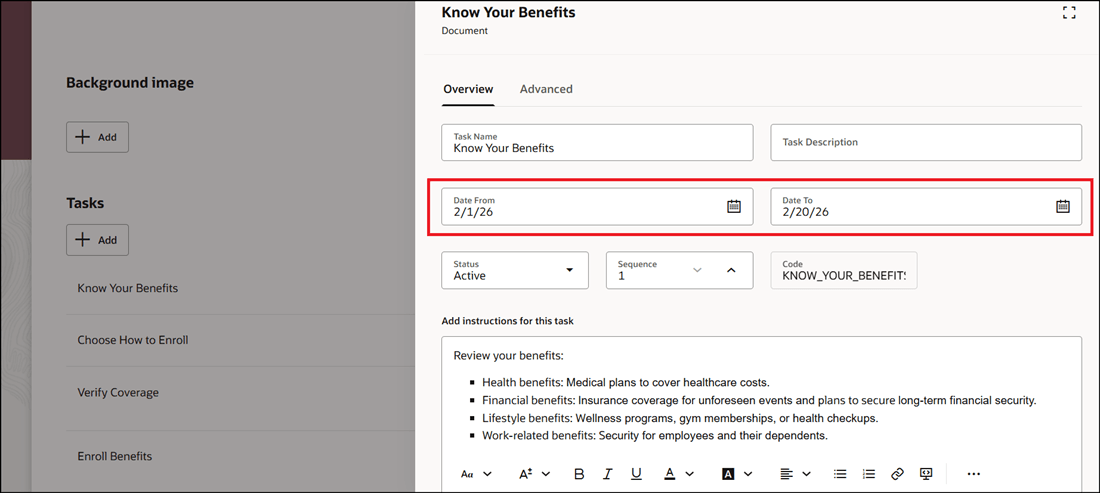
Select Start and End Dates When You Configure Guided Journey Task
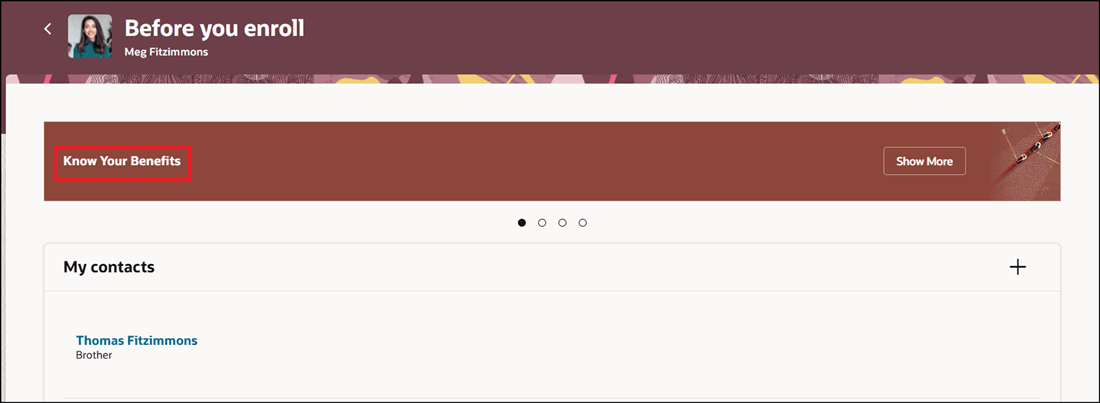
Guided Journey Task Displayed Based on Date Selected
Organizations can control guided tasks availability to align with key business timelines, compliance requirements, or policy deadlines.
Steps to enable and configure
For more information, see this topic: Configure Dates for Guided Journey Tasks
Tips and considerations
-
The Date From and Date To fields are optional.
-
You can configure the start and end dates for new and existing tasks.
-
The configured guided journey task won’t be displayed if the start and end dates are in future.
Key resources
For more information about journeys, refer to the Implementing and Using Journeys guide on Oracle Help Center.
Access requirements
You must be granted the Manage Journey (ORA_PER_MANAGE_JOURNEY_TEMPLATE) aggregate privilege to work on journey templates.