BizLibrary Content Provider Integration
Import BizLibrary content into Oracle Learning as self-paced learning. You can keep your training catalog up to date by automating regular content refreshes fromBizLibrary. The specific BizLibrary content available for import depends on your subscription plan and which content you can access from BizLibrary.
Track Progress Seamlessly
Oracle Learning records each learner’s progress and completion as they work through BizLibrary content. When team members sign in to BizLibrary with their Oracle HCM work email, BizLibrary sends progress and completion details back using the xAPI protocol. This two-way integration means Oracle Learning shows one complete transcript for every user—even when learning happens on BizLibrary.
Find BizLibrary Content Easily
Learners can quickly discover BizLibrary learning in the Oracle Learning catalog using the Publisher filter.
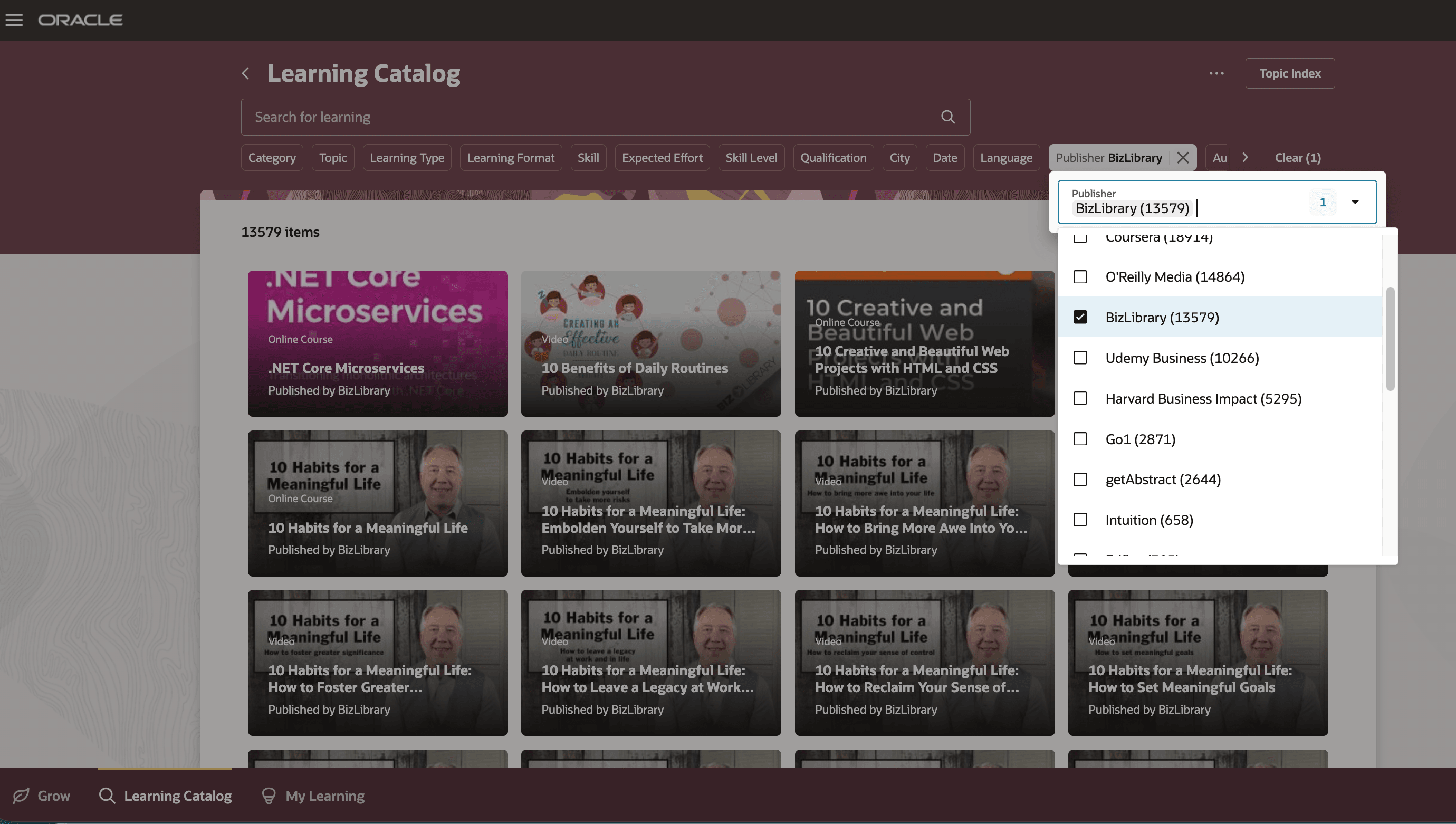
Searching the Learning Catalog by Publisher

Catalog Details Page with Publisher and Other Information
Manage Content in Redwood
Catalog managers have direct access to imported BizLibrary content through the new Redwood Self-Paced Learning page, which highlights key information about each learning.
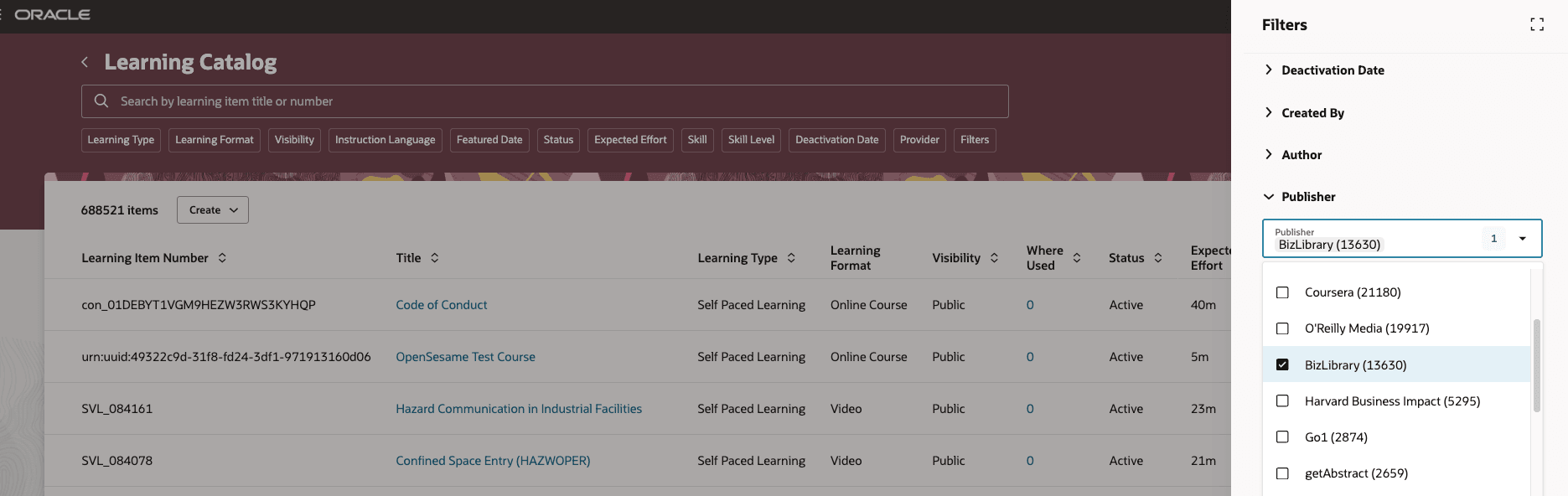
Self-Paced Learning Page with Learning Filtered by Publisher
This enhancement makes more external content available in Oracle Learning, giving learners a single, easy-to-access catalog where they can find everything they need for their training in one convenient place
Steps to enable and configure
Set Up BizLibrary Integration with Oracle Learning.
Tips and considerations
BizLibrary manages its own content, so some details remain read-only in Oracle Learning. Content updates flow from BizLibrary to Oracle Learning whenever changes are made.