Redwood: Use Spreadsheets to Define Audience List
You can now create a predefined audience list from a spreadsheet, as well as an eligibility profile and HCM list. You upload a spreadsheet with an audience list using a supported file type of .csv or .xlsx and a maximum size of 10 MB. When you upload the spreadsheet, you'll see the first 100 rows in the preview window. To help validate the spreadsheet, you map a column from your uploaded spreadsheet which contains the work email addresses of the employees to the corresponding field in the Preview window.
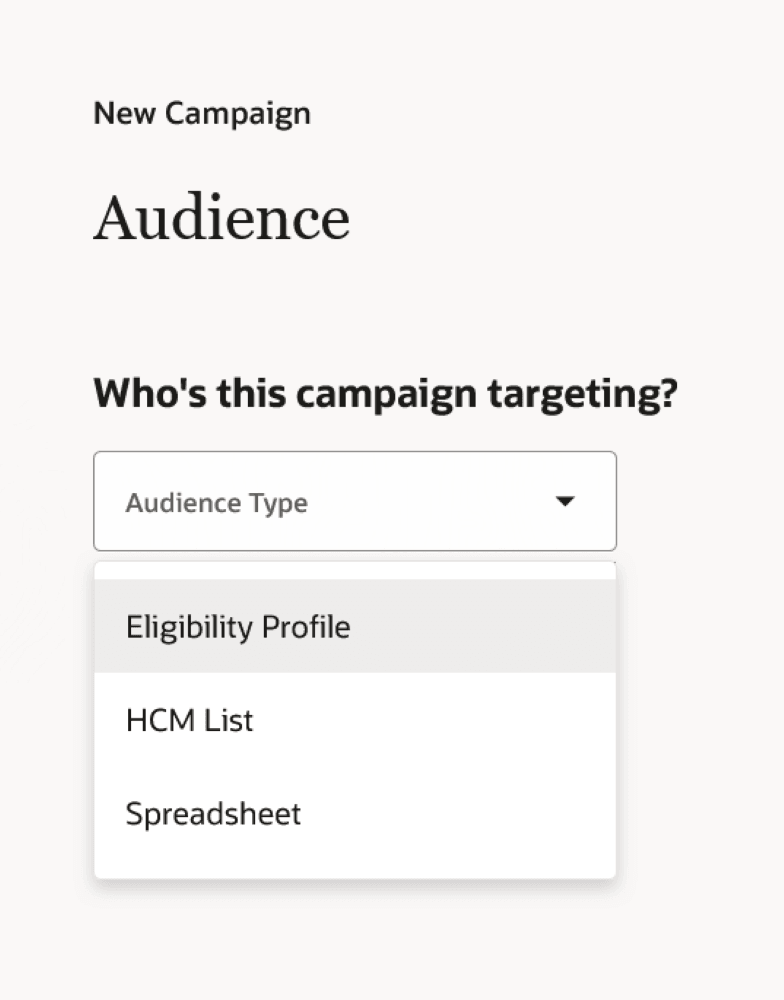
Spreadsheet Option in Audience Type List
Business benefit: Easily upload an audience list using a spreadsheet.
Steps to enable and configure
For details, see How do I upload an audience list using a spreadsheet?
Tips and considerations
When you create the campaign email, the columns from the uploaded spreadsheet will be available as tokens for you to select. Use them to tailor the email for your audience.