Recruiting Activity Center: Candidate Follow-Up Task Activities
Candidates is now available as an activity type in the Recruiting Activity Center. Using the Candidate Type filter helps you isolate the 3 new follow-up activities. The activities available are:
- Follow-up task due (candidate search)
- Displayed in both Recruiting Activity Center and Sourcing Activity Center
- Follow-up task due for pool member
- Displayed in both Recruiting Activity Center and Sourcing Activity Center
- Follow-up task due for prospect
- Displayed only in Recruiting Activity Center
The Requisition column is renamed to Related To as this column now contains both requisition titles and numbers and candidate pool names.
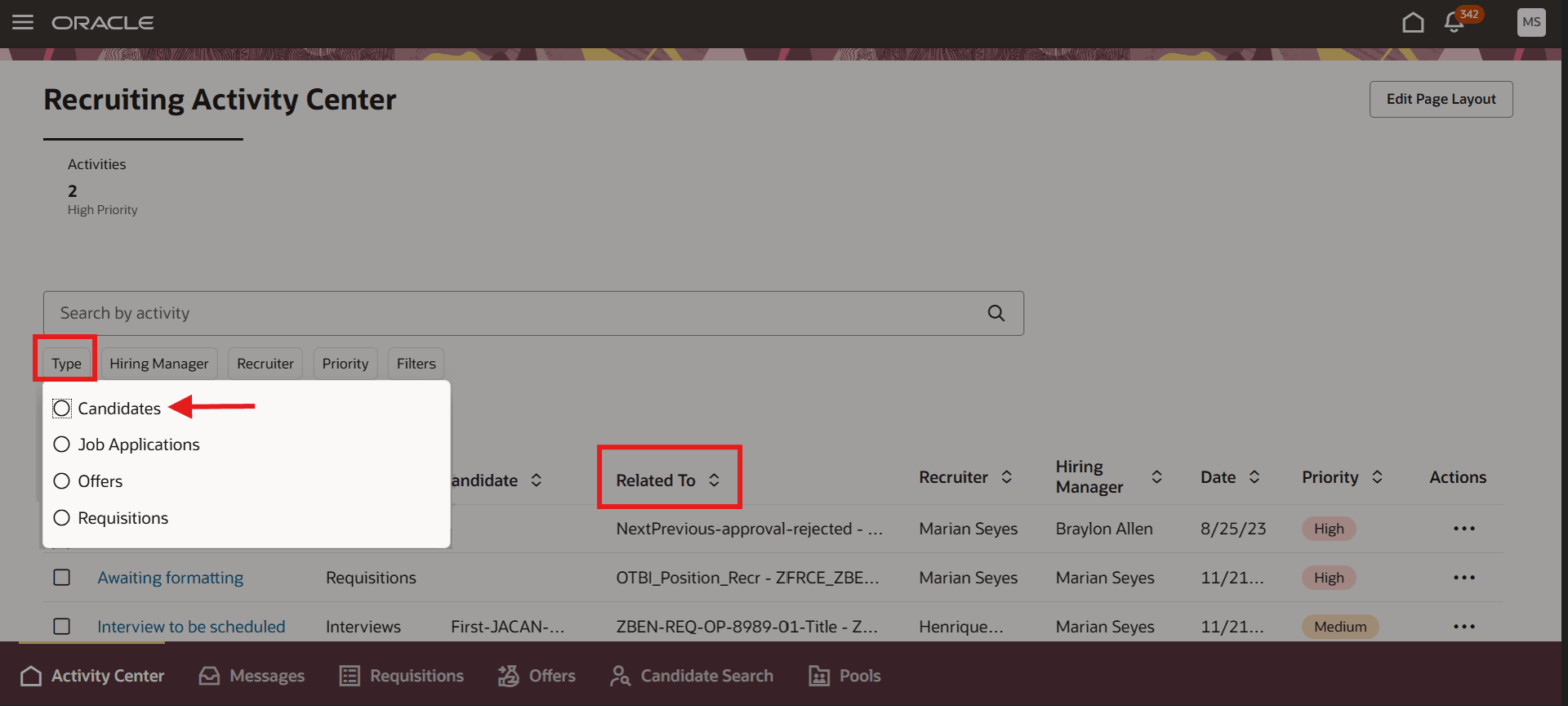
Recruiting Activity Center
Candidate Pool is also available in the filter panel to find follow-up tasks for candidate pool members. Note that the filter order has changed.
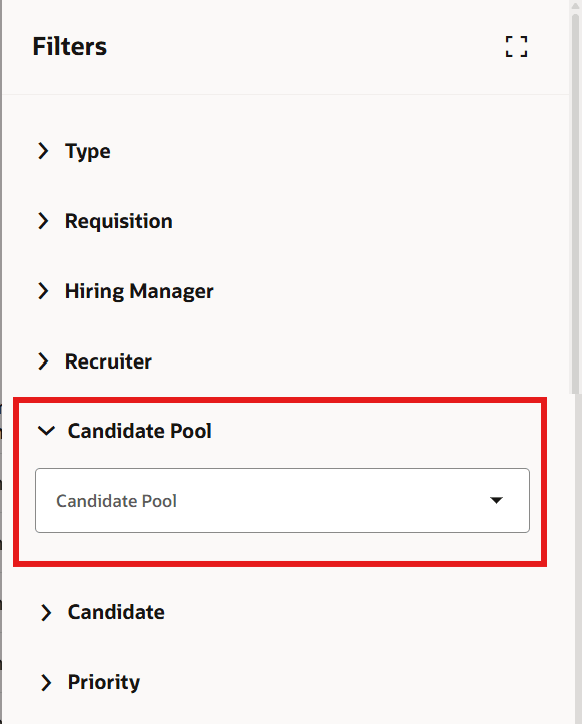
Recruiting Activity Center Filters
To accommodate both the Recruiting Activity Center and the Sourcing Activity Center, the configuration link and page names in Setup and Maintenance are now Configure Activity Centers and Configure Activity Items respectively.
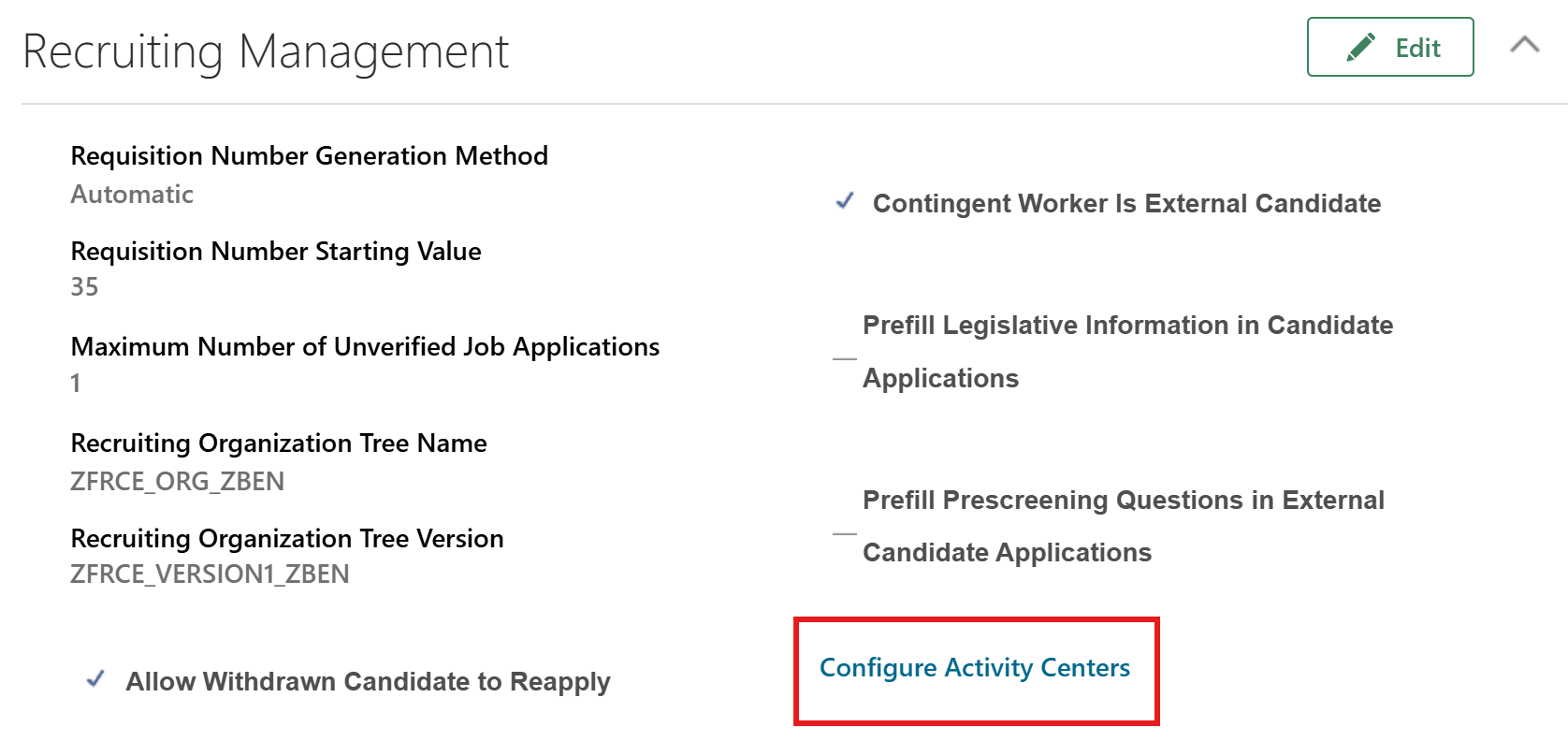
Configure Activity Centers Link
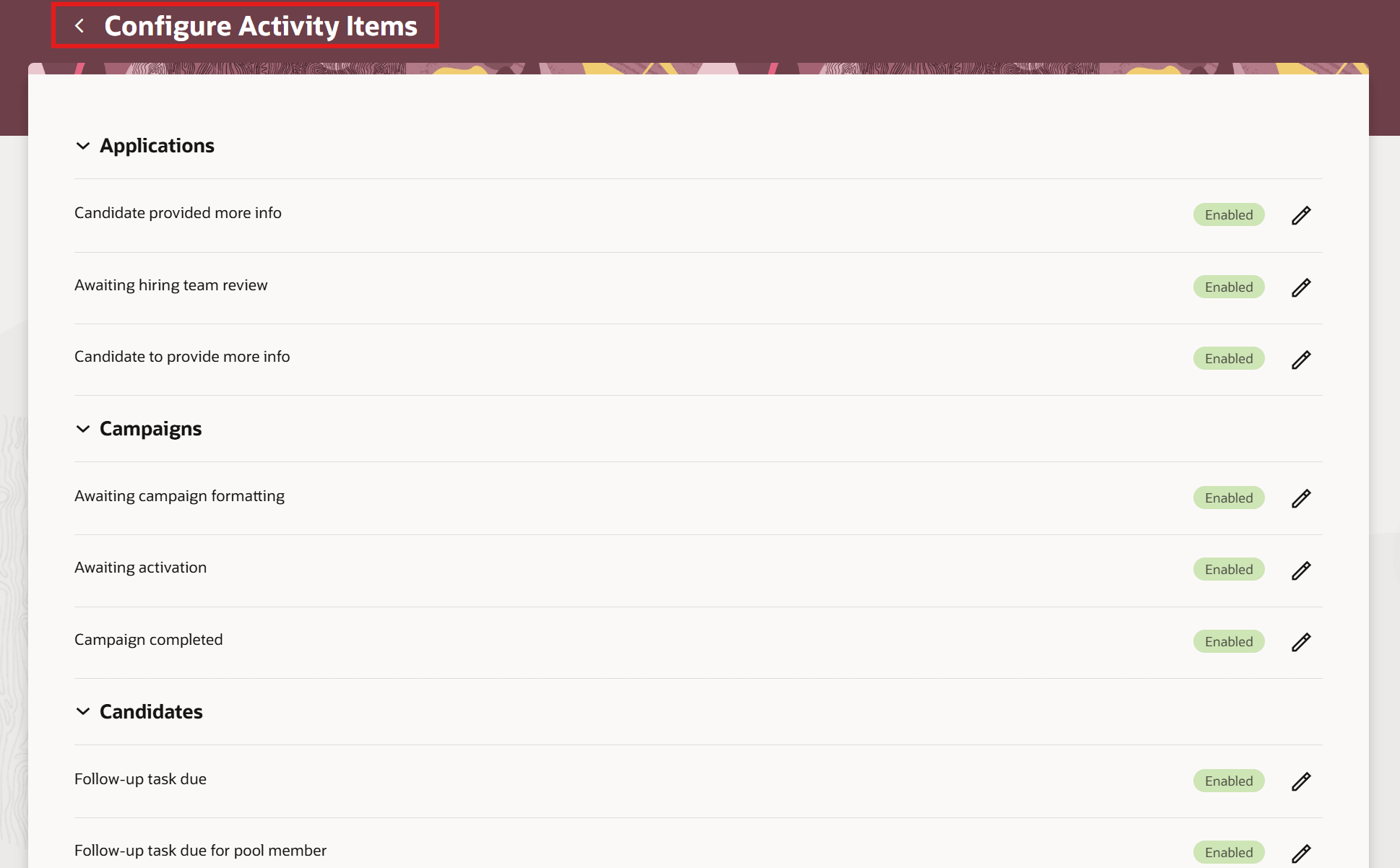
Configure Activity Items page
Business benefit: More efficiency for recruiters when engaging in candidate follow-up activities.
Steps to enable and configure
To use Redwood experience, you need to enable these profile options:
- ORA_IRC_RECRUITING_REDWOOD_ENABLED
- ORA_IRC_CANDIDATE_REDWOOD_ENABLED
- ORA_IRC_ENABLE_RAC
For details, see How do I enable a profile option?
The Recruiting Activity Center must be enabled and configured. For details, see How do I set up the Recruiting Activity Center?
For details on enabling and customizing Redwood for HCM, see How do I adopt Redwood for HCM? and Extending Redwood Applications for HCM and SCM Using Visual Builder Studio