Redwood: Populate Talent Review Participants Automatically Based on Review Population
Configure Talent Review meetings better by leveraging these features of the meeting configuration process:
- Set up the review population before setting up the meeting participants.
- Automatically add the line managers of new review population members as participants.
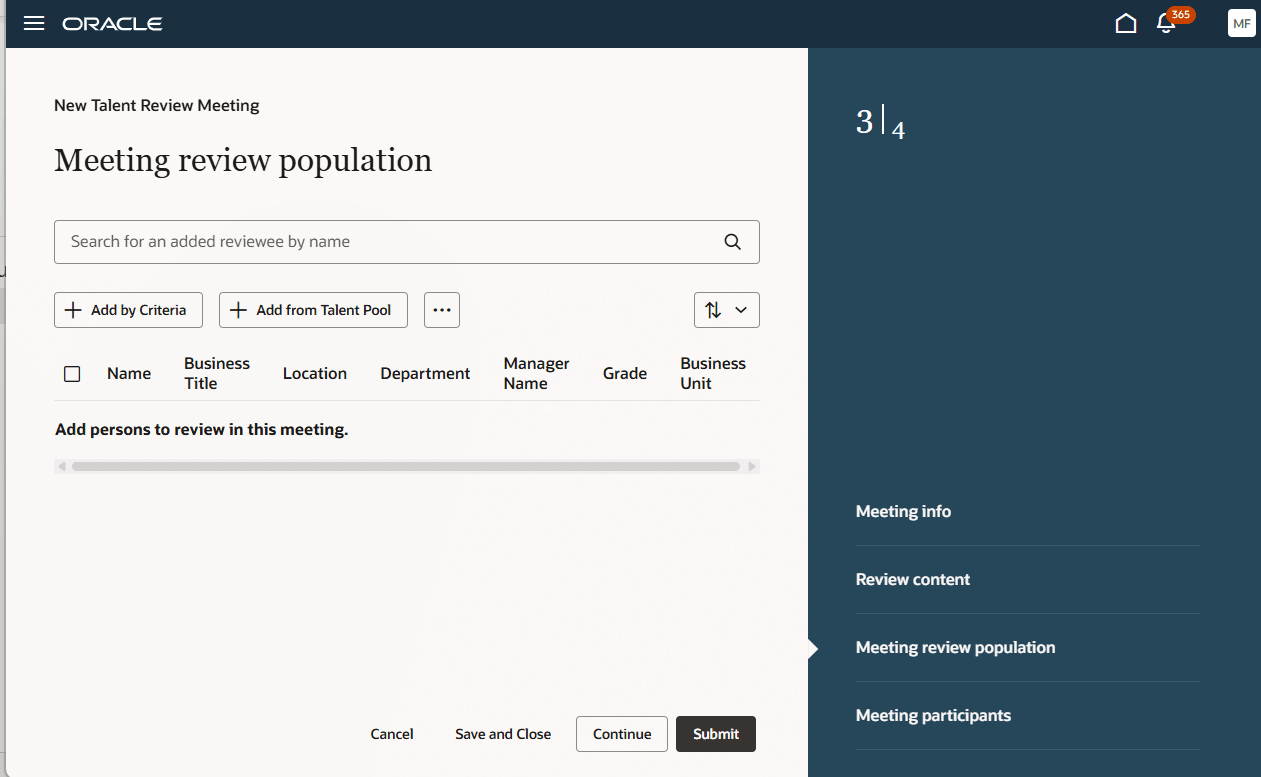
Meeting review population Step before the Meeting participants Step
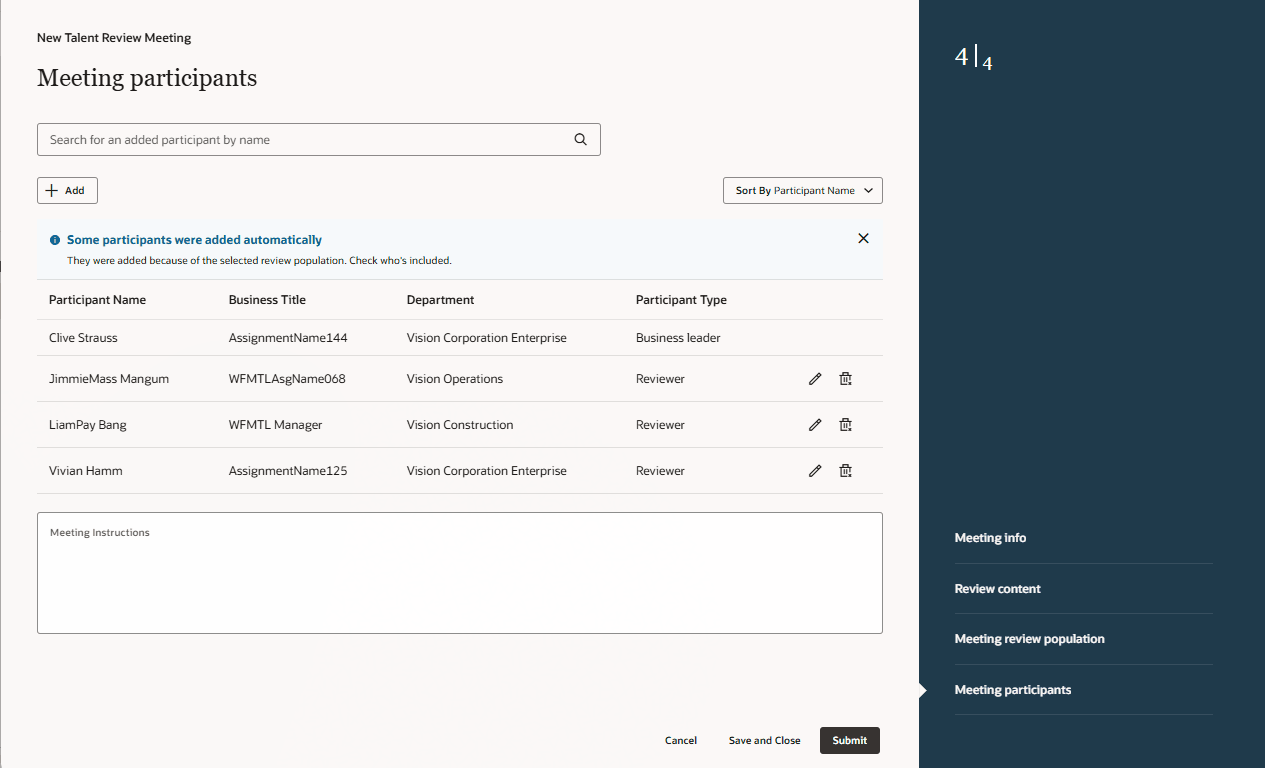
Participants Added Automatically
Business Benefits
Simplify your Talent Review process by enabling the automatic addition of meeting participants. Meeting facilitators won’t need to manually identify the line managers of the review population members and add them as participants.
Steps to enable and configure
To view the Redwood redesigned Talent Review meeting pages, you need to enable the profile options indicated in the table.
|
Profile Option Code |
Profile Option Display Name |
Value |
|---|---|---|
|
ORA_HCM_VBCS_PWA_ENABLED |
Enable VBCS Progressive Web Application User Interface |
Y |
| ORA_HRR_TALENT_REVIEW_SETUP_REDWOOD_ENABLED | Redwood Talent Review Setup Enabled | Yes |
| ORA_HRR_TALENT_REVIEW_REDWOOD_ENABLED | Redwood Talent Review Enabled | Yes |
For more information, see How do I enable a profile option?.
You need to edit the meeting configuration page in Visual Builder Studio and set the value of these page properties to True.
- Set Up Review Population Before Participants
- Enable Automatic Addition of Managers of Review Population Members as Participants
For more information on how to do this, see How do I control the display of a UI element in Visual Builder Studio?.
Key resources
For more information on extending Redwood pages in HCM, refer to this guide on the Oracle Help Center: