Preview Certification Attachments in the Benefits Summary
You can now preview the supported certification attachments directly in the Redwood Benefits Summary page of Benefits Service Center. PDF and image attachments open in an inline preview. If a file type isn't supported for preview, you can still download the attachment.
Previously, you couldn't preview certification attachments in the Redwood UI. To review a certification attachment, you had to download the file and open it outside the application.
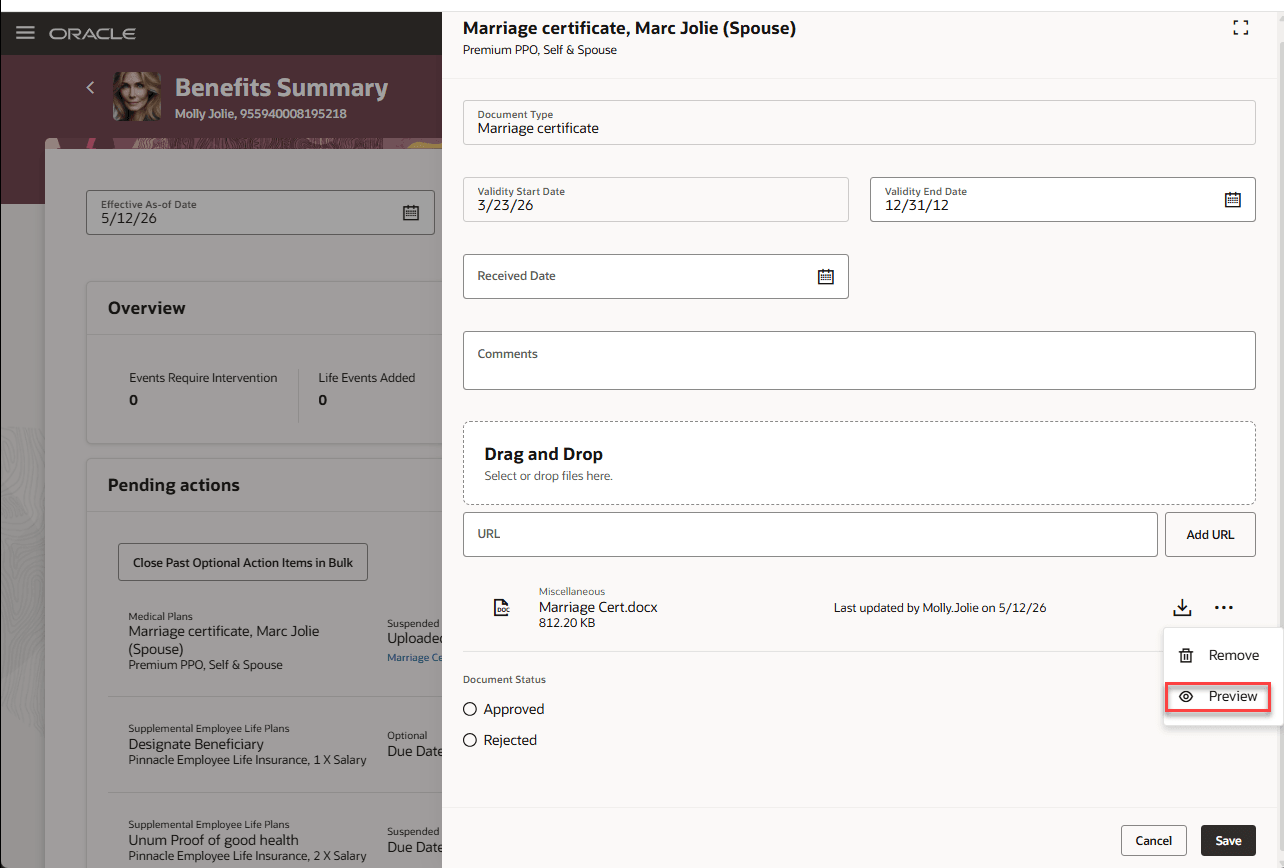
Benefits Summary - Pending Actions Preview
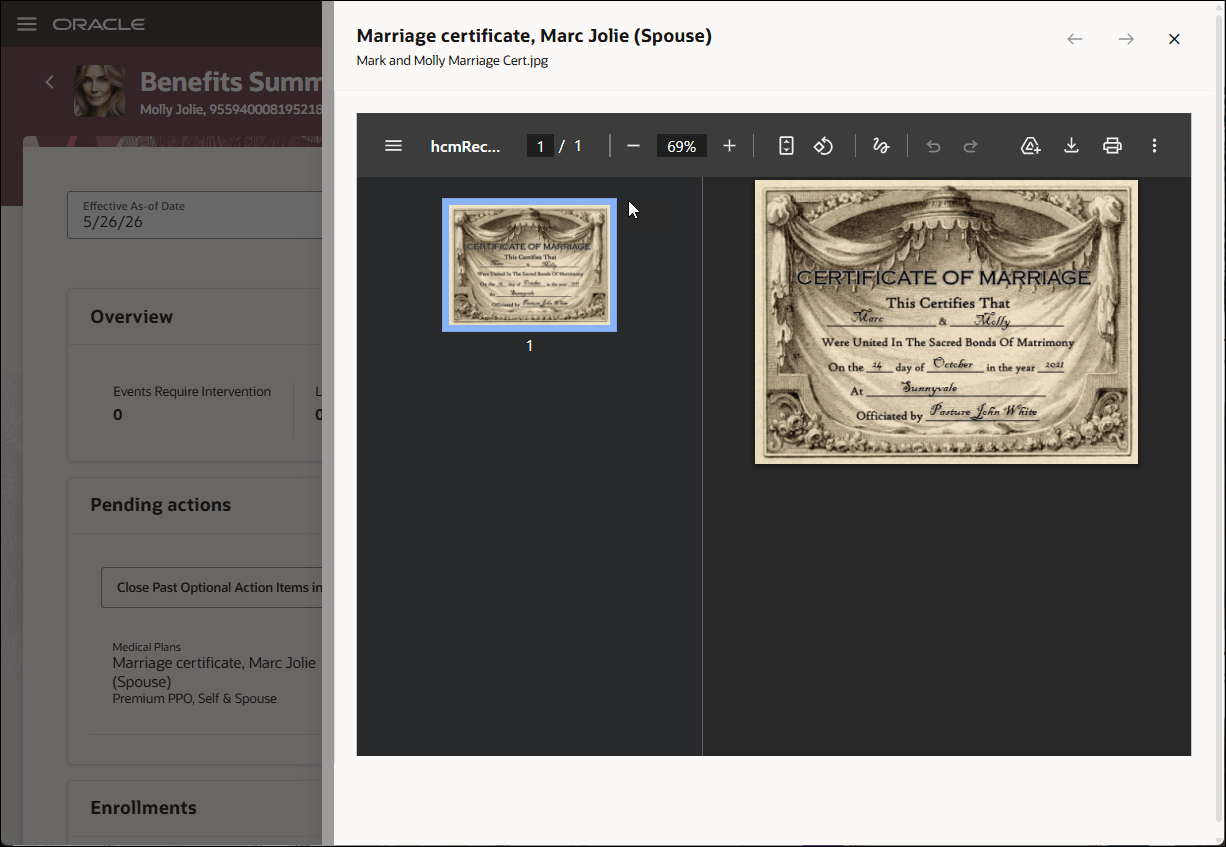
Benefits Summary - Pending Actions Certification Preview
This feature reduces the time required to review certification attachments. This allows you to review the supporting documents in context, without switching between the application and downloaded files.
Steps to enable and configure
This feature is available in the Redwood Benefits Summary.
Enable these profile options. To learn how to enable a profile option, see How do I enable a profile option?.
-
ORA_HCM_VBCS_PWA_ENABLED
-
ORA_BEN_ADMINISTRATIVE_ENROLLMENT_REDWOOD_ENABLED
Tips and considerations
- Certification attachment preview is available only in the Benefits Summary page.
- PDF and image files can be previewed inline.
- Unsupported file types display a message indicating that preview isn’t available and provide the option to download the attachment
- Existing certification upload, download, and storage behavior isn't changed.
Key resources
- Overview of Benefits Certifications and Other Action Items
- How Action Items Are Processed
- Manage Action Items Process
Access requirements
Users with these roles can view the feature:
- Benefits Manager
- Benefits Administrator
- Benefits Specialist