Upload Certification Documents Outside the Enrollment Window
Employees can now upload required certification documents in Redwood Self-Service Benefits after the enrollment window closes, provided the certification action item is associated with the employee’s latest life event.
Previously, employees couldn’t upload documents outside the enrollment window. This created issues when the enrollment window was shorter than the allowed certification submission period. For example, an organization could have a two-week open enrollment window while allowing 30 days for certification document submission.
This enhancement lets employees complete required documentation after the enrollment period without administrator intervention.
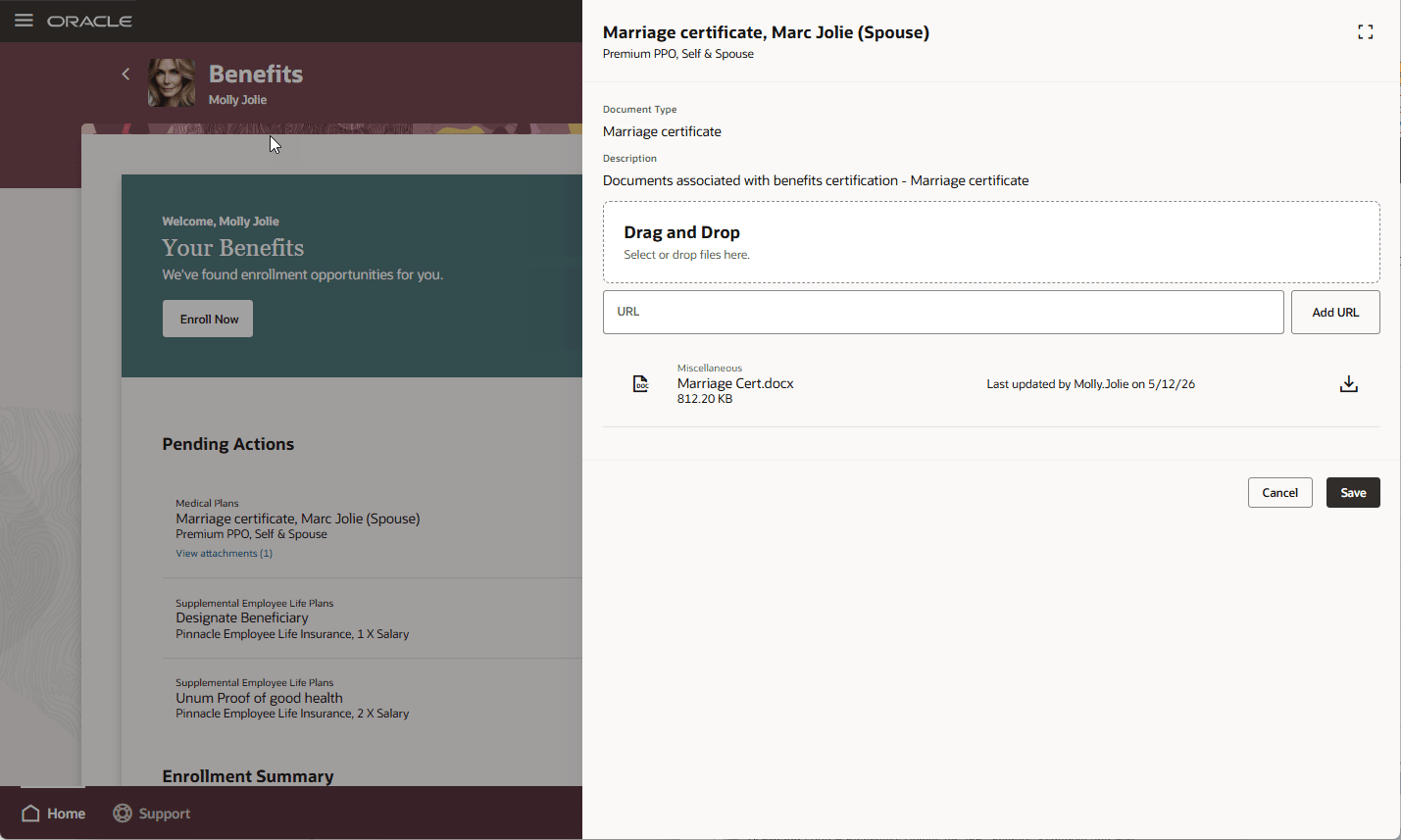
Upload Certification Documents
This feature reduces manual work for benefits administrators and improves the employee experience.
Steps to enable and configure
Enable these profile options. To learn how to enable a profile option, see How do I enable a profile option?
-
ORA_HCM_VBCS_PWA_ENABLED
-
ORA_BEN_ADMINISTRATIVE_ENROLLMENT_REDWOOD_ENABLED
-
ORA_BEN_SELF_SERVICE_ENROLLMENT_REDWOOD_ENABLED
No additional feature-specific setup is required.
Tips and considerations
- Document upload outside the enrollment window is allowed only for the latest life event.
- Employees can’t upload documents for earlier life events that are no longer the latest life event.
- You can declare missing certificate only during the enrollment window.
- Allowing document uploads after the enrollment window doesn’t reopen enrollment, allow election changes, or recalculate rates or coverage.
- Document uploads remain certification-only actions.
Key resources
- Overview of Benefits Certifications and Other Action Items
- How Action Items Are Processed
- Manage Action Items Process
Access requirements
Users with these roles can use or manage certification document uploads:
- Benefits Manager
- Benefits Administrator
- Benefits Specialist