Advanced Search Available for Position LOVs on Redwood Positions Pages
You can now use advanced search in these Position LOVs on Redwood pages for create, duplicate, correct, and edit positions.
- Parent Position LOV
- Funding Position LOV
- Delegate Position LOV
For more information, see the Steps to Enable and Configure section of this What’s New.
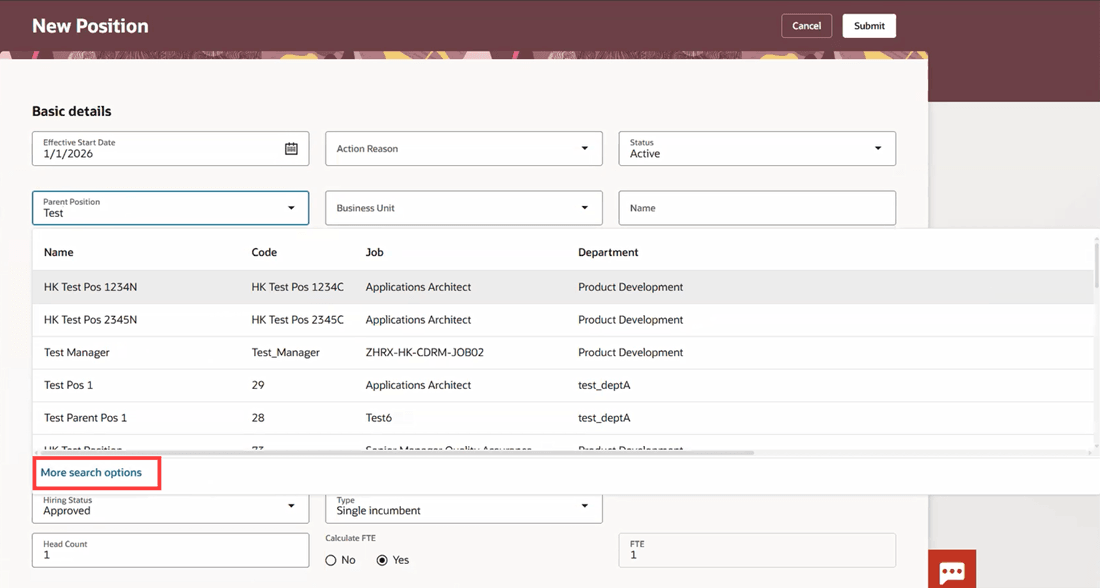
More search options link in the Parent Position LOV
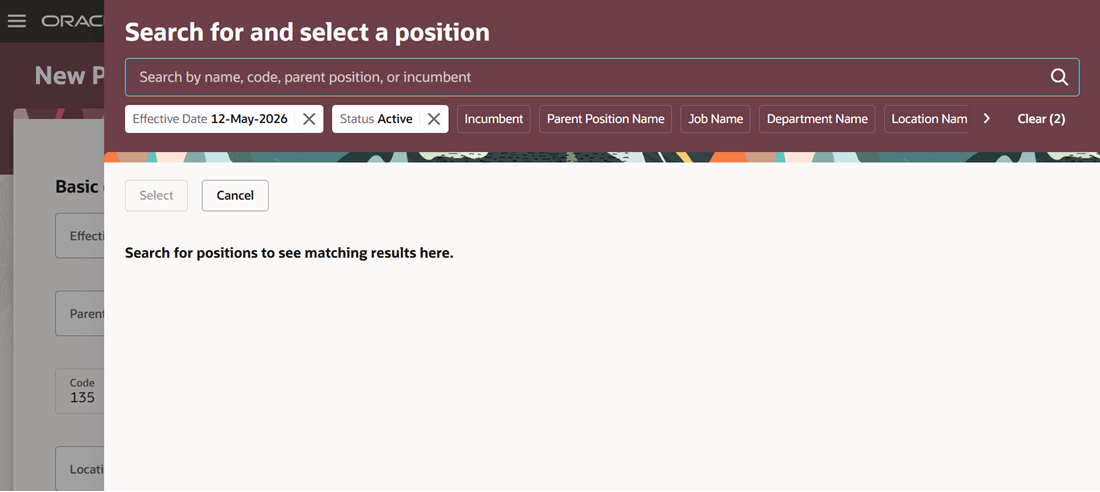
Search for and select a position panel drawer
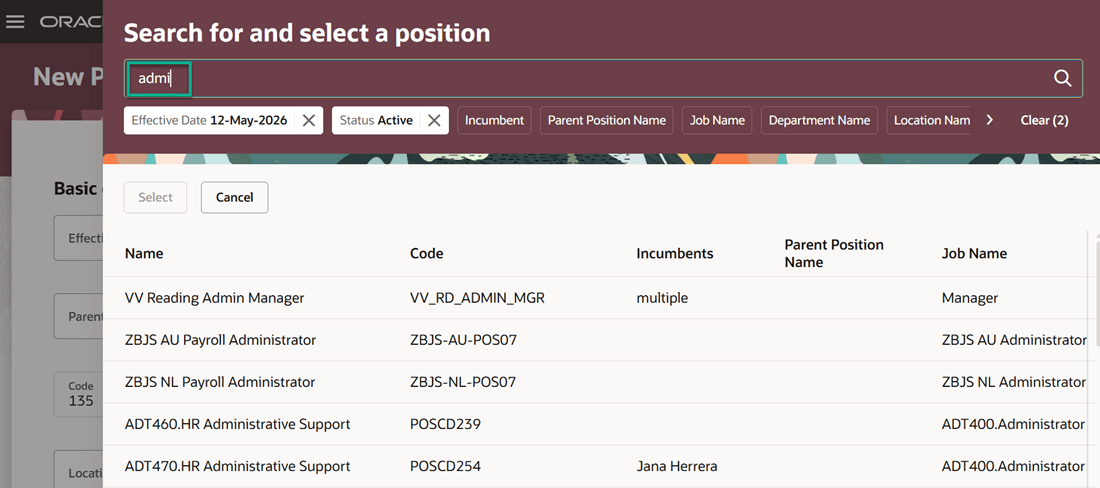
Records that match the search term are displayed
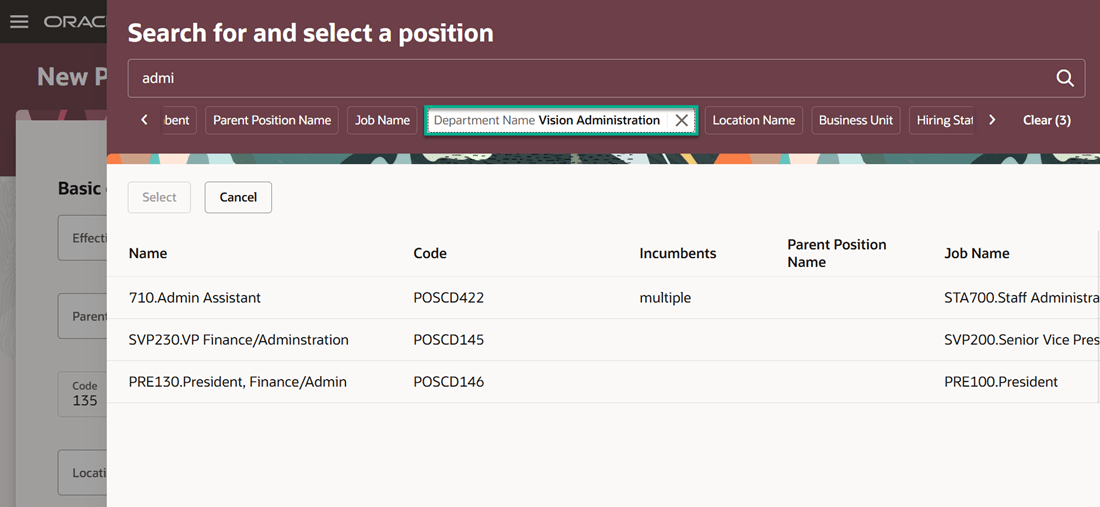
Apply additional filters in the Search for and select a position panel drawer
This feature enhances your search experience for positions LOVs, as you no longer need to scroll through the whole list of positions in the LOVs. It also helps you refine your search further by applying filters such as department or location within the advanced search.
Steps to enable and configure
See Advanced Search in LOVs on Redwood Workforce Structures Pages.